Social Media
Best Social Media Scheduling Tools (2026): 6 Options Tested and Ranked
Last updated: October 2026
Last updated: October 2026
The best social media scheduling tool for most users is Buffer — it’s the easiest to start with, genuinely free for 3 channels, and doesn’t bloat up with features you’ll never actually touch. That said, if you need content recycling, SocialBee beats it. And if your team posts to Instagram with a strong visual brand, Later’s feed planner is worth the extra cost.
I tested six tools across scheduling, analytics, team collaboration, and pricing. Here’s what actually matters.
Quick Comparison
| Tool | Best For | Starting Price | Free Plan |
|---|---|---|---|
| Buffer | Solopreneurs, simplicity | $5/channel/month | Yes (3 channels) |
| SocialBee | Content recycling, categories | $24.20/month | 14-day trial |
| Later | Instagram-first visual brands | $18.75/user/month | 14-day trial |
| Planable | Agency team collaboration | $33/workspace/month | 50 free posts |
| Metricool | Analytics + scheduling combo | $20/month | Yes (1 brand) |
| SocialPilot | Agencies with multiple clients | $30/month | 14-day trial |
1. Buffer — Best for Simplicity and Getting Started Free
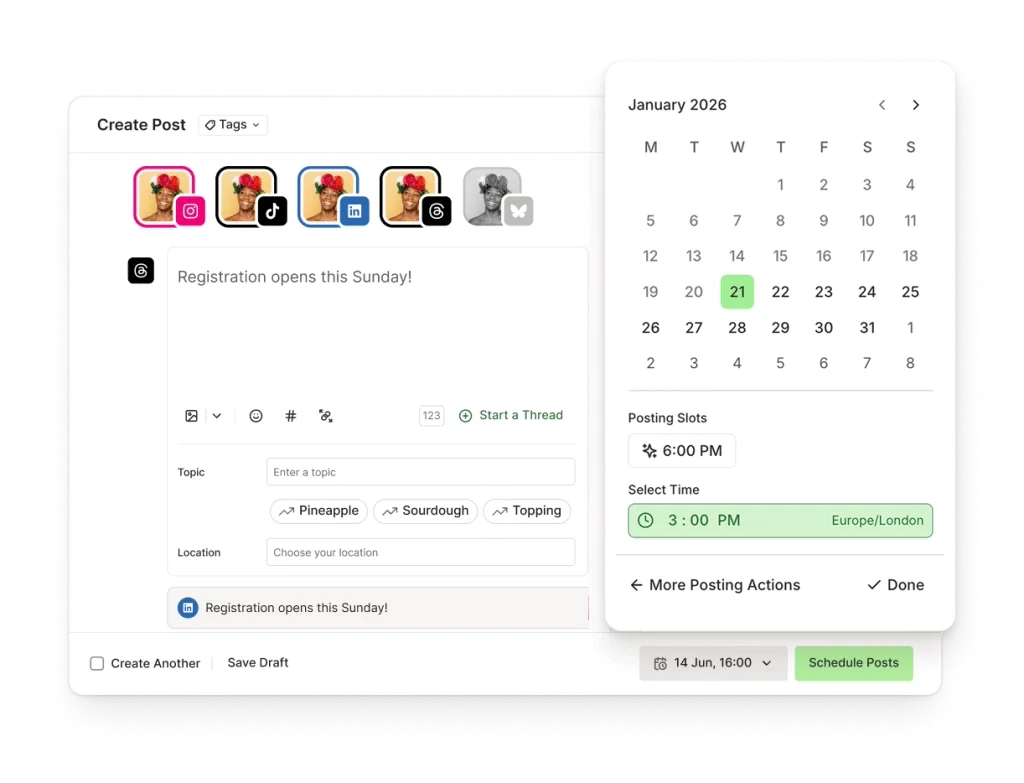
Buffer is the tool you recommend when someone just asks “what should I use?” It does one thing exceptionally well: queue up posts for multiple social channels without making you learn a complicated system first.
The free plan covers 3 channels (Instagram, Facebook, Twitter/X, LinkedIn, TikTok, Pinterest, YouTube), 10 scheduled posts per channel, and 1 user. For a solo creator or small business just getting started, that’s genuinely enough to test whether scheduling actually saves you time.
When you upgrade, the Essentials plan at $5/channel/month (billed annually) unlocks unlimited scheduling, basic analytics, and an engagement inbox for replying to comments. The Team plan at $10/channel/month adds collaboration features: draft approvals, team member access, and shared content calendars.
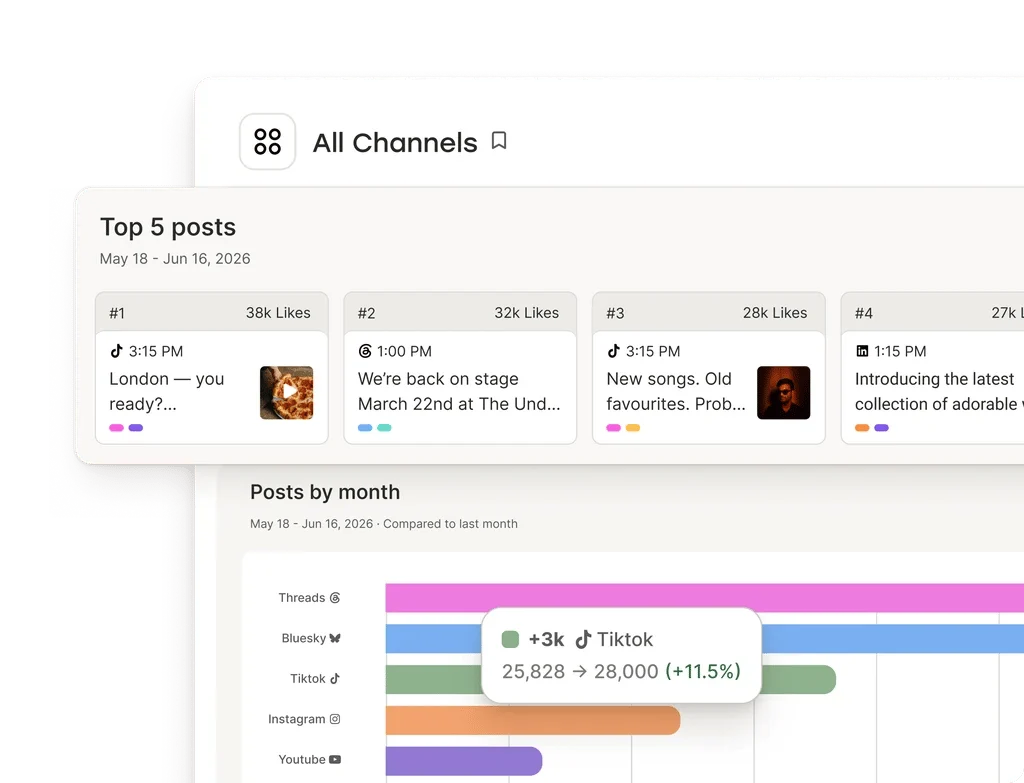
What Buffer doesn’t do well: content recycling (that’s SocialBee’s game), deep analytics beyond the basics, and managing large teams or multiple client accounts. If you’re an agency juggling 20 brands, you’ll outgrow it fast.
Pricing (October 2026): Free (3 channels, 10 posts, 1 user) | Essentials $5/channel/month (annual) | Team $10/channel/month (annual) | 14-day free trial on paid plans
Pros: Genuinely useful free tier, extremely clean UI, per-channel pricing keeps small accounts affordable
Cons: No content recycling, limited analytics on free/Essentials, gets expensive at scale with many channels
Best for: Solopreneurs, bloggers, small businesses just starting with social media scheduling
2. SocialBee — Best for Content Recycling and Category-Based Scheduling
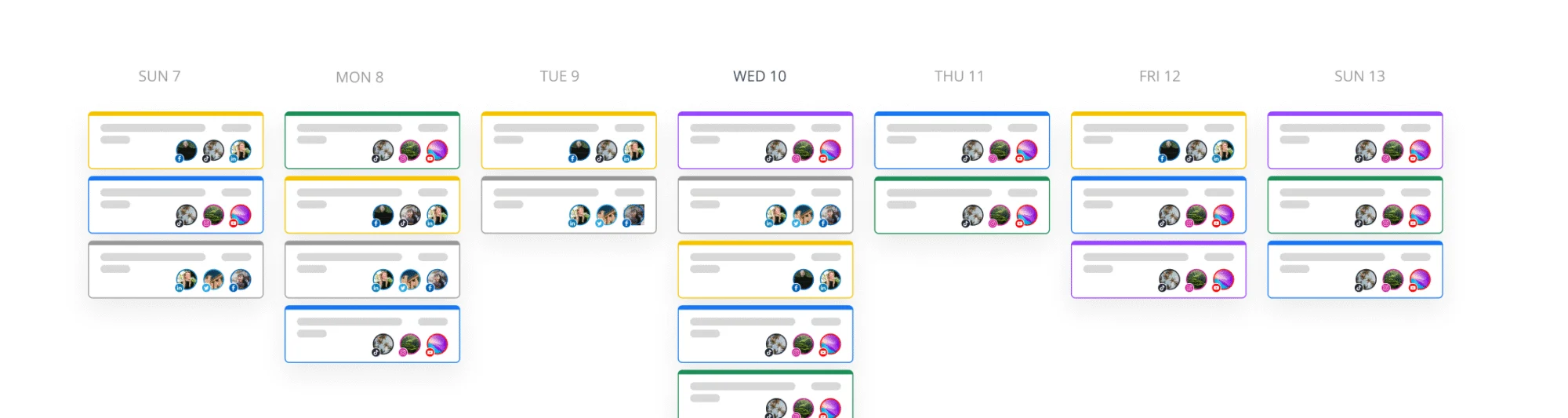
SocialBee solves a real problem that Buffer ignores: what happens to a post after it’s published? With SocialBee, evergreen content goes into a category (like “Tips,” “Case Studies,” or “Promotions”) and gets recycled on a schedule. You’re not constantly refilling a queue from scratch.
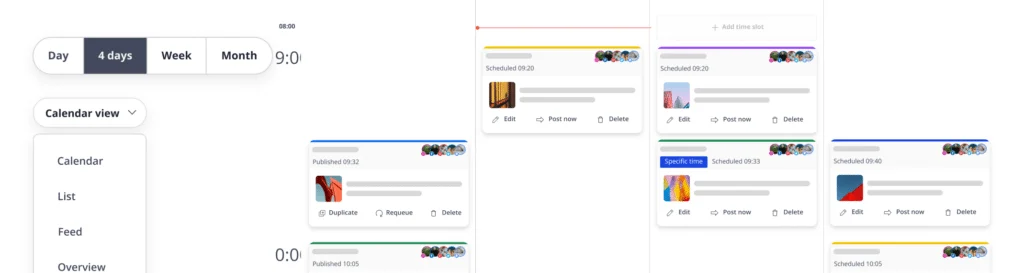
The content category system is genuinely clever. You can mix content types — some posts recycle indefinitely, some expire after one run, some are one-off announcements. Time slots are assigned per category, so promotional posts never accidentally flood your feed and crowd out educational content.
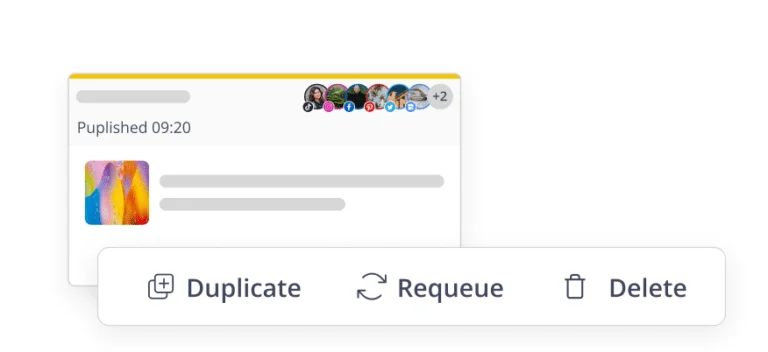
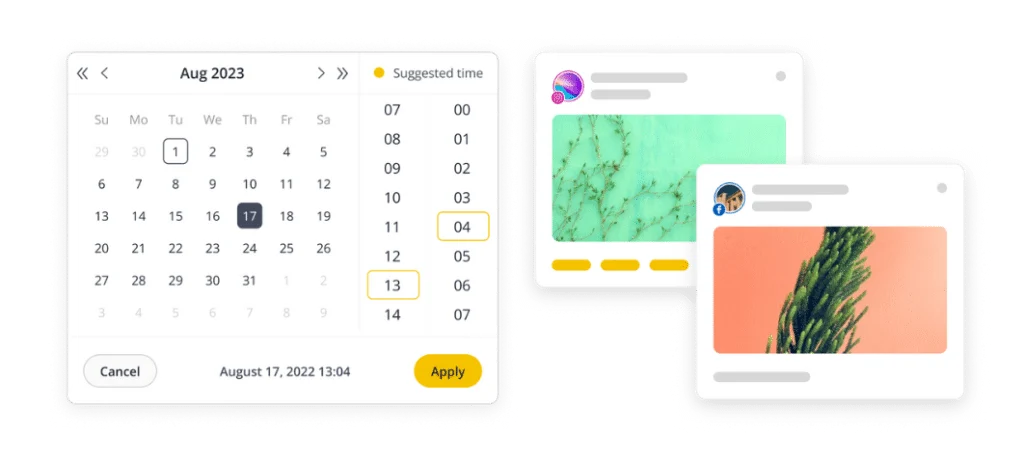
The Bootstrap plan starts at $24.20/month (annual billing) or $29/month billed monthly, covering 5 social profiles and 1 workspace. The Accelerate plan at $40.80/month (annual) expands to 10 profiles, and Pro at $82.50/month (annual) goes to 25 profiles with full team features including approval workflows.
The learning curve is real — SocialBee takes a proper hour to set up versus 5 minutes with Buffer. But once it’s running, your queue largely manages itself.
Pricing (October 2026): Bootstrap $24.20/month (annual) | Accelerate $40.80/month (annual) | Pro $82.50/month (annual) | 14-day free trial
Pros: Best-in-class content recycling, category system keeps content balanced, AI post-time optimization
Cons: Steeper setup than Buffer, no free plan, analytics are decent but not best-in-class
Best for: Content marketers and businesses with a library of evergreen posts they want to keep working for them
3. Later — Best for Instagram-First Brands with Visual Feeds
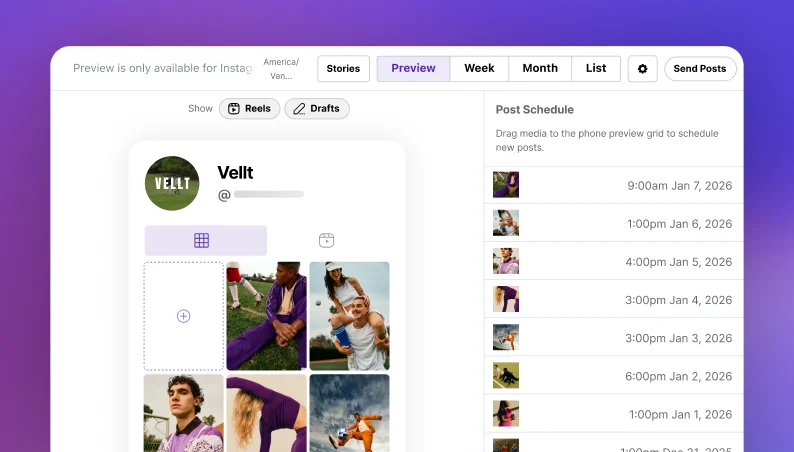
Later started as an Instagram scheduling tool and that heritage shows. No other tool in this list gives you a visual drag-and-drop feed preview — the ability to see how your Instagram grid will look with your next 9 or 12 posts lined up, before a single one publishes.
If Instagram aesthetic matters to your brand, that feature alone might close the decision. Photographers, boutique fashion brands, and hospitality businesses that live and die by their visual grid actually need this in a way that most other businesses don’t.
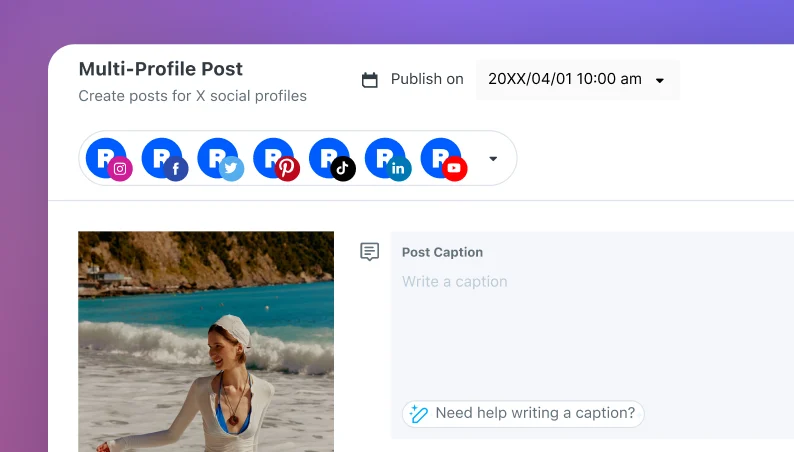
Beyond Instagram, Later handles TikTok, Facebook, Twitter/X, Pinterest, LinkedIn, and YouTube. It also includes Linkin.bio, which turns your Instagram feed into a clickable landing page — each post links directly to a product or blog post without manually updating your bio link every time.
The Starter plan at $18.75/user/month (annual) covers 1 user and 30 posts per profile per month. Growth at $30/user/month (annual) adds unlimited scheduling, best time to post, and hashtag tools. Advanced at $48.33/user/month (annual) includes deeper analytics and team collaboration.
Per-user pricing means Later scales expensively for teams. A 3-person team on Growth runs $90/month — compared to Planable’s flat $33–$49/workspace for unlimited users. Worth it if the visual planning features are the point; a poor deal if they’re not.
Pricing (October 2026): Starter $18.75/user/month (annual) | Growth $30/user/month (annual) | Advanced $48.33/user/month (annual) | 14-day free trial
Pros: Visual Instagram feed planner is unmatched, Linkin.bio is genuinely useful, strong TikTok support
Cons: Per-user pricing gets expensive for teams, post limits on Starter plan, weaker on text-first platforms
Best for: Instagram-first brands, photographers, lifestyle brands where visual grid planning actually matters
4. Planable — Best for Agency Teams and Client Approval Workflows
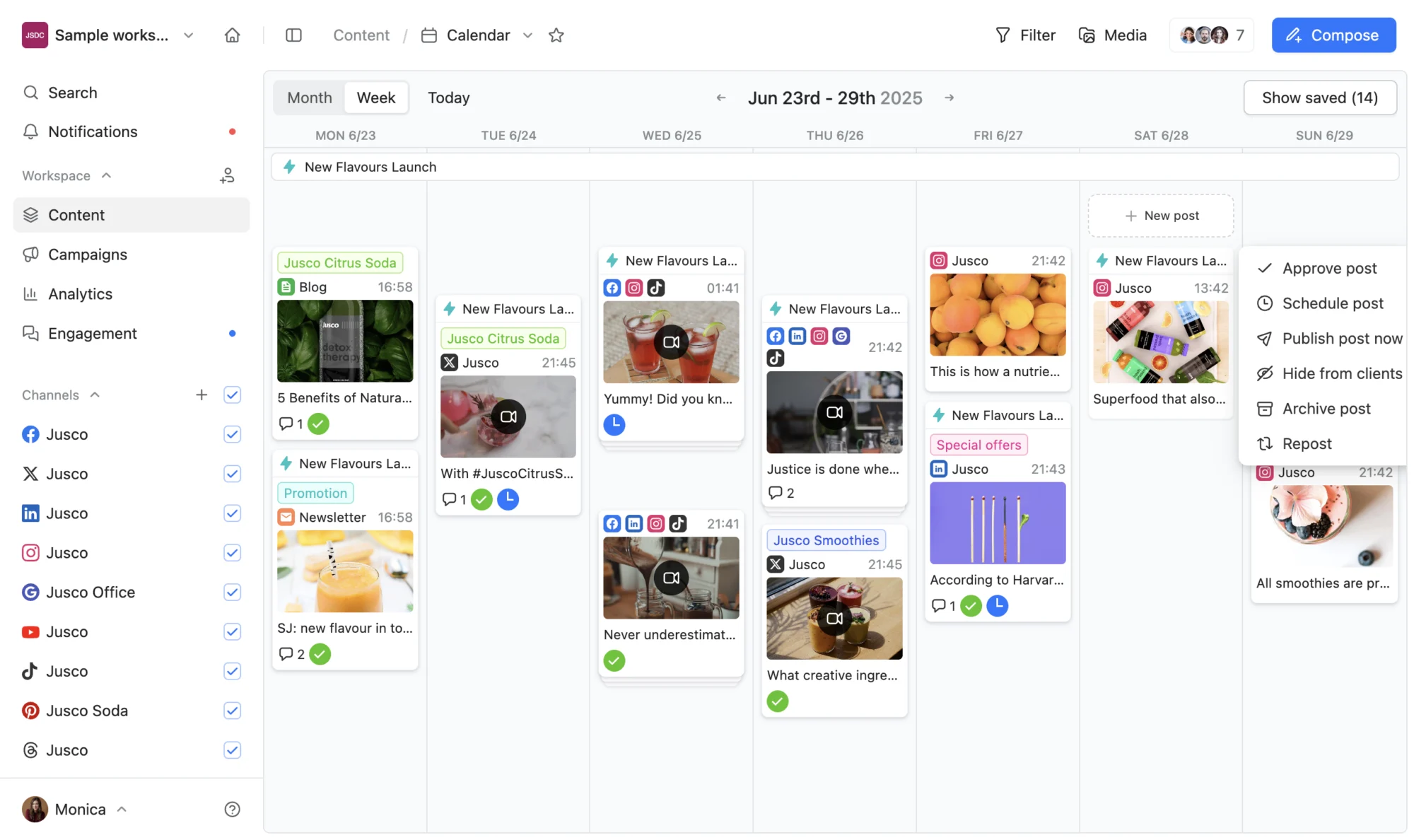
Planable is built for the workflow problem every agency faces: how do you get clients to approve content without managing 40 email threads and a Google Doc that’s perpetually 12 versions out of sync?
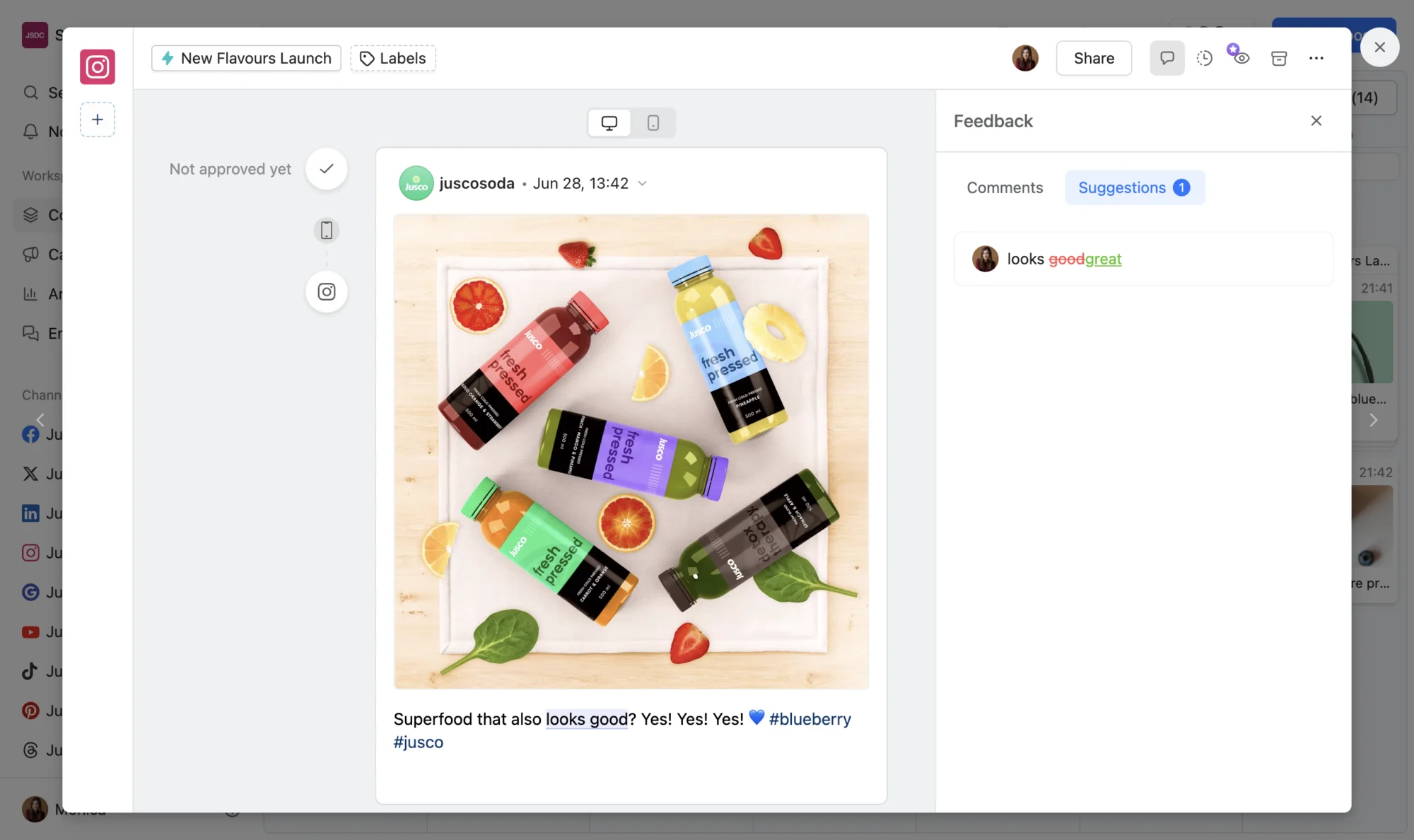
The collaboration layer is baked in at the post level. Every post has its own comment thread. Reviewers can approve, request changes, or leave inline feedback. There’s a per-workspace URL you can share with clients — they don’t need a Planable account to review and approve content.
The per-workspace pricing model is agency-friendly in a way that per-user models aren’t. Basic at $33/workspace/month covers unlimited users with 60 posts per month. Pro at $49/workspace/month removes the post limit and adds custom approval workflows. Enterprise pricing is custom.
The caveat: each “workspace” typically means one brand or one client. An agency managing 10 clients pays $330–$490/month on Planable — not cheap, though often still cheaper than per-user tools at team scale when you run the math.
What Planable doesn’t prioritize: deep analytics, content recycling, or advanced scheduling features like AI-powered post-time recommendations. It’s a collaboration and approval tool first, a scheduler second.
Pricing (October 2026): Free (50 total posts, no time limit) | Basic $33/workspace/month | Pro $49/workspace/month | Enterprise custom
Pros: Best-in-class approval workflows, unlimited users per workspace, client-facing review URLs, clean interface
Cons: Post limits on Basic plan, per-workspace pricing adds up for multi-client agencies, weak analytics
Best for: Marketing agencies managing client social media, brands with formal content approval processes
5. Metricool — Best for Scheduling + Analytics Without Two Subscriptions
Metricool positions itself as the tool that closes the analytics gap. Most schedulers make you export data or jump to a separate analytics platform. Metricool keeps everything in one dashboard: schedule posts, view performance, track competitors, and get AI-powered recommendations without leaving the app.
The free plan is genuinely functional: 1 brand, all major networks connected, basic analytics, and scheduled posts. For most small businesses testing the tool, free is a real option rather than a crippled trial.
Paid plans start at $20/month (annual) for Starter, which handles up to 5 brands and includes competitor analysis, link-in-bio, and advanced analytics. The Advanced plan at $53/month (annual) covers up to 15 brands and adds custom reporting, white-label reports for agencies, and team roles.
The interface is denser than Buffer and less visually polished than Later or Planable. But the depth of analytics — including Twitter/X analytics that other tools have quietly dropped — makes it worth the learning curve for data-driven marketers who actually review performance numbers rather than just scheduling posts and hoping for the best.
Pricing (October 2026): Free (1 brand) | Starter $20/month (annual, up to 5 brands) | Advanced $53/month (annual, up to 15 brands) | Agency custom pricing
Pros: Free plan is actually useful, strong built-in analytics, competitor tracking, supports X/Twitter analytics
Cons: Interface density can be overwhelming, less polished than premium-tier competitors
Best for: Data-driven marketers who want analytics and scheduling without paying for two separate tools
6. SocialPilot — Best for Agencies Managing Multiple Client Accounts at Scale
SocialPilot is built for agencies that need to manage social media at scale: multiple clients, multiple team members, multiple approval stages — without a per-user pricing model that spirals out of control.
The Professional plan at $30/month (annual) covers 3 team members and 10 social accounts. The pricing is flat rather than per-user, which is the core value proposition. Compare that to Hootsuite at $99/user/month for three users ($297/month total) and the gap is significant.
The feature set is comprehensive without being flashy: bulk scheduling via CSV upload (a genuine time-saver for agencies scheduling at volume), white-label PDF reports for clients, a content curation library, and RSS feed automation. The social inbox is solid — all messages and comments from every connected account routed into one place.
Analytics are decent but not as deep as Metricool. The UI looks dated compared to Planable. But for an agency that needs reliable scheduling, client reporting, and team collaboration at a price that doesn’t require a lengthy CFO conversation, SocialPilot delivers.
Pricing (October 2026): Professional $30/month (3 users, 10 accounts, annual) | Small Team $50/month (6 users, 20 accounts) | Agency $100/month (10 users, 30 accounts) | 14-day free trial
Pros: Flat pricing that doesn’t punish team growth, bulk scheduling via CSV, white-label client reporting, reliable social inbox
Cons: Interface looks dated, analytics not as strong as Metricool, fewer visual Instagram features than Later
Best for: Small-to-mid agencies managing multiple client accounts where per-user pricing becomes a budget problem
How to Choose the Right Tool
The right tool depends almost entirely on your situation:
- Just starting out and need something free: Buffer (3 channels, easiest to learn) or Metricool (1 brand with analytics)
- Have evergreen content you want to keep working: SocialBee, no contest
- Instagram-first brand that cares about grid aesthetics: Later
- Agency needing client approvals without email chaos: Planable
- Want analytics and scheduling without two subscriptions: Metricool
- Agency with multiple clients on a flat budget: SocialPilot
One note on Hootsuite: it didn’t make the main comparison because at $99/user/month (October 2026), it’s hard to justify when the six tools above cover the same use cases at a fraction of the price. It remains in use at enterprise scale for its social listening depth, but for most teams it’s been thoroughly outpriced by faster-moving competitors.
Frequently Asked Questions
What’s the best free social media scheduling tool?
Buffer offers the most functional free plan: 3 channels, 10 scheduled posts per channel, and 1 user — no credit card required to start. Metricool’s free plan is also strong if you need built-in analytics alongside scheduling. Both are genuinely useful free tiers, not just crippled trials with a hard paywall 5 minutes in.
Can you schedule Instagram Reels and TikTok videos with these tools?
Yes — Buffer, SocialBee, Later, Metricool, and SocialPilot all support scheduling Reels and TikTok videos with varying levels of automation. Later has the strongest TikTok support given its visual-content heritage. Some tools send push notifications to publish manually for certain video formats rather than publishing fully automatically — this depends on current API access from Instagram and TikTok, which changes, so verify when signing up.
Which social media scheduler is best for a marketing agency?
It depends on what’s the bigger priority. For client approval workflows, Planable is the best option. For keeping costs flat as your team grows, SocialPilot is hard to beat at $30–$100/month for teams of 3–10. For analytics depth plus scheduling with white-label reports, Metricool covers that in its paid plans. Most agencies end up choosing between Planable (approval-first) and SocialPilot (cost/scale-first).
How much does Buffer cost for a small business?
Buffer’s free plan covers 3 social channels with no monthly fee — enough for a real test. For more channels or advanced features, the Essentials plan costs $5/channel/month (annual) or $6/channel/month (monthly). A business posting to 5 channels pays $25/month on annual billing. That’s one of the cheapest entry points among paid schedulers, making Buffer’s upgrade path unusually low-friction.
The Verdict
For most users starting out, Buffer is the right first tool — it’s free enough to be real, simple enough to actually use, and cheap enough to upgrade without a budget conversation. If you’ve been doing social media long enough to have a library of evergreen content you want working harder, SocialBee’s content recycling is worth the step up in price and setup time. And if you run Instagram for a visually-driven brand, Later’s feed planner solves a problem none of the others bother addressing.
All six tools offer free trials. The fastest way to find out which one fits your actual workflow is to run your real content through it for a week — not just click around a demo.