Best Lists
Best Time Tracking Software in 2025: 7 Tools I Tested (Honest Review)
I tracked exactly 11,492 hours over the past four years. (Yes, I have the Toggl report to prove it.) After testing 7 different time tracking tools — some during 90-day sprints, some for quick feature checks — I’ve got strong opinions on which ones actually work versus which ones just look pretty in marketing videos. […]
I tracked exactly 11,492 hours over the past four years. (Yes, I have the Toggl report to prove it.)
After testing 7 different time tracking tools — some during 90-day sprints, some for quick feature checks — I’ve got strong opinions on which ones actually work versus which ones just look pretty in marketing videos.
The short version: most people overcomplicate this. You don’t need AI-powered workforce analytics on day one. You need something you’ll actually open tomorrow morning.
The best time tracker is the one that fits your workflow. Freelancer invoicing clients? Different needs than a 50-person remote agency. Let’s break down exactly which tool wins for which scenario.
How I Evaluated These Tools
Here’s what I actually cared about when testing each tool:
- Speed to first tracked minute — Can I click one button and start tracking in under 10 seconds?
- Reports that matter — Does it show me where my time actually went, or just raw numbers?
- Integration depth — Does it connect to Asana, Jira, or whatever project tool I already use?
- Honest free plan — Is it genuinely useful or a stripped-down demo?
- Mobile experience — Can I track from my phone without wanting to throw it out the window?
Best Time Tracking Software: Quick Comparison
| Tool | Best For | Free Plan | Starting Price | Standout Feature |
|---|---|---|---|---|
| Toggl Track | Freelancers & small teams | Up to 5 users | $9/user/month | One-click timer anywhere |
| Clockify | Budget-conscious teams | Unlimited users | $3.99/user/month | Free plan is genuinely good |
| Harvest | Client billing & invoicing | 1 user, 2 projects | $11/user/month | Built-in invoicing |
| Hubstaff | Remote teams needing oversight | 1 user only | $4.99/user/month | Activity screenshots & GPS |
| Time Doctor | Distributed workforce managers | 14-day trial | $7/user/month | Workforce analytics |
| RescueTime | Automatic self-tracking | Lite (limited) | $6.50/month | 100% automatic, zero input |
| Everhour | Project budget management | 1 user | $8.50/user/month | Integrates inside Asana, Jira |
1. Toggl Track — Best Overall for Freelancers and Small Teams
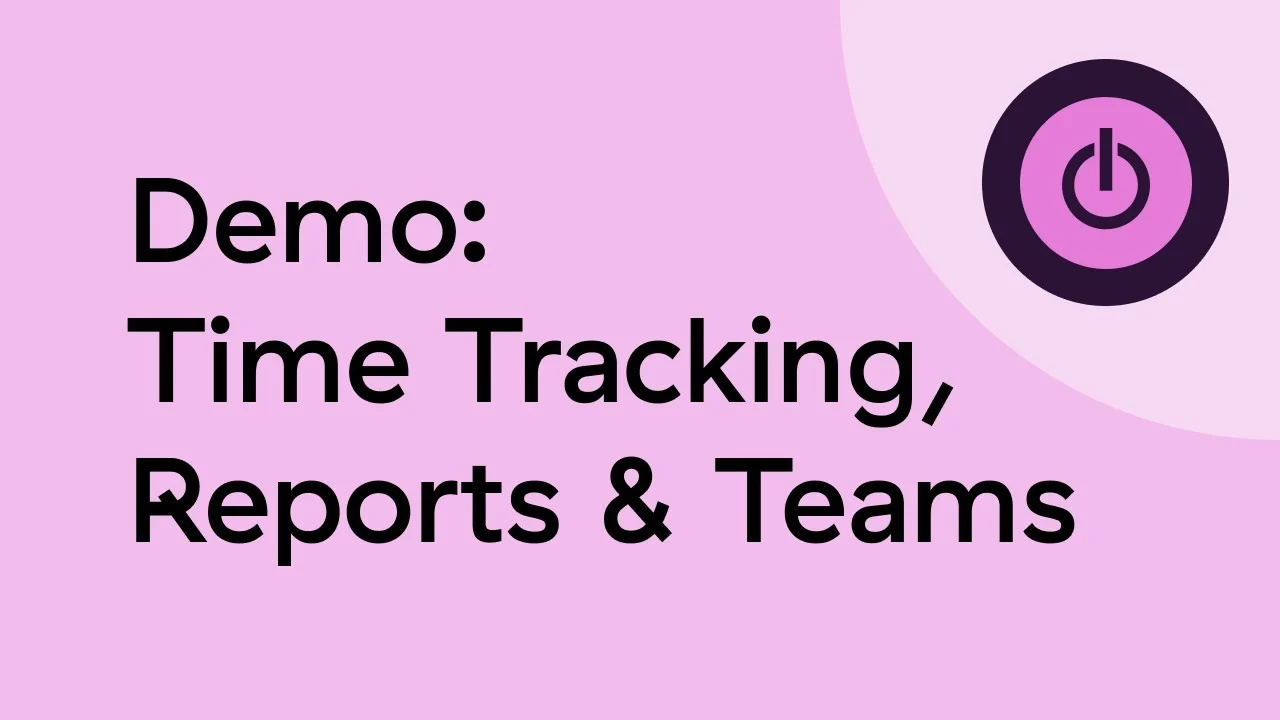
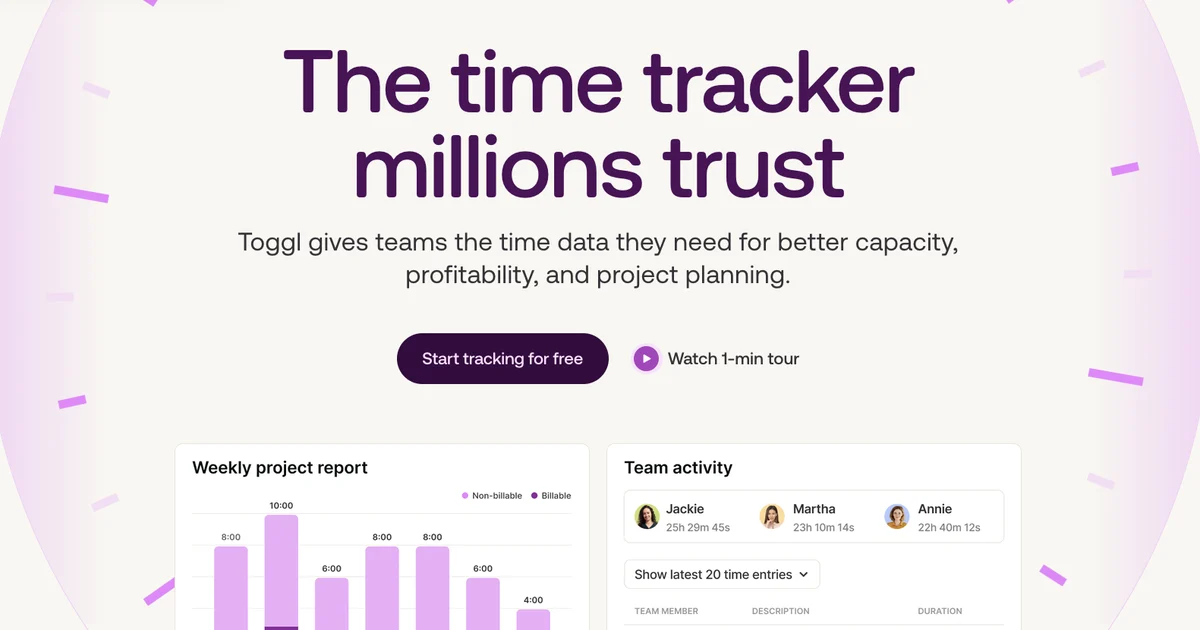
Toggl Track is the one I keep coming back to. It’s not the flashiest tool on this list. But it’s the one that actually disappears into your workflow. Start a timer from the browser extension, the desktop app, or directly inside Asana — your time gets tracked whether you think about it or not.
The thing that makes Toggl Track special: the browser extension. You’re already in Gmail, Linear, GitHub — Toggl adds a tiny button so you never have to switch apps to log time. After 30 days of using it, I had data I never thought I’d have. Turns out I spend 23% of my week in meetings I could have been emails. (That hurt.)
The free plan covers up to 5 users with unlimited time tracking, projects, and clients — which is genuinely more useful than most paid plans from lesser tools. The Starter plan at $9/user/month adds billing rates and time rounding. Premium at $18/user/month unlocks profitability reports and forecasting.
What I love: Intuitive timer that gets out of your way. Excellent reporting. Works everywhere.
What I don’t love: No invoicing built in (you need Harvest for that). The free plan doesn’t have billable rate tracking.
Pricing: Free (up to 5 users) | Starter $9/user/month | Premium $18/user/month
2. Clockify — Best Free Time Tracking Software (Seriously Free)
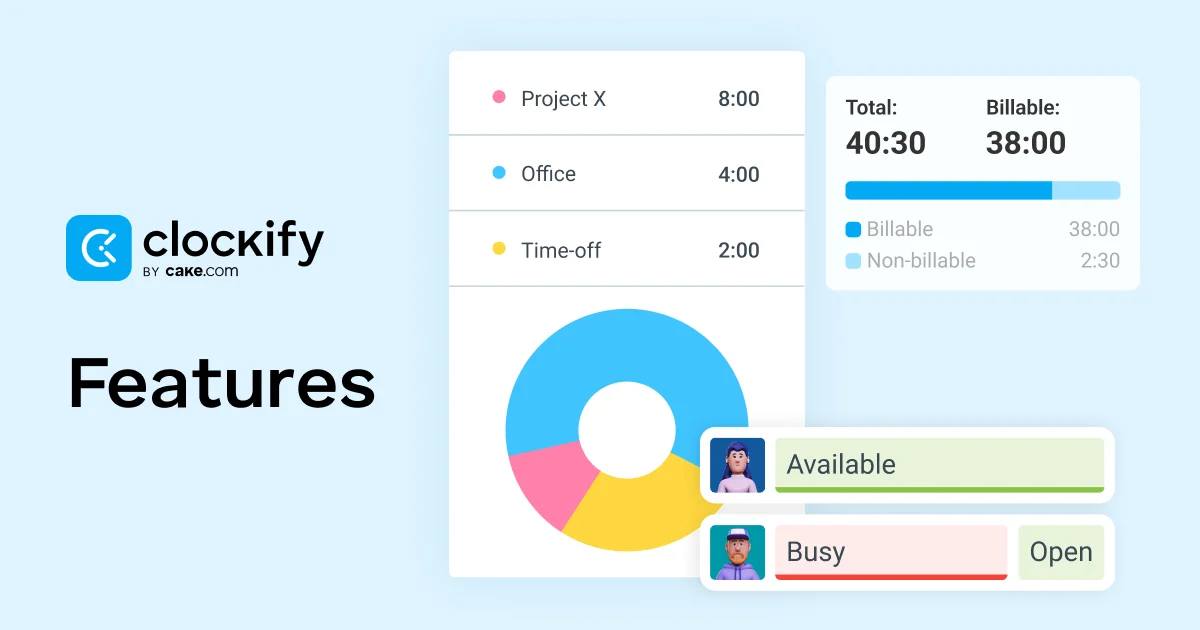
Here’s the thing about Clockify: they built a real product and then said “here, take most of it for free.” That’s not a strategy you see often in SaaS.
Clockify’s free plan includes unlimited users, unlimited time tracking, unlimited projects, and solid reporting. Most tools would charge $3-5/user/month for that feature set. Clockify just… gives it away. The catch? The free plan lacks things like time rounding, billable rates per project, and some integrations — but for a team that just needs to know where hours go, free is plenty.
The paid plans start at $3.99/user/month (Basic) and go to $11.99/user/month (Enterprise). The Standard plan at $5.49/user/month adds invoicing, time approval, and scheduled reports — a solid upgrade if you bill clients.
What I love: Genuinely the best free plan in this space. Kiosk mode for physical check-ins is clever. Works on every device.
What I don’t love: The UI feels busy compared to Toggl. Customer support can be slow on the free tier.
Pricing: Free forever | Basic $3.99/user/month | Standard $5.49/user/month | Pro $7.99/user/month
3. Harvest — Best for Client Invoicing and Billing
If you bill clients by the hour — agency, consultant, lawyer, designer — Harvest is probably the tool you want. Not because it’s the most feature-rich tracker. But because the time-to-invoice flow is the best I’ve seen.
Here’s how it works: you track time against a project, Harvest compiles the billable hours, and you hit one button to generate a professional invoice. The client pays via credit card or PayPal right in the invoice. The whole cycle — tracked hours to paid invoice — can happen without leaving Harvest.
Harvest integrates with Asana, Basecamp, Trello, QuickBooks, and Stripe, which covers most agency toolstacks. The free plan is 1 user with 2 active projects — functional for solo freelancers testing the waters. The $11/user/month Pro plan removes all limits.
What I love: Invoicing flow is seamless. Budget alerts so you don’t accidentally overrun a project. Real-time team capacity view.
What I don’t love: Pricier than Clockify for similar core features. Free plan is too limited to really evaluate it.
Pricing: Free (1 user, 2 projects) | Pro $11/user/month
→ Try Harvest free for 30 days
4. Hubstaff — Best for Remote Team Management
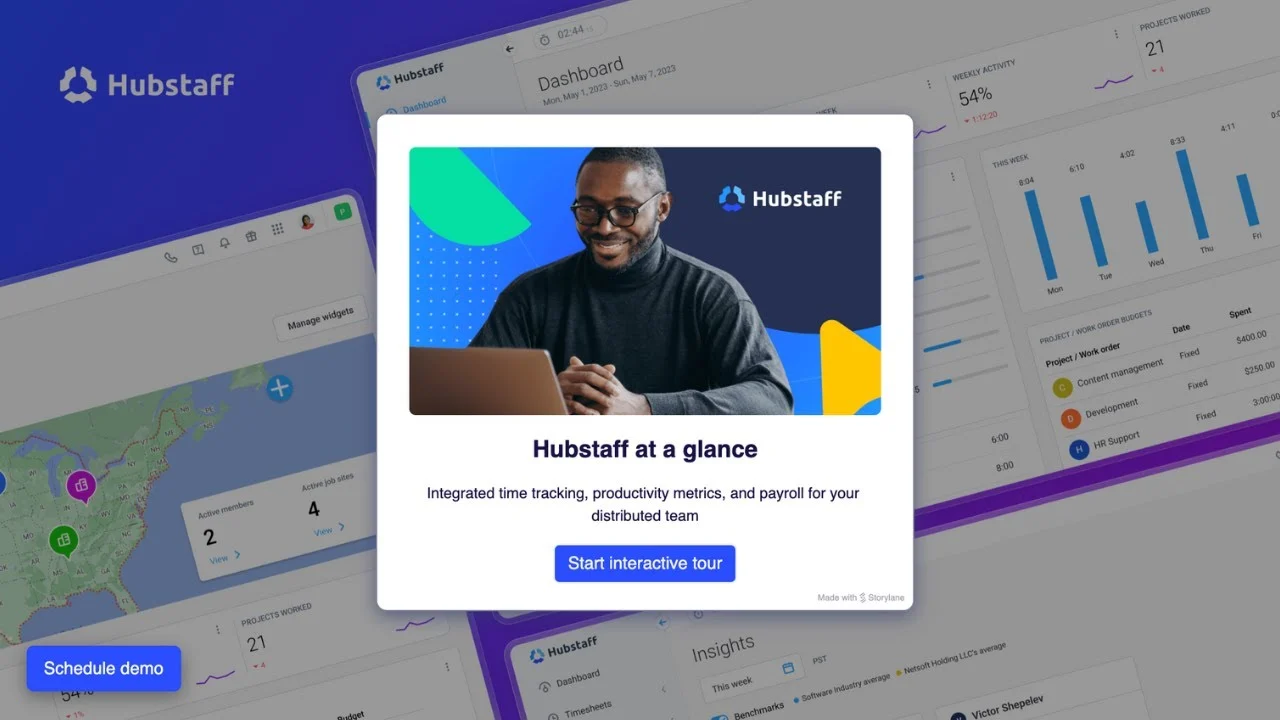
Hubstaff is built for one specific problem: managing a remote team where you can’t see people working. If that’s you — distributed team, contractors, outsourced developers — Hubstaff gives you tools that nothing else on this list has.
We’re talking activity monitoring (keyboard and mouse activity levels), optional screenshot capture (every few minutes), GPS tracking for field teams, and payroll automation. It’s more “workforce management platform” than simple time tracker at this point.
Is it overkill for a 3-person team that trusts each other? Absolutely. But for an agency managing 20 overseas contractors? The activity monitoring and automated payroll alone can save hours of admin per week.
Pricing starts at $4.99/user/month (Starter, 2-user minimum) with GPS and activity monitoring. The Grow plan at $7.50/user/month adds scheduling and expense tracking. Team at $10/user/month adds invoicing and all integrations.
What I love: Activity screenshots and GPS are unique. Payroll automation is genuinely useful. Solid mobile app.
What I don’t love: Can feel surveillance-heavy (have that conversation with your team first). No real free plan — the 14-day trial ends and you’re paying.
Pricing: Starter $4.99/user/month | Grow $7.50/user/month | Team $10/user/month
→ Try Hubstaff free for 14 days
5. Time Doctor — Best for Workforce Analytics and Distributed Teams
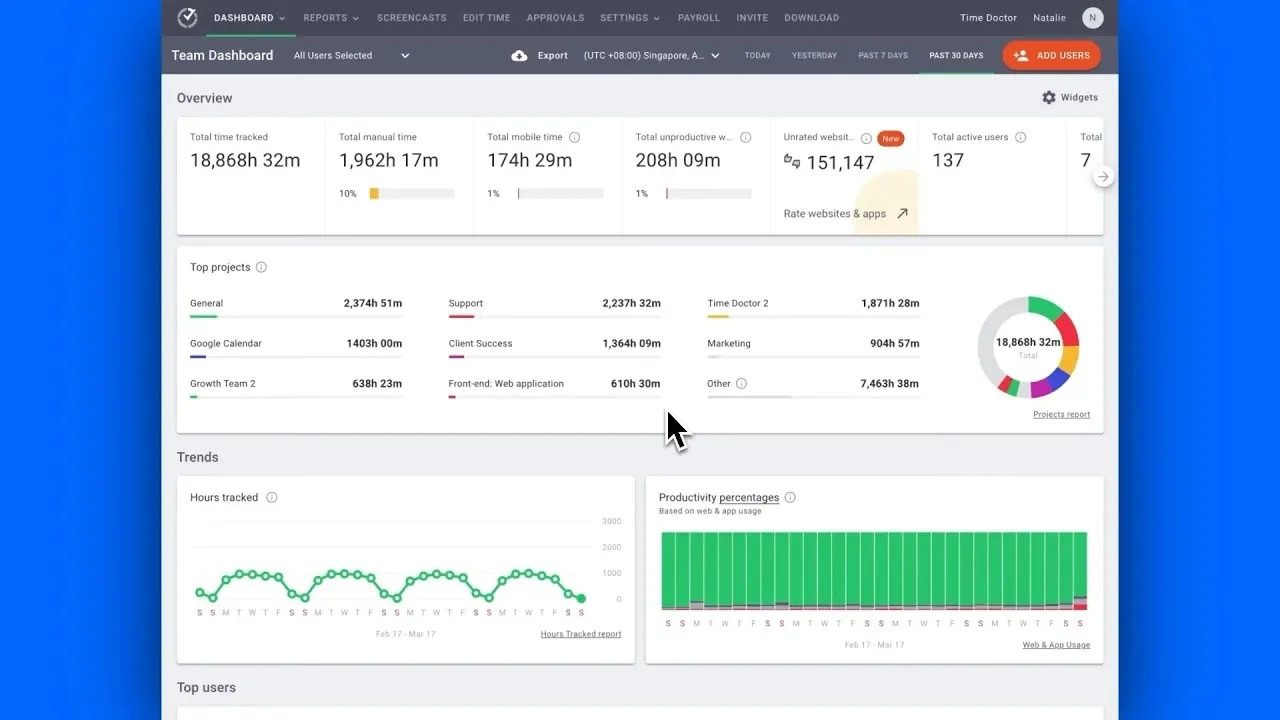
Time Doctor has evolved from “time tracker with screenshots” into something closer to a workforce analytics platform. The core time tracking still works great. But the real value now is what Time Doctor does with that data.
The AI layer surfaces patterns: which projects drain team capacity, which hours are actually productive vs. distracted, which workflows are breaking down. For managers of 20+ person distributed teams, this turns vague “productivity” concerns into specific data you can act on.
It tracks apps and websites used during work hours, shows attention levels, and generates reports managers actually want to see. The setup takes a bit more configuration than Toggl or Clockify, but for an enterprise context, that depth is the point.
Pricing: Basic plan at $7/user/month covers time tracking and reporting. Standard at $14/user/month adds integrations and screenshots. Premium at $20/user/month unlocks workforce analytics and client access.
What I love: The analytics depth is genuinely impressive. App and website tracking without manual input. Good for compliance reporting.
What I don’t love: The monitoring features can feel intrusive if not rolled out carefully. Overkill and overpriced for small teams.
Pricing: Basic $7/user/month | Standard $14/user/month | Premium $20/user/month
→ Try Time Doctor free for 14 days
6. RescueTime — Best Automatic Time Tracker (Zero Manual Input)
Every other tool on this list requires you to start and stop a timer. RescueTime does not. Install it on your computer and phone, and it silently logs every app you use and website you visit — automatically categorized into “productive” and “distracting” buckets.
This is both the best and worst thing about RescueTime. You’ll see exactly how much time you spent in Slack vs. deep work, how many hours went to email, and when your peak focus windows are. For personal productivity audits, there’s nothing better.
The downside: RescueTime doesn’t track billable time against specific projects — it’s not a client billing tool. Think of it as a habit mirror, not a timesheet. The free Lite plan gives you weekly reports and basic data. Premium at $6.50/month adds real-time alerts, goals, and focus sessions.
What I love: Completely passive — no timer discipline needed. Surprisingly revealing data about where your day actually goes. Affordable premium tier.
What I don’t love: Not built for client billing or team timesheets. Some privacy concerns around always-on tracking (worth considering).
Pricing: Free (Lite) | Premium $6.50/month | Teams from $6/user/month
7. Everhour — Best for Project Budget Tracking Inside Your Existing Tools
Everhour takes a different approach from every other tool here. Instead of asking you to switch to a separate time tracker, it embeds time tracking directly inside your existing project management tools — Asana, Jira, Basecamp, Linear, Monday, ClickUp, and more.
In Asana, for example, you’ll see a time tracking button right next to each task. Log time against a project budget, and Everhour automatically tracks budget burn in real time. When you hit 80% of a project budget, you get an alert. This is genuinely useful for agencies that need to prevent scope creep before it happens.
The free plan covers 1 user. The Team plan at $8.50/user/month (minimum 5 users) unlocks the full budget management and invoicing features. A bit pricey per seat for small teams, but agencies billing 10+ clients find the ROI clear.
What I love: The deep integration approach means zero context switching. Budget burn alerts are a standout feature. Clean invoicing.
What I don’t love: Requires Asana/Jira/etc. to get full value — not great as a standalone tool. 5-user minimum on paid plan is awkward for 2-3 person teams.
Pricing: Free (1 user) | Team $8.50/user/month (5-user minimum)
How to Choose the Right Time Tracking Software
Here’s the decision framework I’d use:
If you’re a freelancer or agency billing clients by the hour: Start with Harvest for the invoicing, or Toggl Track if you handle billing elsewhere. Both have excellent free plans for solo use.
If you’re a small team on a tight budget: Clockify. Full stop. The free plan genuinely covers everything most teams need. Upgrade if you need invoicing or time approval workflows.
If you manage a remote or distributed team: Hubstaff if you need activity monitoring and payroll automation. Time Doctor if you want workforce analytics and AI-powered insights. Both go beyond basic time tracking into team management territory.
If you want data without effort: RescueTime. Install it and forget it. Best for personal productivity audits, not billable hour tracking.
If your team lives in Asana, Jira, or ClickUp: Everhour is worth the price because it eliminates context switching entirely.
The Verdict: Best Time Tracking Software in 2025
If I had to pick one: Toggl Track for freelancers and small teams; Clockify if you need free; Harvest if invoicing is your priority.
These are the tools I’d actually recommend to a friend — not because they have the most features, but because they’re the most likely to become a habit. And time tracking only works if you actually do it.
A few parting thoughts from 11,492 hours of tracked experience:
- Pick one tool and stick with it for 90 days. The data compounds.
- Start a timer even if you forget to stop it. A partial record beats no record.
- Review your weekly report every Friday. That’s where the real insights are.
The hardest part isn’t choosing the software. It’s building the habit. Any of the 7 tools above will work fine — once you actually use them.
Want to compare these tools in more depth? Check out reviews on G2’s time tracking category and Capterra’s time tracking directory for thousands of verified user reviews.