Best Lists
Best Help Desk Software for Small Teams
Last updated: October 2026 Quick verdict: Help Scout wins for email-first small teams. Freshdesk wins on free-tier generosity. Zoho Desk wins on value at under $15/agent/month. Zendesk is overkill until you hit 20+ agents. Full picks by use case below. I've watched a lot of small teams make the same mistake: they pick a help […]
Last updated: October 2026
Quick verdict: Help Scout wins for email-first small teams. Freshdesk wins on free-tier generosity. Zoho Desk wins on value at under $15/agent/month. Zendesk is overkill until you hit 20+ agents. Full picks by use case below.
I’ve watched a lot of small teams make the same mistake: they pick a help desk tool based on a G2 badge and then spend six months hating Monday mornings because every email thread is a mystery.
The short version: the best help desk software for your small team isn’t the one with the most features. It’s the one your people will actually use without a training manual.
Here’s what I looked at: pricing transparency, free-plan limits, ticket automation depth, AI features, and how painful the setup actually is for a team of 3–15 people. I pulled G2 ratings, live pricing from each vendor’s page (as of October 2026), and compared them against real small-team scenarios.
Eight tools made this list. Let’s get into it.
Quick Picks by Use Case
| Tool | Best for | Starting price | Free plan |
|---|---|---|---|
| Help Scout | Email-first teams | $25/user/mo | ✓ (5 users, 100 contacts) |
| Freshdesk | Scaling from free | $0 / Growth $19/agent/mo | ✓ (2 agents, unlimited tickets) |
| Zoho Desk | Budget-conscious teams | $0 / Standard $14/agent/mo | ✓ (3 agents) |
| HubSpot Service Hub | CRM-first teams | $0 / Starter $15/seat/mo | ✓ (2 users) |
| Intercom | SaaS / product-led teams | From $29/seat/mo | ✗ |
| Front | Shared inbox teams | $25/seat/mo | ✗ |
| Tidio | Live chat + small e-commerce | $0 / Starter $24.17/mo | ✓ (50 conversations/mo) |
| Zendesk | Teams about to scale | Suite Team $55/agent/mo | ✗ |
How I chose these tools (inclusion criteria)
Not every help desk makes sense for a small team. I cut anything that:
- Requires an annual contract with no monthly option above $30/agent
- Has no self-service onboarding (you need a sales call to get started)
- Has fewer than 400 G2 reviews — not enough signal for a fair rating
- Lacks email support as a core channel (pure chat-only tools didn’t make the cut)
What I prioritised: shared inbox quality, automation rules, AI features at realistic price points, and how clean the mobile experience is. A small team’s support rep might be answering tickets from a phone on Friday evening. That matters.
Help Scout — Best for email-first small teams
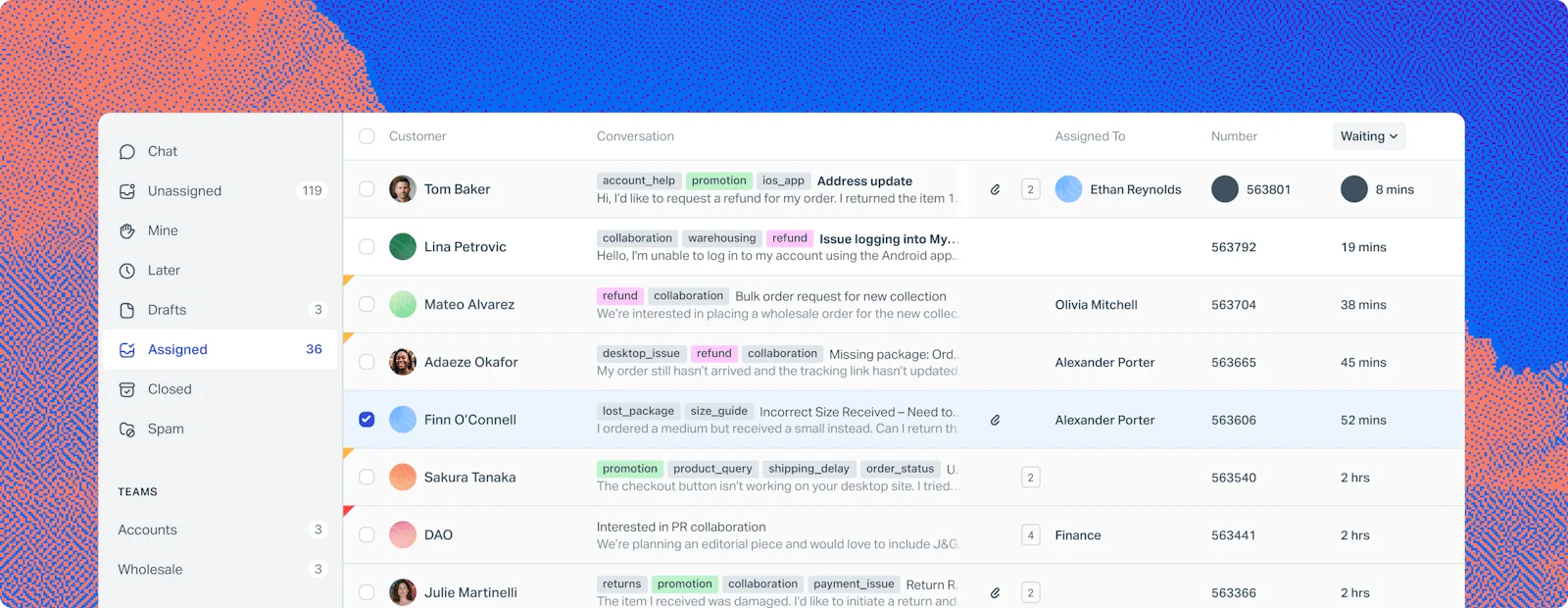
G2 rating: 4.4/5 (431+ reviews) | Free plan: Yes (5 users, 100 contacts/month) | Paid from: $25/user/month
Help Scout is built for teams that live in email. The shared inbox feels like a clean version of Gmail where you can assign conversations, leave private notes, and see who’s already looking at a ticket — no collision, no “wait, did you reply to that?”
The free plan is generous for a team just starting out: 5 users, 100 contacts/month, 1 shared inbox. But the moment you need automation rules or reporting, you’re on the $25/user/month plan. That adds up at 8 agents.
What it does well: The Docs feature (built-in knowledge base) is excellent, and the Beacon widget lets you surface help articles inside your product before a ticket even gets created. Teams that do proactive support love this.
What it doesn’t: No native phone channel. Weak on social support. If your customers primarily reach you via live chat or WhatsApp, this isn’t your tool.
Best fit: B2B SaaS teams with 3–10 people where email is the primary support channel and you want something that feels human, not like a ticketing system.
Pricing note: AI Answers costs an additional $0.75/resolution on top of the base plan. Prices as of October 2026 — verify current pricing at Help Scout.
Freshdesk — Best free tier for a growing team
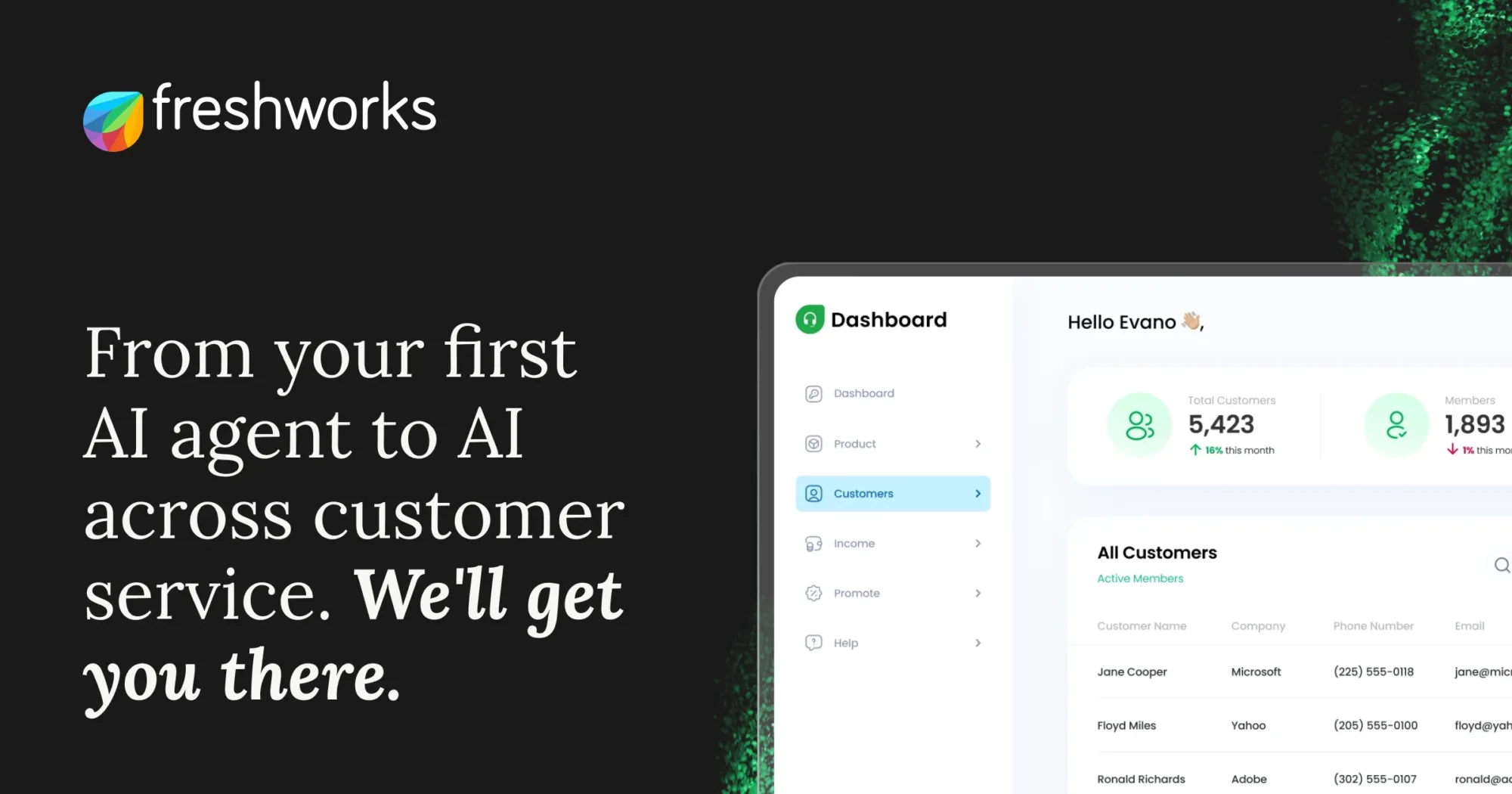
G2 rating: 4.4/5 (3,907+ reviews) | Free plan: Yes (2 agents, unlimited tickets) | Growth plan: $19/agent/month (annual)
Freshdesk has the most generous free plan in this roundup, and it’s legitimately useful: 2 agents, unlimited tickets, email and social ticketing, and a knowledge base. A two-person startup can run customer support on Freshdesk free for a long time.
The Growth plan at $19/agent/month (annual) unlocks automation, collision detection, time tracking, and CSAT surveys. Freddy AI Copilot is an add-on at $29/agent/month — worth it if your team handles high volume.
What it does well: Freshdesk handles multi-channel tickets (email, chat, phone, social) from one inbox. The reporting is solid even on mid-tier plans. And 3,900+ G2 reviews means you’ll find an answer to almost any setup question in the community.
What it doesn’t: The UI feels busy compared to Help Scout or Front. If your team is moving from a clean email inbox, the learning curve is real. And the free plan’s 2-agent limit means you’ll hit the paywall fast if the team grows.
Best fit: Small teams that expect to scale and want a tool they won’t have to replace at 20 agents.
Prices as of October 2026 — verify current pricing at Freshdesk.
Zoho Desk — Best value under $15/agent/month
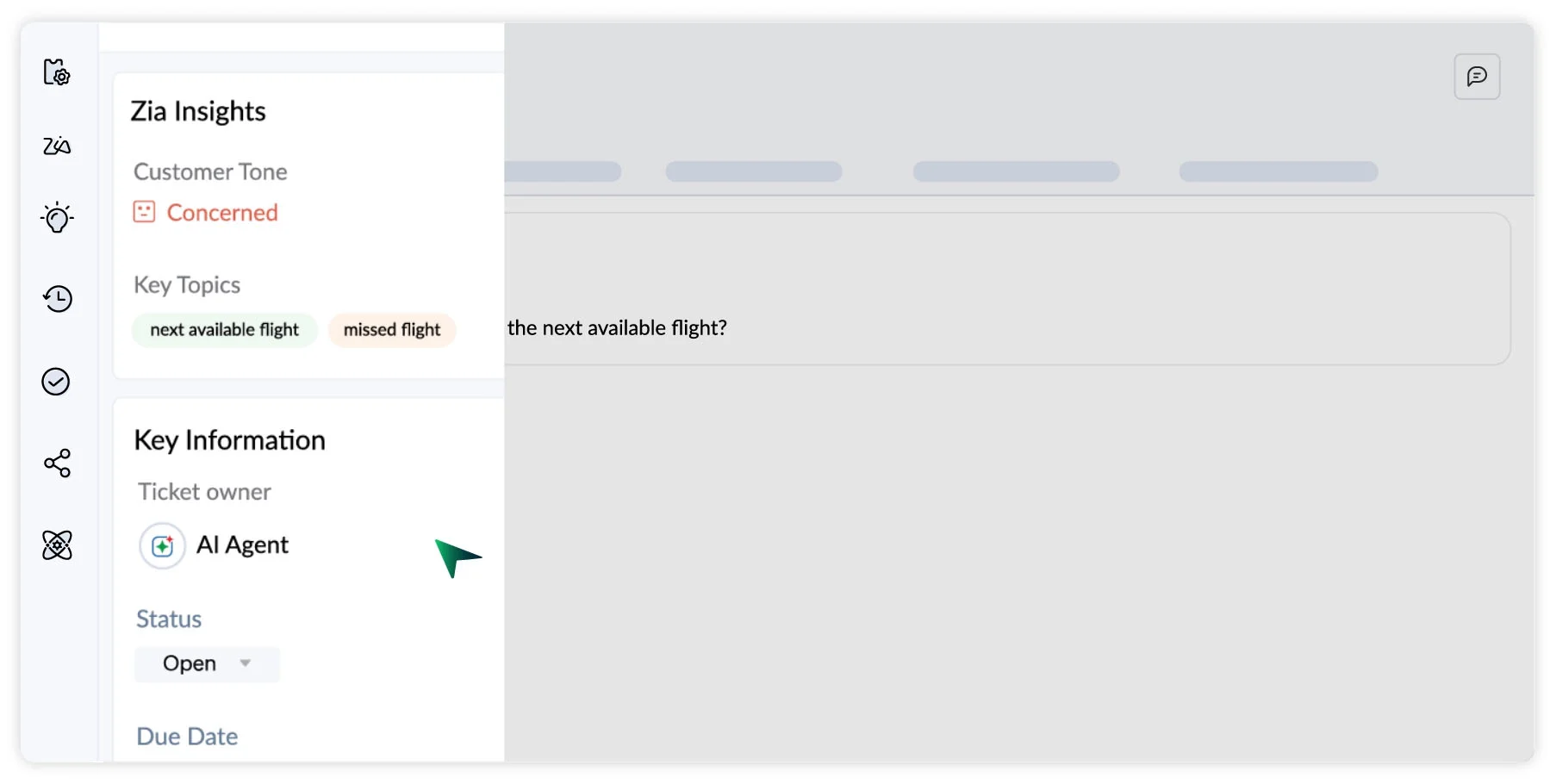

G2 rating: 4.4/5 (7,851+ reviews) | Free plan: Yes (3 agents) | Standard plan: $14/agent/month (annual)
Zoho Desk is the value play in this list. The Standard plan at $14/agent/month gives you ticket management, workflow rules, a knowledge base, and basic reports. The free plan covers 3 agents — enough for a very small team to get started without paying anything.
Zia, Zoho’s AI assistant, lives on the Enterprise plan ($40/agent/month). But the Standard and Professional tiers still cover most of what a small team needs: email tickets, response templates, SLA alerts, and multi-department routing.
What it does well: Zoho Desk integrates natively with Zoho CRM, Zoho Analytics, and the broader Zoho suite. If you’re already using Zoho tools, the integration alone justifies the switch. Also has 7,800+ G2 reviews — the most of any tool in this list.
What it doesn’t: The interface is dated. Some features that competitors include in core plans require Zoho add-ons. And the Express plan (~$7/agent/month) is deliberately limited — don’t confuse it with a real entry point.
Best fit: Budget-conscious teams, especially those already in the Zoho ecosystem.
Prices as of October 2026 — verify current pricing at Zoho Desk.
HubSpot Service Hub — Best for teams who live in their CRM
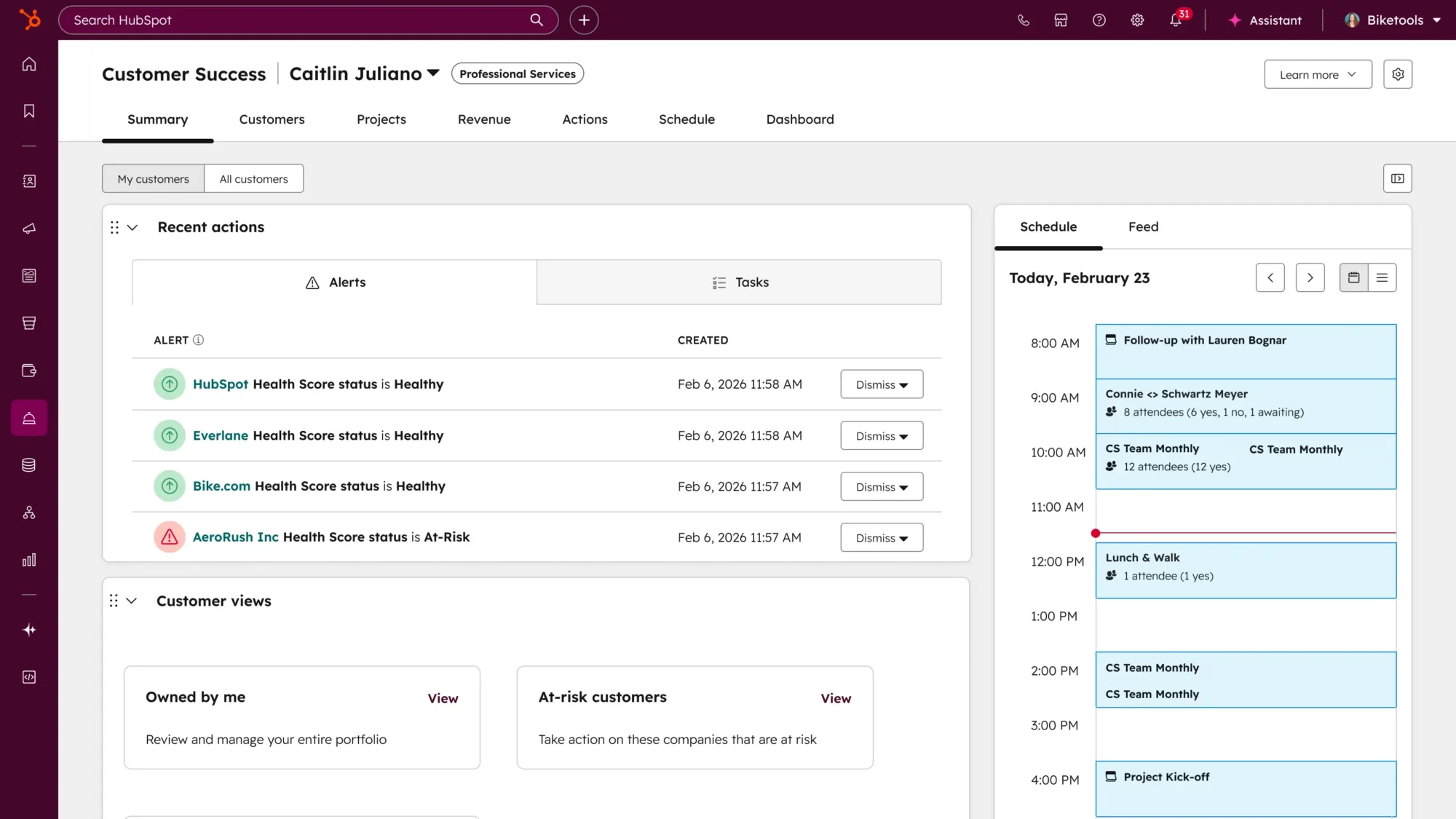
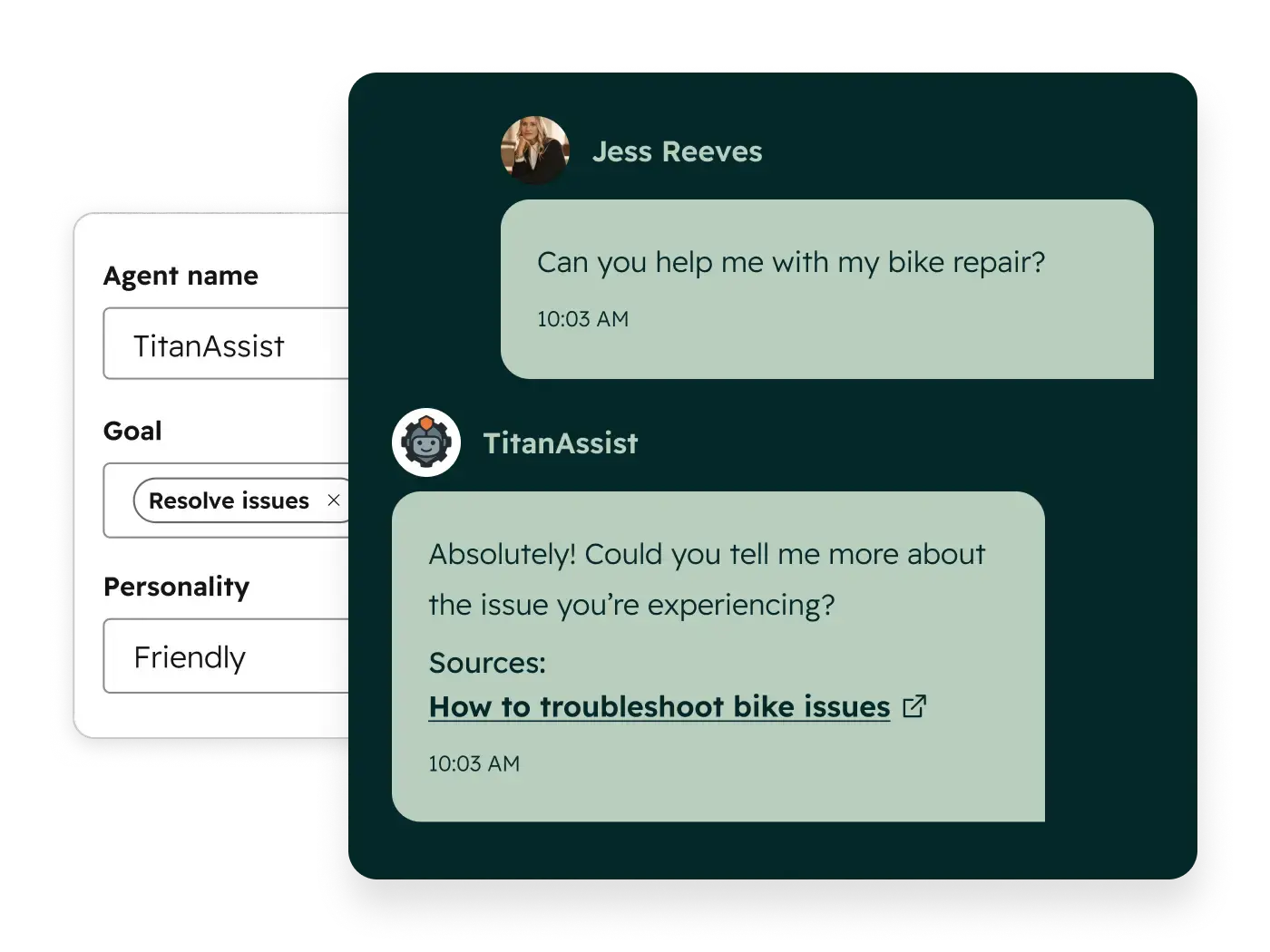
G2 rating: 4.4/5 (2,500+ reviews) | Free plan: Yes (2 users) | Starter: $15–20/seat/month
HubSpot Service Hub makes the most sense when your support team and your sales team are in the same building — or the same Slack channel. Every support ticket ties back to a contact record in HubSpot CRM. Your rep can see the customer’s deal history, past tickets, and last email before they even say hello.
The free tier is genuinely useful: shared inbox, live chat, basic ticketing, and conversation routing. Starter at around $15–20/seat/month adds email sequences, more automation, and SLA tracking.
What it does well: The CRM integration is seamless — not bolted on. For teams that handle both sales follow-up and customer support, Service Hub eliminates the “I don’t know who talked to this customer last” problem permanently.
What it doesn’t: Professional at ~$100/seat/month is expensive for most small teams. If you’re not using HubSpot CRM already, the switching cost is high. Standalone, it’s not the most competitive help desk.
Best fit: Teams using HubSpot CRM who want support and sales data in one place.
Prices as of October 2026 — verify current pricing at HubSpot.
Intercom — Best for SaaS and product-led teams
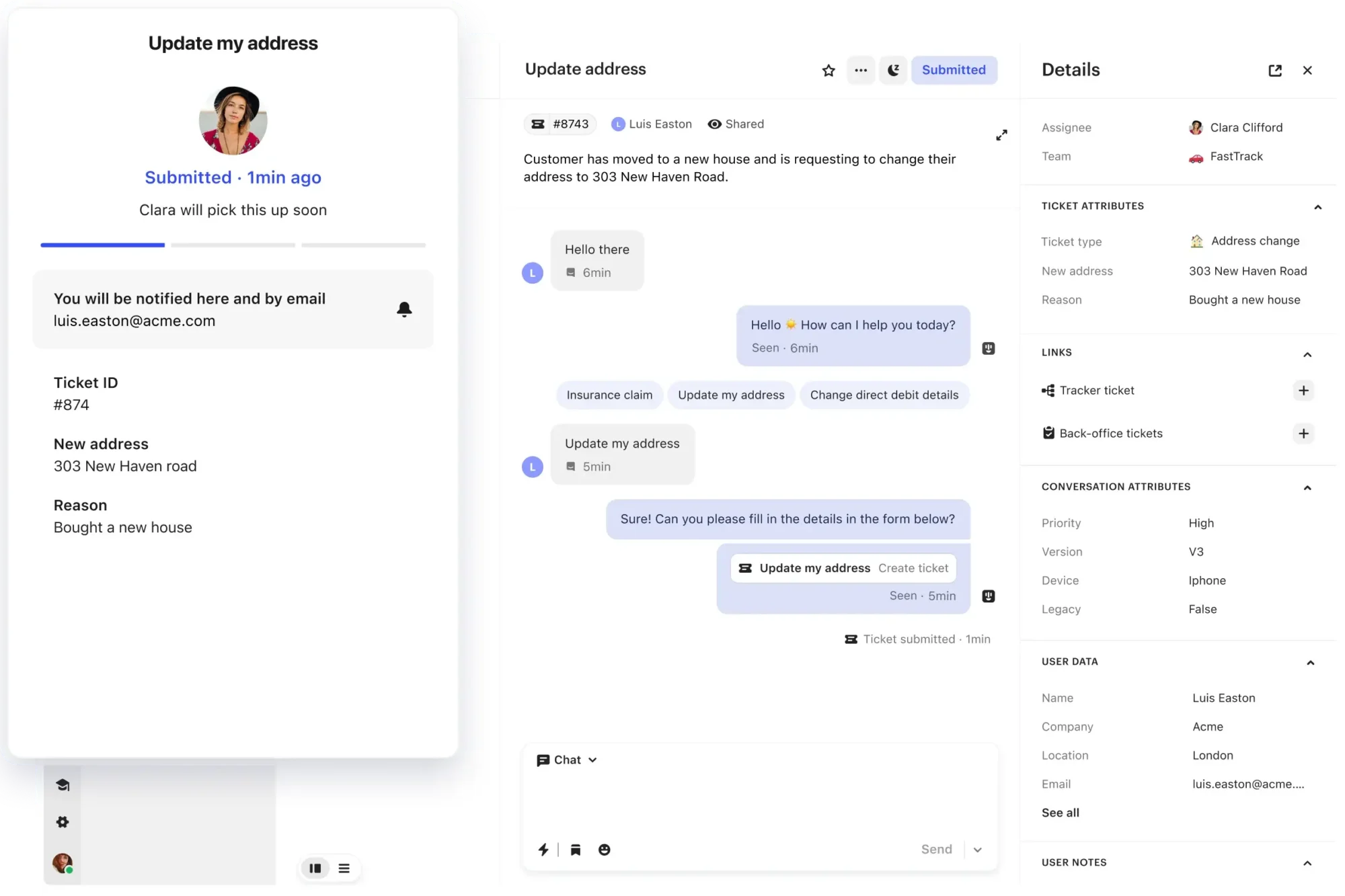
G2 rating: 4.5/5 (3,911+ reviews) | Free plan: No | From: $29/seat/month
Intercom is built for companies where support and product feedback are the same conversation. If you run a SaaS product and you want your support tool to also show in-app messages, trigger onboarding flows, and let users self-serve through AI, Intercom is designed for exactly that.
Fin, Intercom’s AI agent, handles a significant chunk of tier-1 questions. Pricing for Fin starts at $0.99/resolution — that math works out well if you have volume and your questions are repetitive.
What it does well: The messenger widget is the best in this list for in-app user engagement. It’s also the only tool here where support and product tours coexist natively.
What it doesn’t: Expensive for early-stage teams without scale. The pricing model (seats + resolution fees) can be unpredictable month to month. Not the right tool if your support channel is primarily email.
Best fit: Product-led SaaS companies with active in-app user bases and repetitive tier-1 support volume.
Prices as of October 2026 — verify current pricing at Intercom.
Front — Best for teams that work from a shared inbox
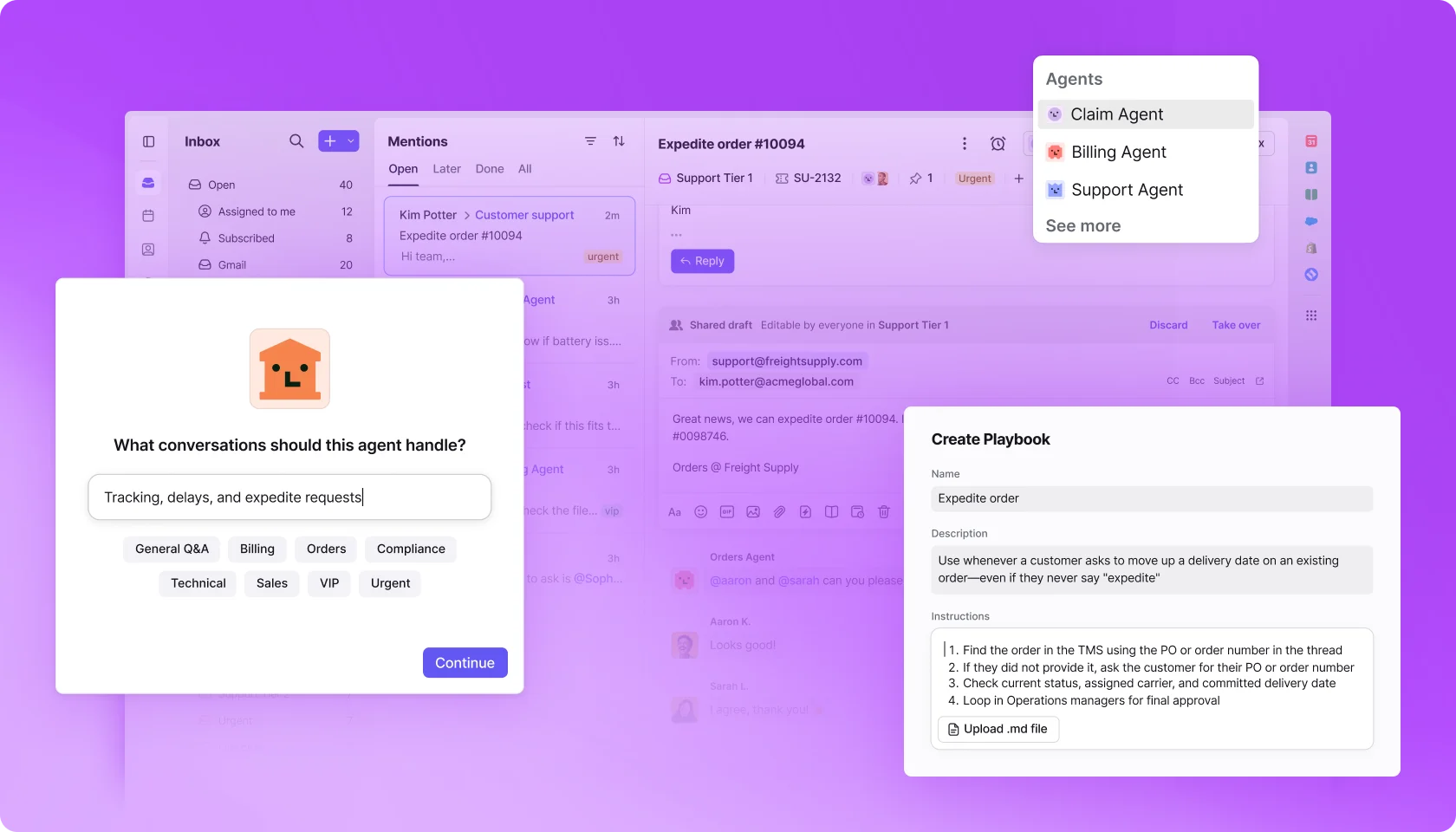
G2 rating: 4.4/5 (2,400+ reviews) | Free plan: No | From: $25/seat/month
Front is what happens when you take a Gmail-style shared inbox and add assignment rules, comment threads, collision detection, and CRM-style contact views. It’s not quite a help desk and not quite a team email client — it sits right between the two, and that’s exactly what some teams need.
The interface feels immediately familiar to anyone who has used email. No ticket numbers, no portals. Customers email a real address; your team handles it internally with notes and assignments they never see.
What it does well: Front’s collaboration features inside email threads are best in class. Internal comments, @mentions, and drafts visible to the whole team make it feel like a Slack conversation overlaid on email.
What it doesn’t: No free plan. At $25/seat/month, it’s on the pricier end. Reporting is limited on the base tier. Not ideal if you need SLA tracking or multi-channel support out of the box.
Best fit: Small teams where email is the only support channel and where collaboration on replies matters more than ticket management.
Prices as of October 2026 — verify current pricing at Front.
Tidio — Best for live chat and small e-commerce stores
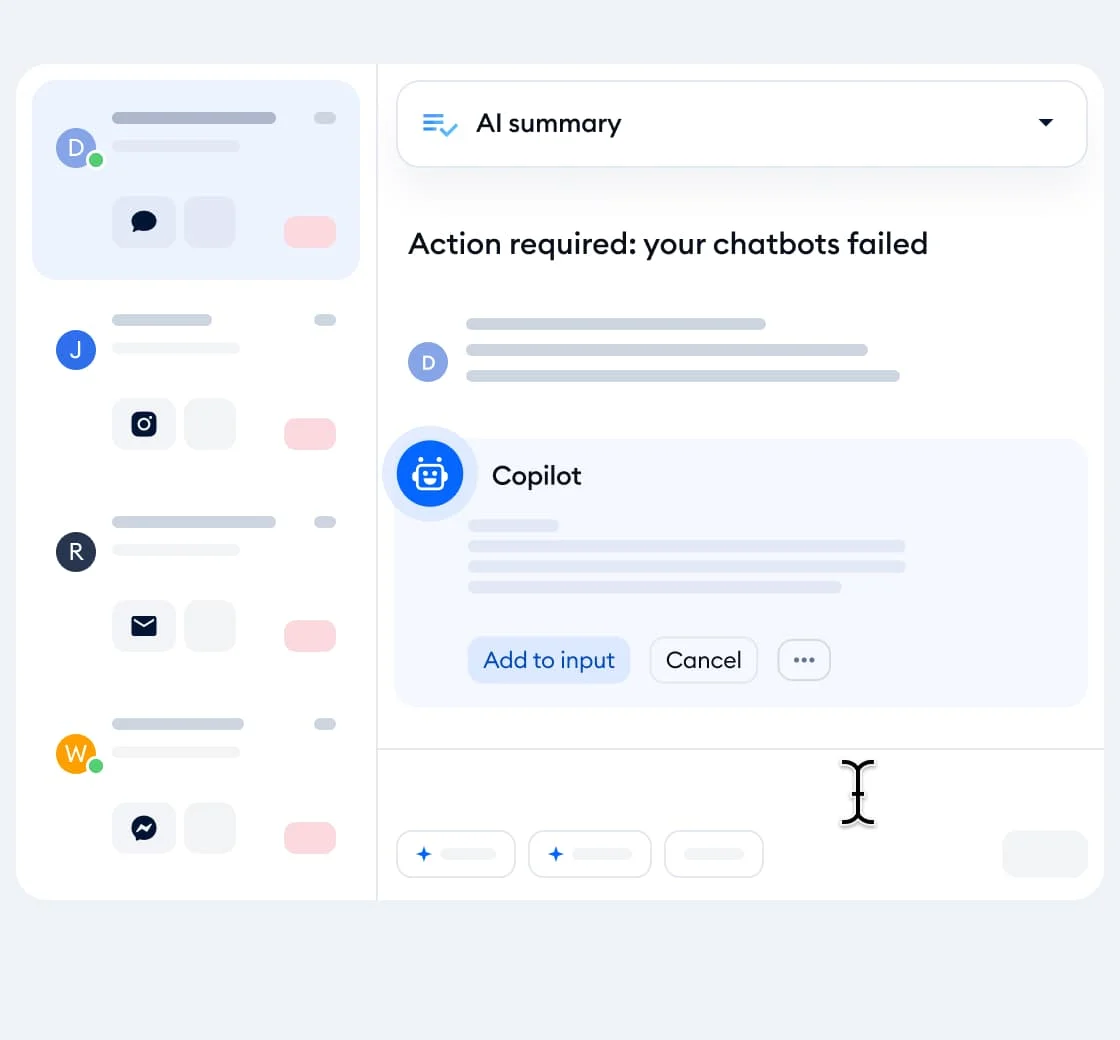
G2 rating: 4.6/5 (1,880+ reviews) | Free plan: Yes (50 conversations/month) | Starter: $24.17/month (annual)
Tidio is live-chat-first in a list of email-first tools, and that’s intentional. If you run a Shopify or WooCommerce store and your customers expect a chat widget on every page, Tidio is the fastest way to get that running — and keep it running without a dedicated support hire.
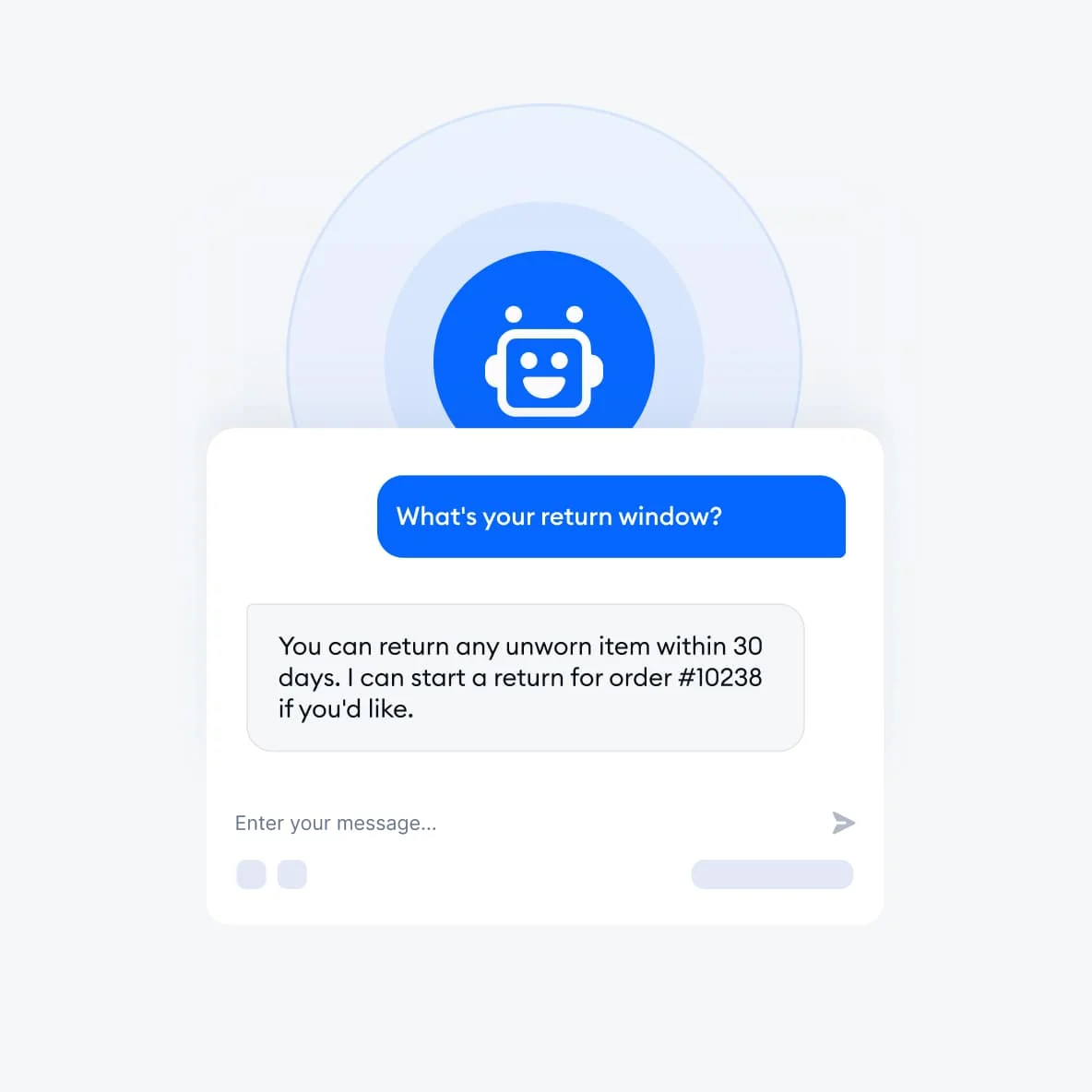
Lyro, Tidio’s AI chatbot, handles conversations autonomously. On the free plan, you get 50 Lyro conversations/month. Paid plans push that to hundreds. For small e-commerce stores where 80% of questions are “where is my order?” and “can I return this?”, that automation covers the bulk of volume.
What it does well: Setup takes under an hour. The chatbot builder is visual and doesn’t require engineering. G2 rates Tidio 4.6/5 — the highest in this list — which reflects how well it nails its specific use case.
What it doesn’t: Email ticketing is secondary, not the core experience. If your team handles complex, multi-step support via email threads, this isn’t the right foundation.
Best fit: Small e-commerce businesses, DTC brands, and any team where live chat is the primary channel and volume is driven by repetitive FAQs.
Prices as of October 2026 — verify current pricing at Tidio.
Zendesk — Best for teams that know they’ll outgrow everything else
G2 rating: 4.3/5 (6,000+ reviews) | Free plan: No | Suite Team: $55/agent/month (annual)
Zendesk is the elephant in the room. It’s the most powerful tool in this list and the least appropriate for a team of 5 that’s figuring out their support workflow.
At $55/agent/month for Suite Team, you’re paying for multi-channel ticketing, advanced automation, reporting, API access, and an ecosystem of 1,000+ integrations. That feature set is genuinely useful — at scale. For a team of 6, it’s expensive and complex in equal measure.
What it does well: Zendesk handles everything. Email, chat, phone, social, self-service, AI, workforce management, and analytics. The ecosystem is massive. If you grow to 50 agents, you won’t need to switch tools.
What it doesn’t: No free plan. The base tier is $55/agent/month — more expensive than Help Scout, Freshdesk, and Zoho Desk’s paid plans combined per agent. The setup process is not small-team friendly.
Best fit: Ambitious teams who know they’ll hit 20+ agents in the next 18 months and want to avoid migrating again.
Prices as of October 2026 — verify current pricing at Zendesk.
Feature and pricing comparison
| Tool | Free plan | Entry paid price | AI feature | Email tickets | Live chat | G2 rating |
|---|---|---|---|---|---|---|
| Help Scout | ✓ 5 users | $25/user/mo | AI Answers ($0.75/resolution add-on) | ✓ | ✓ (Beacon) | 4.4/5 |
| Freshdesk | ✓ 2 agents | $19/agent/mo | Freddy AI Copilot ($29/agent add-on) | ✓ | ✓ | 4.4/5 |
| Zoho Desk | ✓ 3 agents | $14/agent/mo | Zia AI (Enterprise plan only) | ✓ | ✓ | 4.4/5 |
| HubSpot | ✓ 2 users | ~$15/seat/mo | AI reply suggestions (paid plans) | ✓ | ✓ | 4.4/5 |
| Intercom | ✗ | $29/seat/mo | Fin AI ($0.99/resolution) | ✓ | ✓ | 4.5/5 |
| Front | ✗ | $25/seat/mo | AI replies and summaries | ✓ | Limited | 4.4/5 |
| Tidio | ✓ 50 conv/mo | $24.17/mo | Lyro AI (built-in) | Secondary | ✓ (primary) | 4.6/5 |
| Zendesk | ✗ | $55/agent/mo | Zendesk AI (add-on) | ✓ | ✓ | 4.3/5 |
How to choose: the three questions that decide it
1. What’s your primary support channel?
Email only → Help Scout or Front. Email plus live chat → Freshdesk or Zoho Desk. Live chat first → Tidio. In-app product support → Intercom.
2. How many agents, and what’s your monthly budget per agent?
Under $0 (seriously) → Freshdesk free or Zoho Desk free. Under $15/agent → Zoho Desk Standard. Under $25/agent → Freshdesk Growth. Over $25/agent with CRM needs → Help Scout or HubSpot.
3. Are you optimising for today or for 18 months from now?
Today → pick the simplest tool that covers your channel. 18 months → start on Freshdesk or Zendesk so you’re not migrating customer history when you hit scale.
The rule I’d give a friend building a 5-person team: Start on Freshdesk free. When you outgrow 2 agents, go to Freshdesk Growth at $19/agent. If the team pivots to email-first support with B2B customers, switch to Help Scout. If you end up selling software and your customers live inside your product, move to Intercom. You won’t need Zendesk until you’re fielding 500+ tickets a week.
If you’re already juggling project management tools for your team’s internal workflows, keep the help desk selection separate — the best PM tool and the best support tool are almost never the same product.
Final verdict
The best help desk software for small teams is the one your team will actually open on Monday morning without a sigh.
For most teams under 10 people: Freshdesk free to start, Help Scout when the team goes B2B-email-first, Zoho Desk if budget is the real constraint, and Intercom if you’re a SaaS company whose customers live inside the product.
Zendesk and Front are genuinely great — just not for everyone, and not on day one.
Start with the tool that matches how your customers actually reach you. Everything else is secondary.
Frequently asked questions
What is the best free help desk software for small teams?
Freshdesk offers the most generous free plan: 2 agents, unlimited tickets, email and social ticketing, and a knowledge base — all at no cost. Zoho Desk free covers 3 agents, and Help Scout free covers 5 users with 100 contacts/month. For live chat, Tidio’s free tier handles 50 conversations/month with AI built in.
How much does help desk software cost for a team of 5?
At 5 agents on paid plans: Zoho Desk Standard costs around $70/month total ($14/agent). Freshdesk Growth is $95/month ($19/agent). Help Scout is $125/month ($25/user). Zendesk Suite Team is $275/month ($55/agent). Most teams under 10 people should stay under $150/month.
Is Freshdesk actually good for small businesses?
Yes — Freshdesk is one of the few tools where the free plan is a real product, not a stripped demo. The Growth plan at $19/agent/month gives small teams automation, reporting, and collision detection without overpaying. With 3,900+ G2 reviews and a 4.4/5 rating, it has the second-widest review base in this list, which means strong community support for setup questions.
What’s the difference between help desk software and a shared inbox tool?
A shared inbox tool (like Front or Gmail with shared access) lets your team collaborate on emails without ticketing overhead. A help desk assigns ticket numbers, tracks SLAs, builds automation rules, and creates a knowledge base for self-service. Small teams often start with a shared inbox and move to a help desk when volume hits 30+ tickets per day or when SLA tracking becomes important to the business.
Does my small team need AI features in a help desk?
Not on day one. AI features add value when you’re handling repetitive questions at volume — “where’s my order?”, “how do I reset my password?” — and when someone has time to train and monitor the bot. For a 3-person team handling 20 tickets a day, a clean shared inbox with good templates is more useful than an AI agent. Start with AI once you’ve mapped your top 10 question types and have a knowledge base for it to draw from.
Can I migrate ticket history if I switch help desk tools?
Yes, but it varies by tool. Freshdesk, Zendesk, and Zoho Desk all have migration tools or accept CSV imports. Help Scout has a migration service. Intercom has an API-based import process. The easiest migration is from any tool to Freshdesk or Zendesk. The hardest is out of a proprietary system with custom fields. If you think you’ll switch within 12 months, choose a tool with a well-documented export format from day one.