Best Lists
Best Payroll Software for Small Business in 2026: 8 Honest Picks
After testing 8 payroll tools, Gusto is still the top pick for most small businesses — but better options exist if you're budget-conscious or already on QuickBooks. Honest breakdown inside.
Here’s the bottom line: Gusto is the best payroll software for most small businesses in 2026. It handles taxes automatically, covers light HR, and won’t require a consultant to set up.
But “best overall” doesn’t mean “best for you.” Maybe you’re already running QuickBooks. Maybe you have three employees and don’t want to pay $50/month for payroll. Maybe you’re scaling fast and need something that grows with you.
I tested eight of the most popular payroll tools and ranked them on ease of use, pricing, tax compliance, and real-world reliability. Here’s the honest breakdown.
Quick Comparison: Best Payroll Software for Small Business in 2026
| Tool | Starting Price | Best For | Auto Tax Filing |
|---|---|---|---|
| Gusto | $40/mo + per employee | Best overall | Yes |
| QuickBooks Payroll | ~$50/mo + $6.50/employee | QuickBooks users | Yes |
| OnPay | $49/mo + $6/employee | Flat-rate simplicity | Yes |
| Rippling | Custom quote | Fast-growing teams | Yes |
| Patriot Payroll | $17/mo + $4/employee | Budget-conscious | Full-service tier |
| ADP RUN | Custom quote | Scaling businesses | Yes |
| Paychex Flex | Custom quote | Dedicated support | Yes |
| Square Payroll | $35/mo + $6/employee | Square POS shops | Yes |
1. Gusto — Best Overall Payroll Software for Small Business

Pricing: Simple plan $40/mo + $6/employee; Plus plan $60/mo + $9/employee
Best for: Most small businesses with 2–50 employees
Gusto is the payroll tool I’d hand to a small business owner who has never run payroll before. Setup takes about 30 minutes, and from there it handles everything: federal and state tax filing, direct deposit, contractor payments (1099s), and year-end W-2s.
What puts Gusto above the competition is the payroll plus light HR combination. You get health insurance administration, 401(k) plan management, and PTO tracking without buying a separate HR platform. For a 10–30 person business, that’s a meaningful feature set at a reasonable price.
What I liked:
- Automatic federal and state tax filing — Gusto files, you just review
- Smooth employee self-service onboarding — new hires complete their own paperwork digitally
- Benefits administration (health, dental, vision, 401k) built into the platform
- Clean, intuitive interface with a minimal learning curve
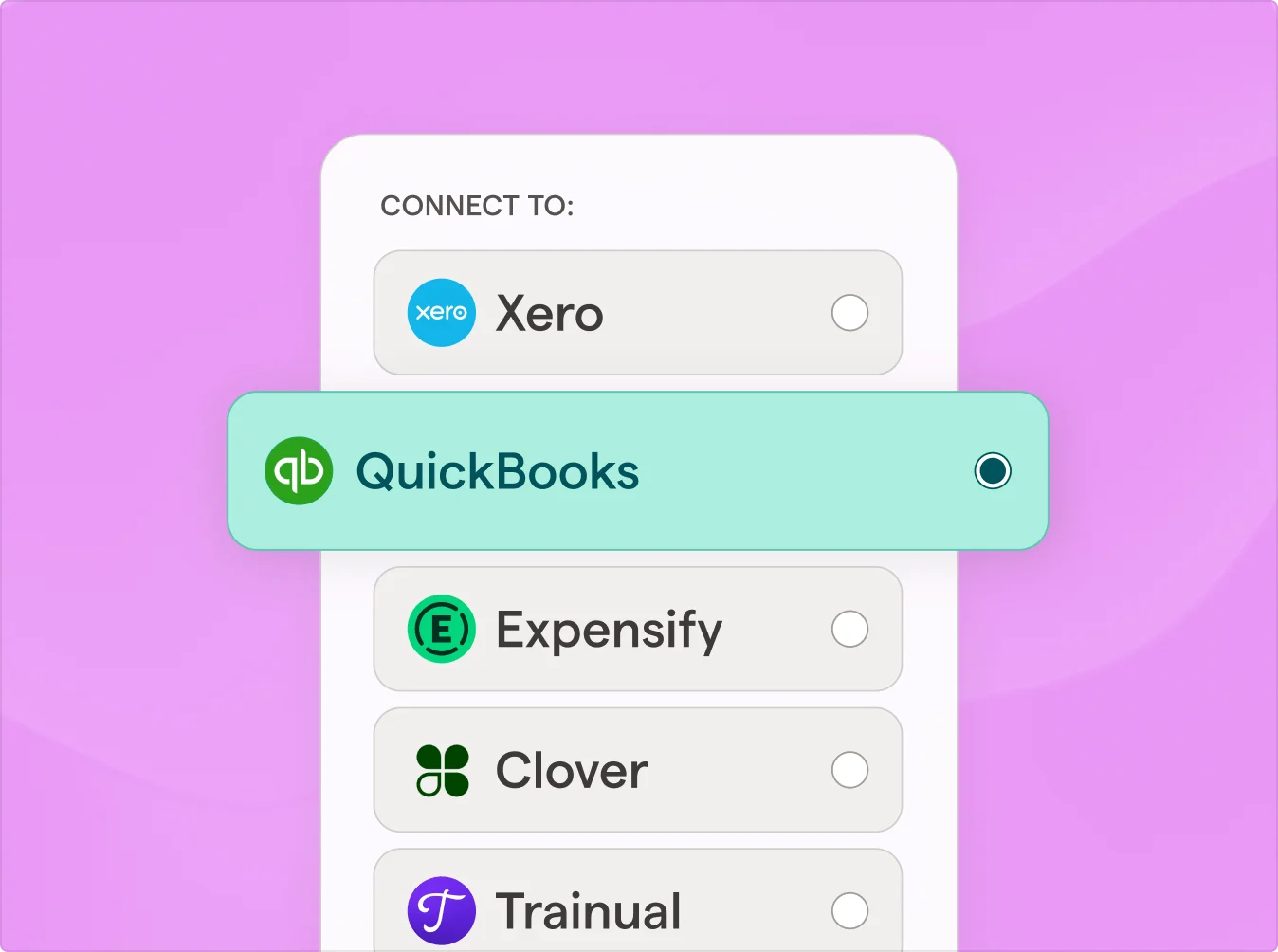
- Strong accounting integrations with QuickBooks, Xero, and others
What I didn’t like:
- Customer support quality has gotten mixed reviews recently — some users wait days for a response
- No native shift-based scheduling or time clock (need an add-on for hourly teams)
- Prices have crept up year over year
Bottom line: Gusto is still the benchmark for small business payroll. If you want one tool that covers payroll, taxes, and light HR without hiring a consultant to configure it, start here.
2. QuickBooks Payroll — Best for Businesses Already Using QuickBooks
Pricing: Core plan ~$50/mo + $6.50/employee; Premium and Elite plans add same-day deposits and tax penalty protection
Best for: Any business already subscribed to QuickBooks Online
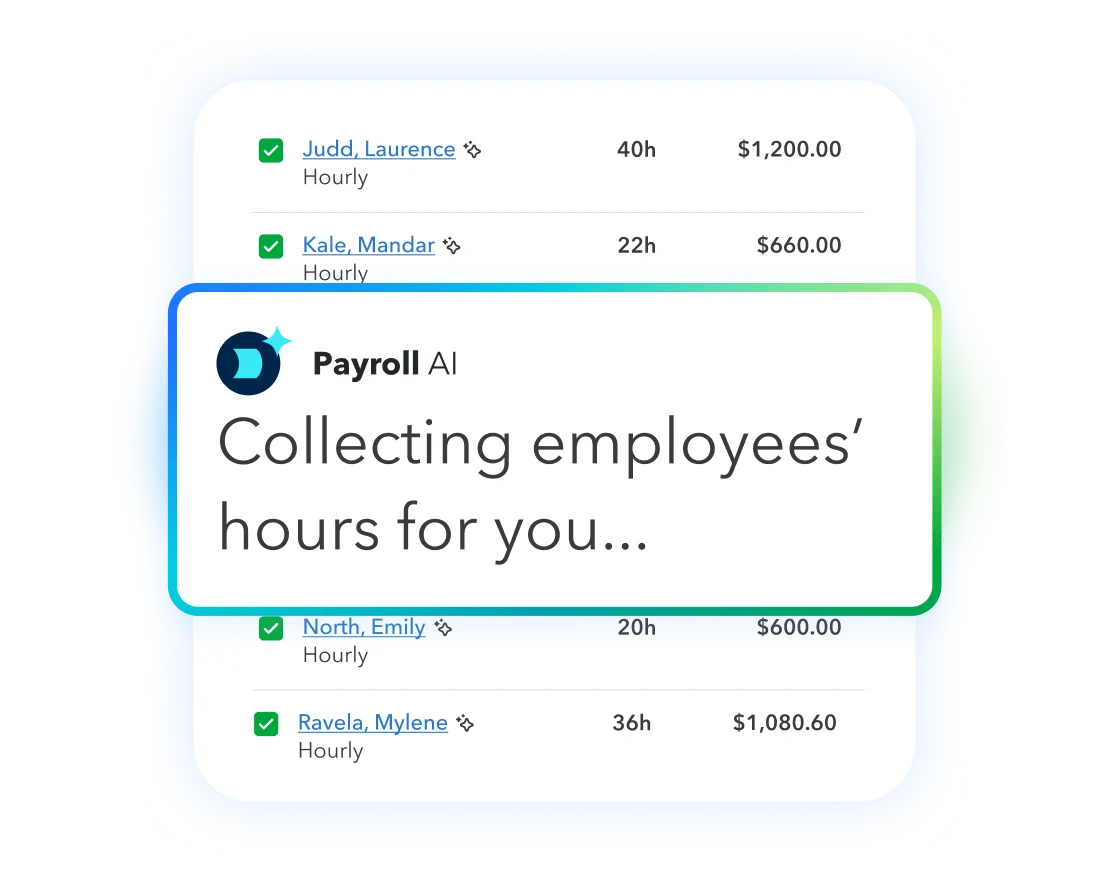
If you run QuickBooks Online, the payroll add-on is a no-brainer. Your books and payroll talk to each other natively — no exports, no manual journal entries, no reconciliation headaches. Every payroll run posts directly to your accounting ledger in real time.
The 2026 update added an AI payroll agent that catches common errors (wrong hours, missed employees) before you approve and run. It’s a feature that actually earns its place rather than just checking a “we have AI” box.
What I liked:
- Native QuickBooks integration — books stay balanced without extra steps
- Same-day direct deposit on Premium and Elite plans
- Tax penalty protection up to $25,000 on the Elite plan
- Clean mobile app for running payroll on the go
What I didn’t like:
- Without the QuickBooks accounting integration, it’s overpriced for what you get
- Adding Elite features gets expensive quickly
Bottom line: If you’re on QuickBooks Online, add this — it’s the easiest win on this list. If you’re not a QuickBooks user, look at Gusto or OnPay instead.
3. OnPay — Best Flat-Rate Pick (No Surprise Upsells)
Pricing: $49/mo + $6/employee — one plan with everything included
Best for: Small businesses who hate tiered pricing and surprise fees
OnPay does something unusual for a SaaS payroll company: one plan, every feature, zero upsells. You get multi-state payroll, unlimited payroll runs, automated tax filing, PTO management, and employee self-service on day one. There is no Premium tier to unlock later.
The pricing is genuinely transparent. You know your bill every month without decoding a pricing page footnote. For $49 plus $6 per employee, you get everything the platform offers.
What I liked:
- Flat pricing — $49 + $6/employee, full stop, no tiered plans
- Every feature on every plan — no artificial feature gating
- Multi-state payroll included (not an add-on)
- Strong built-in tools for accountants and bookkeepers
What I didn’t like:
- No native time tracking or shift scheduling
- Interface is functional but less polished than Gusto
- Less name recognition — some accountants aren’t familiar with it yet
Bottom line: If tiered payroll pricing has ever burned you with a mid-year upsell, OnPay is a breath of fresh air. Excellent value, and the feature set punches well above its price.
4. Rippling — Best for Fast-Growing Teams Who Need Everything Connected
Pricing: Custom quote (starts around $8/user/mo base with modules adding cost)
Best for: Businesses scaling from 20 to 200+ employees who want HR, payroll, and IT in one platform
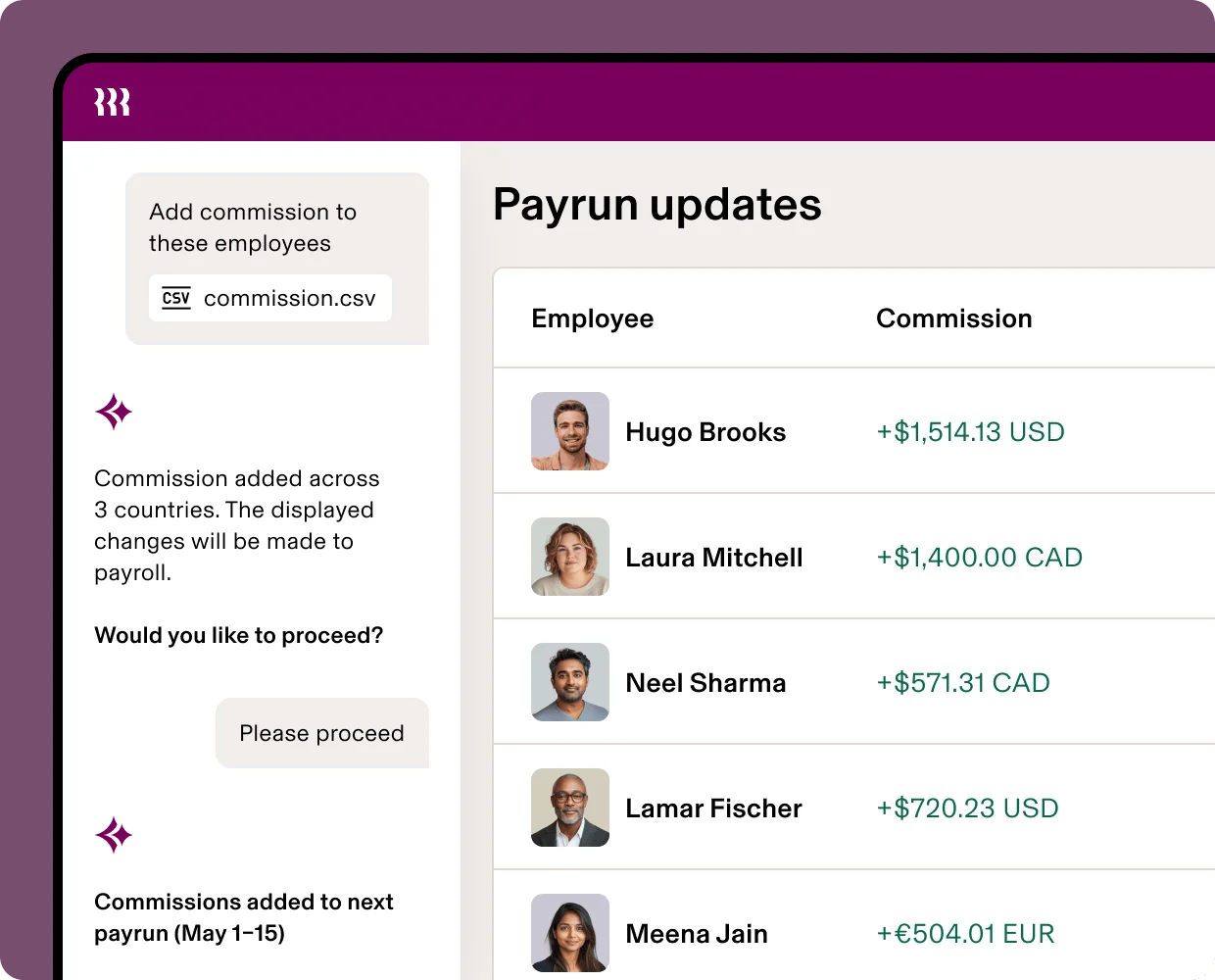
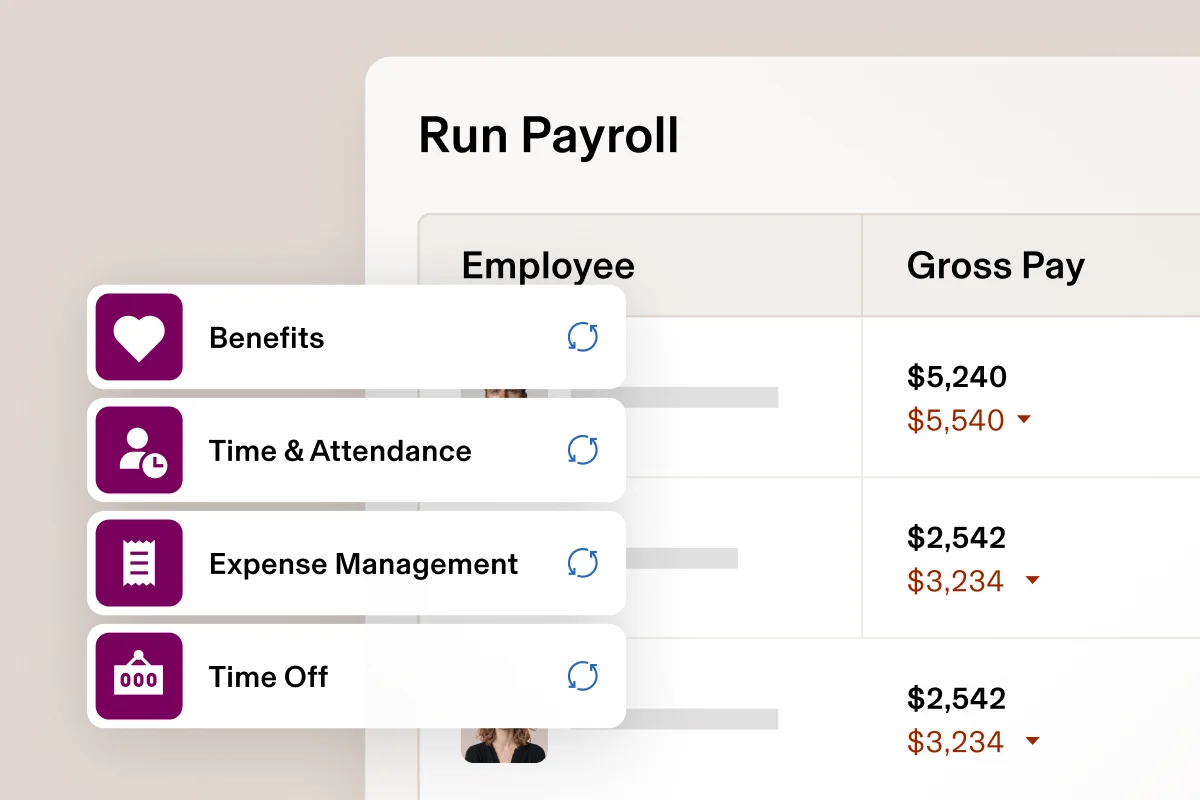
Rippling is the big bet in this list. It’s not just payroll — it’s payroll plus HR plus IT device management plus benefits plus expenses, in a modular platform. When someone joins your company, you can run payroll, provision their laptop, add them to Slack and Gmail, and enroll them in benefits from a single workflow.
That’s overkill for a five-person startup. But if you’re at 30 people and adding 15 more this quarter, Rippling is the platform you grow into rather than the one you migrate off in two years.
What I liked:
- HR, payroll, IT, expenses, and time tracking all in one platform
- Multi-country payroll — great for remote-first teams with international contractors
- New employee onboarding is impressive — one workflow provisions everything
- Scales without forcing you to change platforms as you grow
What I didn’t like:
- Custom pricing means you don’t know your cost until after a sales call
- Costs climb quickly as you add modules
- Way too much platform for businesses that just need basic payroll
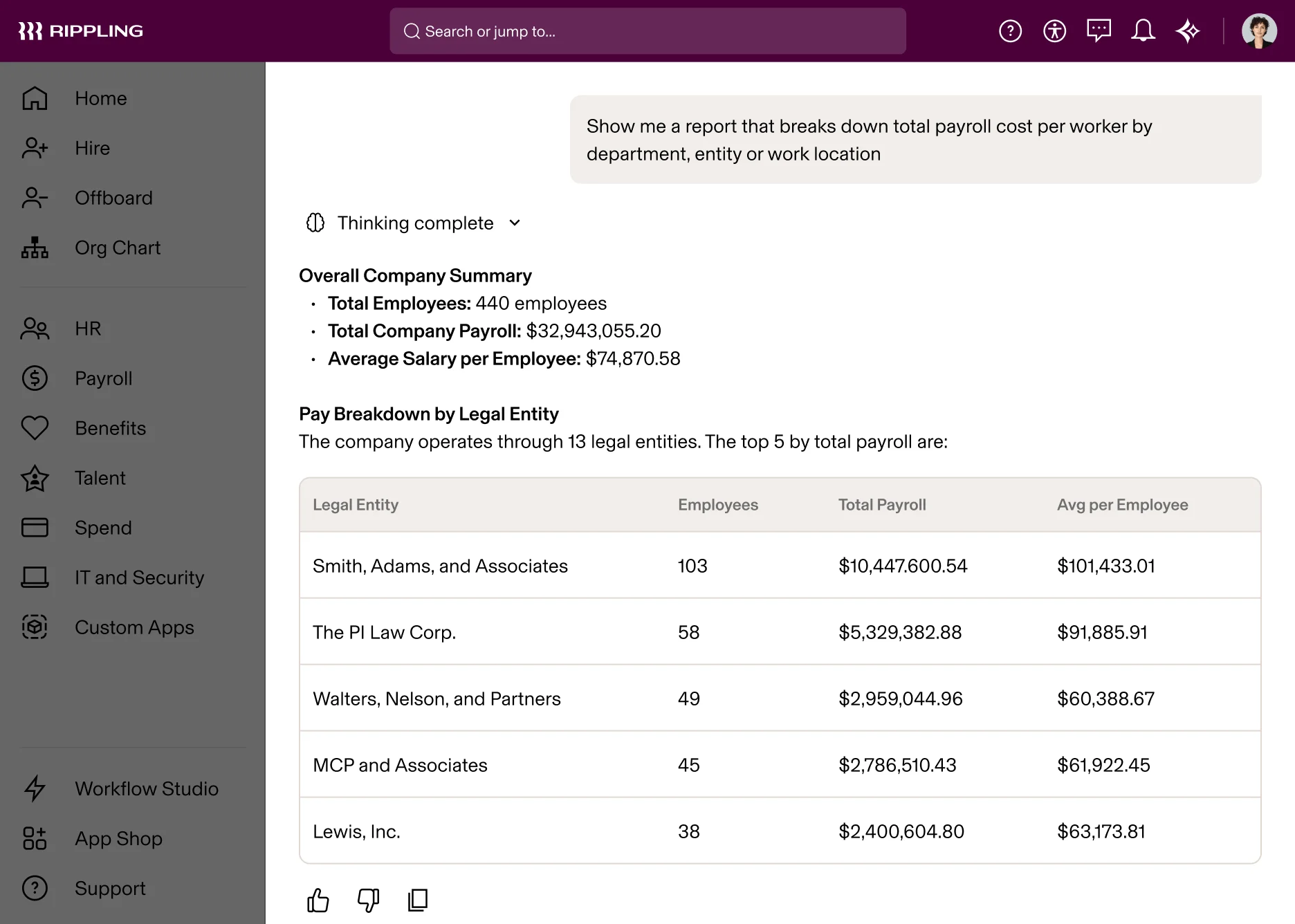
Bottom line: Skip Rippling if you have fewer than 20 employees. But if you’re scaling fast, it can replace three or four tool subscriptions and eliminate the data-sync headaches that come with running separate systems.
5. Patriot Payroll — Best Budget Payroll Software in 2026
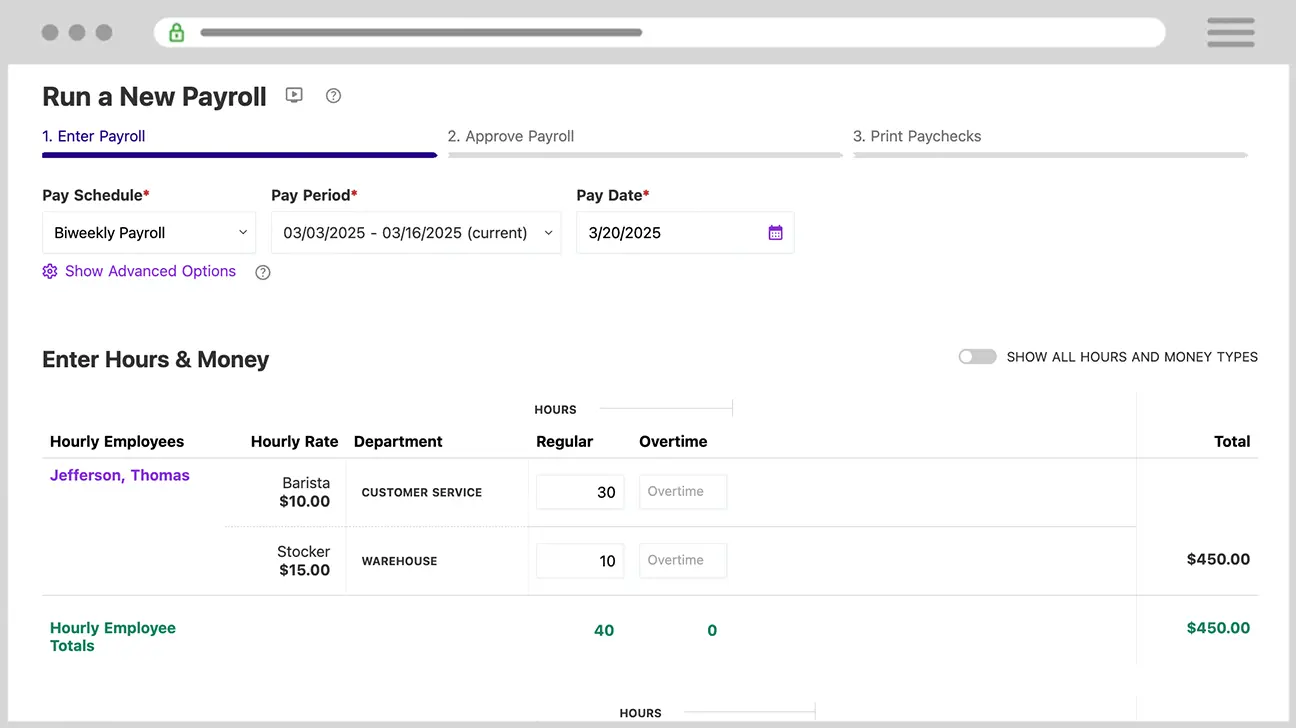
Pricing: Basic $17/mo + $4/employee; Full-service $37/mo + $4/employee
Best for: Micro-businesses with 1–10 employees who want affordable, no-frills payroll
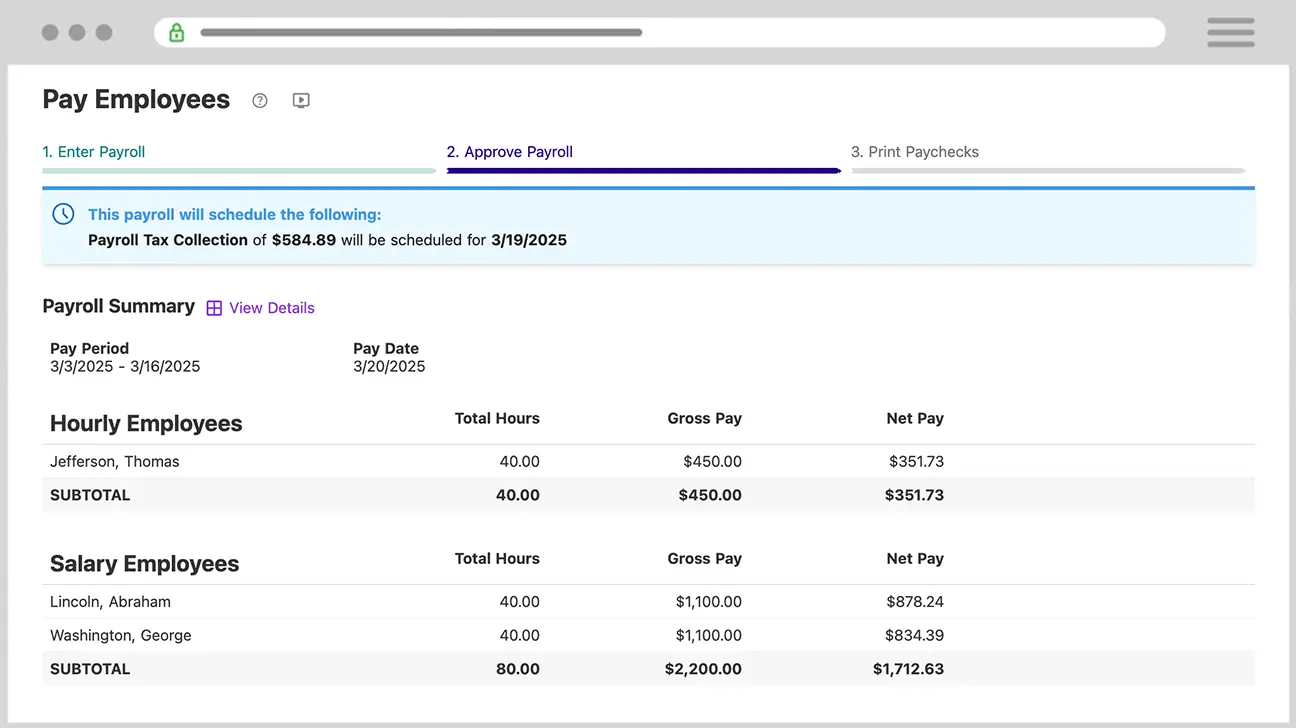
At $17/month for the Basic plan, Patriot is the cheapest legitimate payroll software I’ve found. The Full-service plan — which files all your federal and state taxes for you — starts at $37/month. That’s less than half what most competitors charge for the same feature.
It’s not glamorous. There’s no built-in benefits administration, no scheduling module, no HR features. What you get is payroll that runs reliably, direct deposit, unlimited payroll runs, and US-based customer support via phone, email, and chat.
What I liked:
- Cheapest full-service payroll option on this list by a wide margin
- Free setup and unlimited payroll runs on all plans
- US-based phone, email, and chat support (a real differentiator at this price)
- Employee self-service portal included
- 30-day free trial, no credit card required
What I didn’t like:
- No benefits administration or HR features
- Time tracking requires a separate add-on
- Interface looks dated compared to Gusto or OnPay
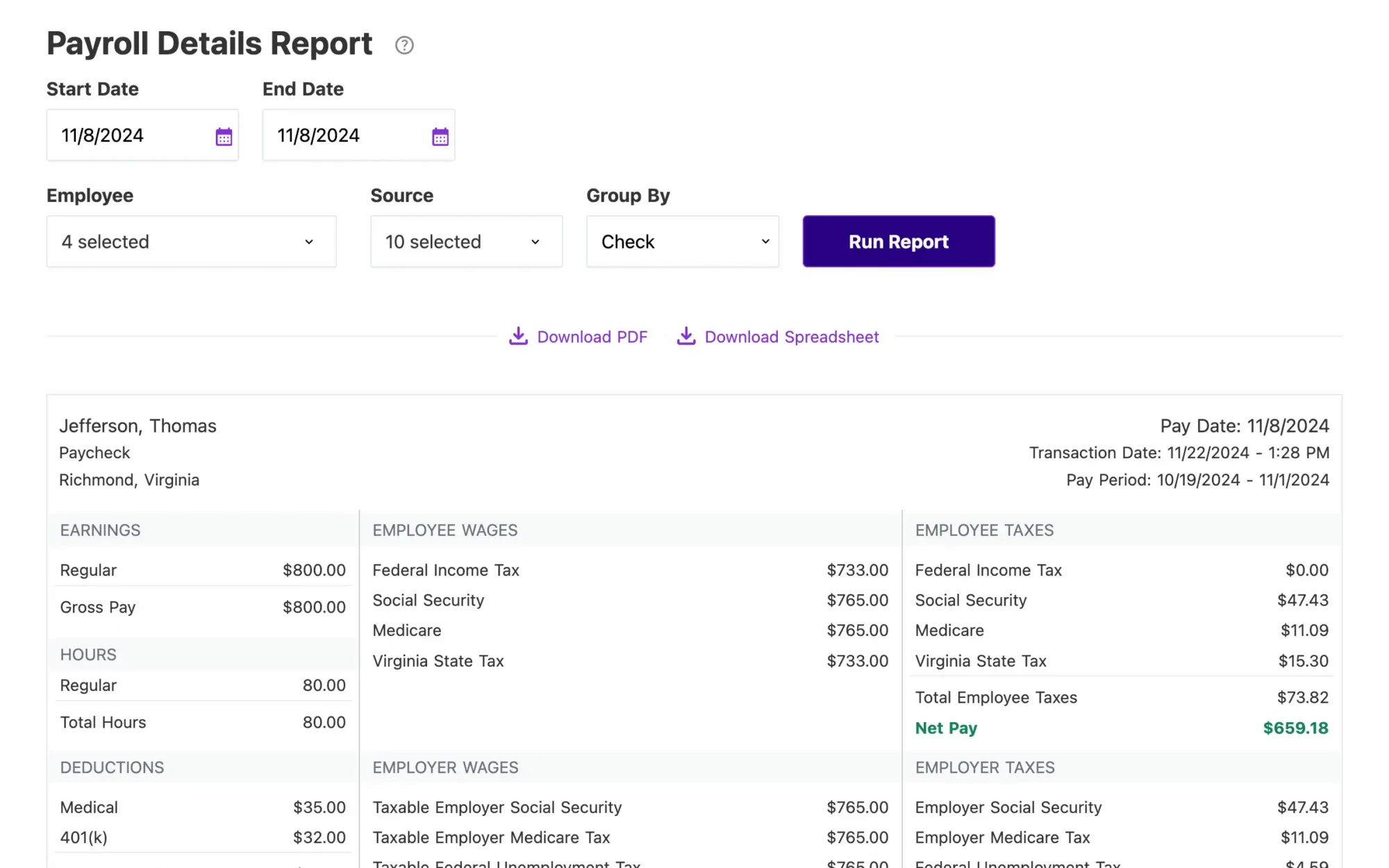
Bottom line: If you’re a small business paying $50/month elsewhere for payroll and you don’t need benefits admin or HR features, switch to Patriot. You’ll get the same core function for a fraction of the cost.
6. ADP RUN — Best for Businesses Planning to Scale Past 50 Employees
Pricing: Custom quote (not published)
Best for: Growing businesses that need enterprise-grade payroll compliance and dedicated specialist support
ADP is the largest payroll company in the country, and RUN is their SMB product. It handles payroll across all 50 states, includes industry-specific compliance tools for construction, healthcare, and restaurants, and pairs every account with a dedicated payroll specialist you can reach by phone.
The catch: ADP doesn’t publish pricing. The quotes often include add-on fees that catch people off guard. Under 20 employees, you’re likely overpaying for infrastructure you don’t need yet. But if you’re heading toward 100 people or operating in a compliance-heavy industry, ADP’s depth is worth investigating.
What I liked:
- Handles multi-state payroll and complex compliance scenarios reliably
- Scales to 1,000+ employees without switching platforms
- Dedicated payroll specialist reachable by phone
- Best reporting suite in this list — detailed, customizable, reliable
What I didn’t like:
- Unpublished pricing — requires a sales conversation before you know your number
- \”Hidden fees\” is the most common complaint in user reviews
- More platform than a very small business typically needs
Bottom line: Strong fit for businesses planning significant growth, especially in regulated industries. Get a full written quote and scrutinize the add-ons before committing.
7. Paychex Flex — Best When You Want a Dedicated Payroll Specialist
Pricing: Custom quote
Best for: Business owners who prefer human expert support over self-serve software
Paychex assigns you a dedicated payroll specialist from day one — not a ticketing system, not a chatbot, a specific human who knows your account and answers the phone. For owners nervous about payroll compliance, or who’ve already had a penalty from a payroll mistake, that level of support is worth real money.
Like ADP, Paychex doesn’t publish pricing, and “too expensive” is the most common complaint in reviews. But if you’ve ever had to fight with automated support after a payroll error, the dedicated specialist model suddenly looks appealing.
What I liked:
- Dedicated specialist assigned from day one
- 24/7 support access across multiple channels
- Strong retirement plan and workers’ compensation administration
- Good compliance tools for complex payroll situations
What I didn’t like:
- No published pricing — the quote process adds friction at the start
- Interface is less intuitive than Gusto or OnPay
- Onboarding takes longer compared to self-serve tools
Bottom line: Right choice if you want an expert in your corner and are willing to pay a premium for it. Less ideal if you’re comfortable with software and want to know your monthly cost upfront.
8. Square Payroll — Best for Businesses Already Running Square POS
Pricing: $35/mo + $6/employee; contractor-only plan available with no monthly base fee
Best for: Retail and restaurant businesses already on Square Point of Sale
Square Payroll’s value is entirely about the Square POS integration. Staff punch in and out through the Square register, those hours flow automatically into payroll, and tips from Square POS are automatically included in paychecks and reported. Labor costs appear side-by-side with your sales data in the Square Dashboard — exactly what a restaurant or retail owner wants to see.
Outside the Square ecosystem, the case falls apart. At $35/mo + $6/employee, it’s competitive on price, but Gusto or OnPay offer more features at a similar or slightly higher cost for businesses not already on Square POS.
What I liked:
- Seamless Square POS integration — timecards and tips flow directly into payroll
- Next-day direct deposit included
- Contractor-only plan with no base monthly fee
- Good price point for the Square ecosystem
What I didn’t like:
- Much weaker value proposition without Square POS
- Limited HR features compared to Gusto at a similar price
Bottom line: If you’re on Square POS, this is an easy yes — the integration alone justifies it. If you’re not, start with Gusto or OnPay.
How to Choose the Right Payroll Software for Your Small Business
Five questions to narrow it down:
Are you already on QuickBooks Online?
Yes → QuickBooks Payroll. The native accounting integration is the biggest convenience win on this list.
How many employees do you have — and expect to have in two years?
1–10 employees: Patriot saves you real money. 10–50 employees: Gusto or OnPay. 50+ (or heading there fast): evaluate Rippling or ADP RUN now so you don’t have to migrate later.
Do you have hourly or shift-based workers?
If most of your team punches a clock, look for built-in time tracking. Square Payroll (if you’re on Square POS), Rippling, or Homebase handle this better than Gusto or OnPay out of the box.
Do you need benefits administration?
Health insurance, 401(k), and PTO tracking are built into Gusto and Rippling. Patriot and OnPay don’t offer this natively — you’ll manage benefits elsewhere and integrate, or upgrade.
If payroll is your focus but you also need dedicated tools for HR, employee records, and time-off management, our guide to the best HR software for small teams covers eight options with honest pricing and trade-offs.
Do you want published pricing?
ADP and Paychex require a sales call before you know what you’re paying. Gusto, OnPay, Patriot, and Square publish rates upfront. If transparency matters to your budgeting process, stay with the self-serve tools.
Frequently Asked Questions
What is the best free payroll software for small business in 2026?
There’s no genuinely good free payroll software in 2026 — tools offering a free tier either limit functionality significantly or monetize in non-transparent ways. Patriot Payroll at $17/month is the closest legitimate alternative, with full tax compliance at a price that won’t stress a small budget.
Does payroll software file taxes automatically?
All eight tools in this list handle federal and state tax filing automatically on their full-service tiers. The exception is Patriot’s Basic plan ($17/mo), which handles payroll processing but requires you to file taxes yourself. Upgrade to Full-service ($37/mo) to get automated filings.
Can I run payroll without software?
Technically yes — spreadsheets, manual direct deposits, and DIY tax filings are possible. In practice it’s not worth it. IRS penalties for a late payroll tax deposit start at 2% and compound quickly. Good payroll software costs less than one hour with a CPA to fix a payroll error.
What is the difference between payroll software and a payroll service?
Payroll software (Gusto, OnPay, Patriot) is a self-serve tool — you log in, review, and run payroll yourself. A payroll service (ADP, Paychex) pairs software with a dedicated human specialist who manages part of the process for you. Services cost more and suit businesses that want expert oversight or have complex compliance requirements.
Is Gusto better than QuickBooks Payroll?
For most small businesses, yes. Gusto has stronger HR features, a cleaner interface, and doesn’t require you to also subscribe to QuickBooks accounting to justify the cost. QuickBooks Payroll wins only if you’re already a QuickBooks Online user — the native integration value is real and meaningful.