Client Portal
5 Best Client Portal Software for Agencies (2024)
Last updated: October 2024 The short version: Copilot wins on polish and client experience. SuperOkay wins on value for design agencies. SuiteDash wins on flat pricing at volume. Clinked wins for regulated industries. Plutio wins for solo freelancers and micro-agencies starting out. I've seen agencies try to run client communication through a shared Notion page. […]
Last updated: October 2024
The short version: Copilot wins on polish and client experience. SuperOkay wins on value for design agencies. SuiteDash wins on flat pricing at volume. Clinked wins for regulated industries. Plutio wins for solo freelancers and micro-agencies starting out.
I’ve seen agencies try to run client communication through a shared Notion page. (It never works. Clients can’t figure it out and you end up emailing anyway.) I’ve also seen agencies spend $500/month on tools with features they never touch.
Here’s the no-nonsense breakdown of the 5 best client portal platforms for agencies in 2024.
Quick Picks
| Tool | Best For | Starting Price |
|---|---|---|
| Copilot | Premium agency client experience | $39/user/month |
| SuperOkay | Design and creative agencies | $19/month flat |
| SuiteDash | Agencies with 20+ clients (flat pricing) | $19/month flat |
| Clinked | Regulated industries (finance, legal) | $77/month |
| Plutio | Freelancers and micro-agencies | $19/month |
How We Selected These Tools
We evaluated 12+ client portal platforms and narrowed to 5 based on: portal customization depth, file management, billing and invoicing integration, client-facing UX, and value for agencies specifically. Tools had to be actively maintained with verifiable current pricing and real user reviews on G2 or Capterra.
1. Copilot — Best for Premium Agency Experience
Copilot (formerly Portal.co) wins the design contest. Full stop. If the way your client portal looks matters for your agency’s brand — and for most premium agencies, it does — Copilot sets the standard.
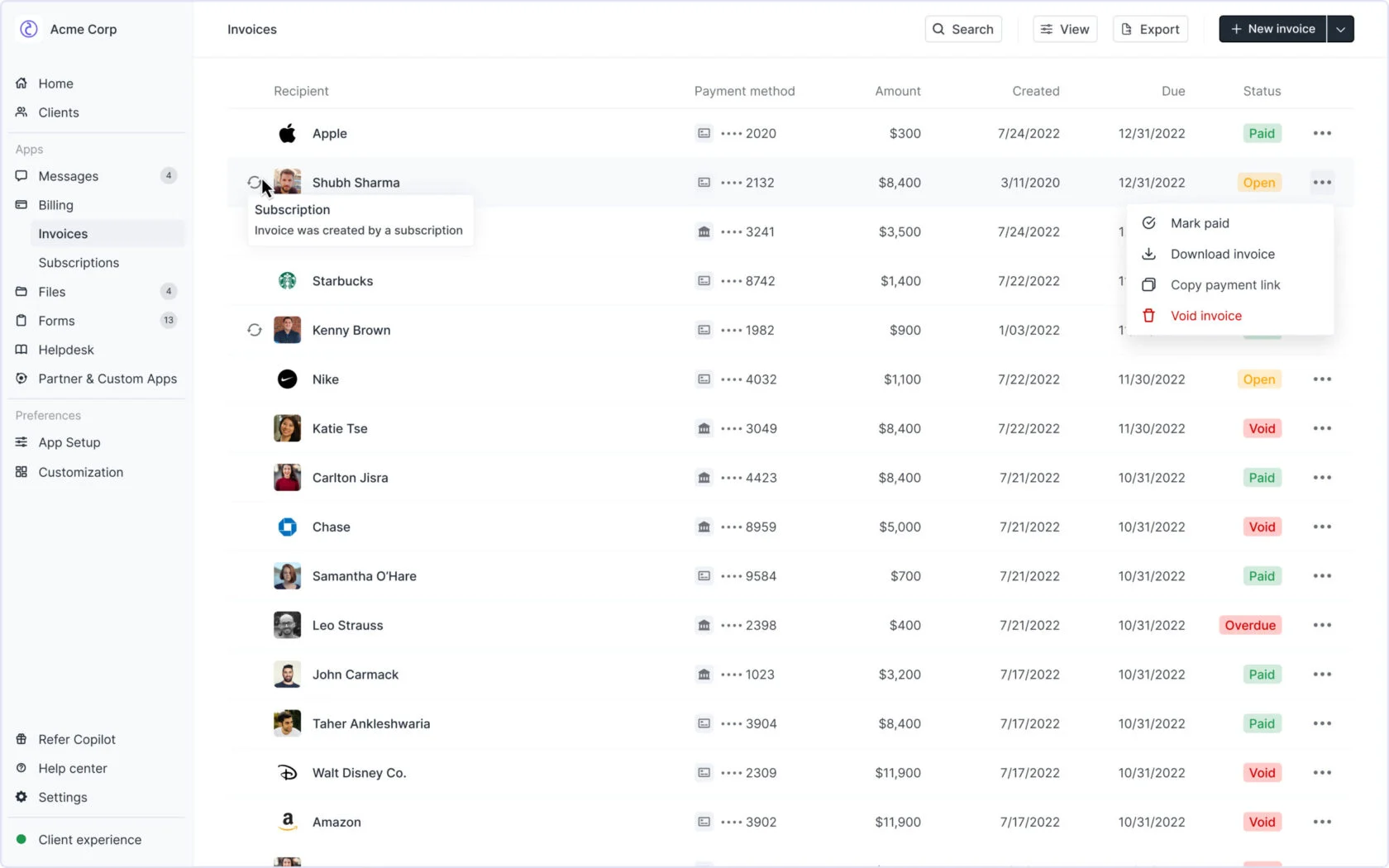
The platform is built around one idea: your clients should feel like they’re inside your product, not inside some third-party tool. Custom domain, white-labeling, native mobile apps for iOS and Android, your colors and logo throughout. The result is a portal that looks like something you built yourself.
Key features:
- Client workspaces: Each client gets a portal with messaging, file sharing, contracts, billing, and forms all in one place
- File approvals with audit trail: Clients approve or reject deliverables with a tracked history — critical for agencies doing creative or legal work
- Billing and contracts: Send invoices, collect payments, manage contracts without leaving the portal
- Native mobile apps: iOS and Android for your clients. Most tools in this category skip this entirely
- Custom branding: Domain, colors, logo — clients see your brand, not Copilot’s
No embeddable video found for Copilot — searched official YouTube channel, help centre, and product demo pages.
What Copilot doesn’t do well: per-user pricing that scales linearly. At $39/user/month Starter and $89/user/month Professional, a 10-person agency is paying $390–$890/month. That math works if clients are paying premium rates. It stings on a tight margin.
Pricing (as of October 2024):
- Starter: $39/user/month
- Professional: $89/user/month
Check current Copilot pricing →
Verdict: Design studios, brand agencies, and premium consultancies will find Copilot worth every dollar. If the client experience is part of your agency’s product, this is your tool.
2. SuperOkay — Best for Design and Creative Agencies
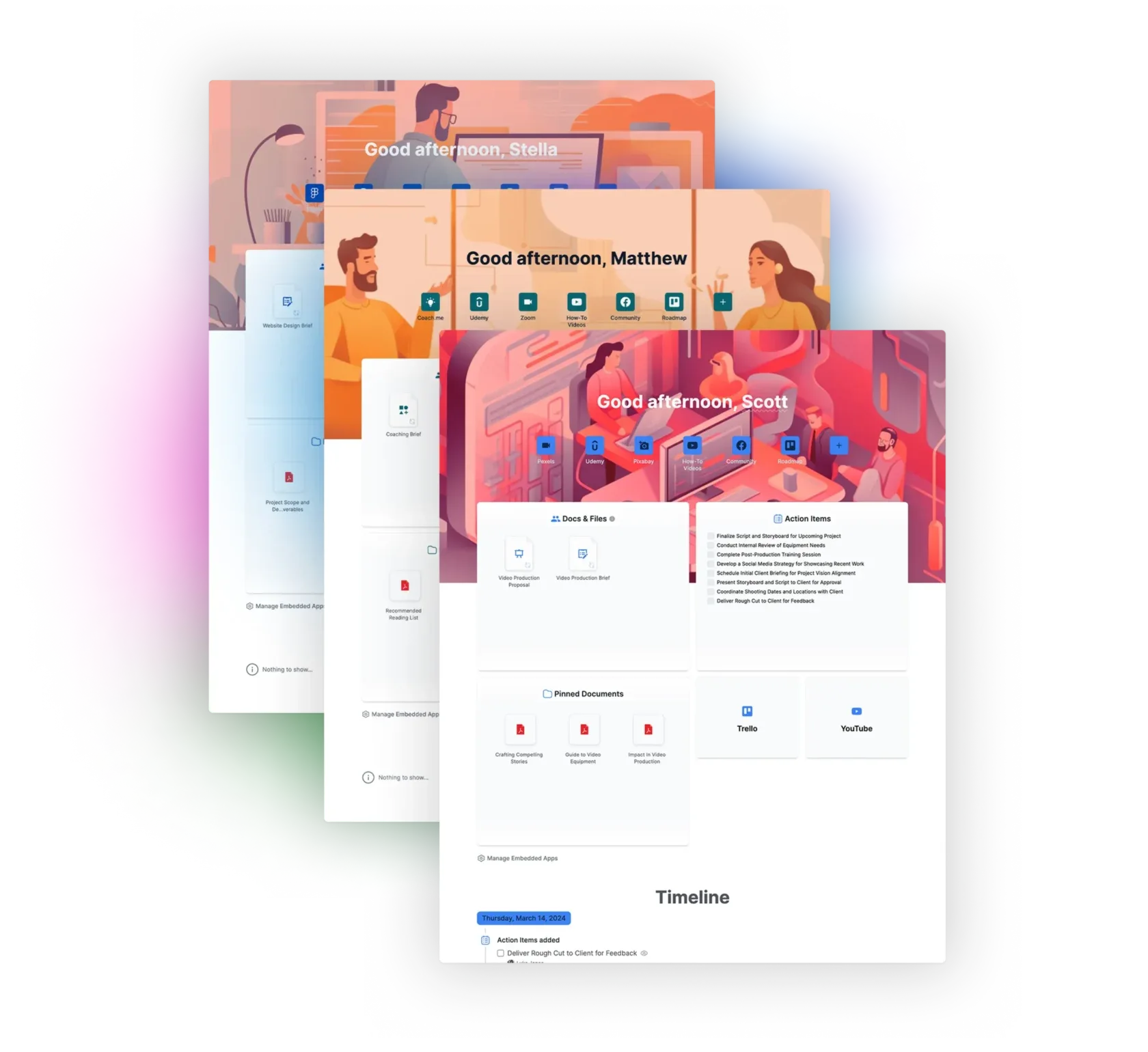
$19/month for a client portal that actually looks good. That’s SuperOkay’s pitch, and it delivers.
The magic-link login is the standout feature. Clients don’t need a password — they click a link in their email and they’re in their workspace. Sounds like a small thing. In practice, it eliminates 90% of “I forgot my password” support conversations.
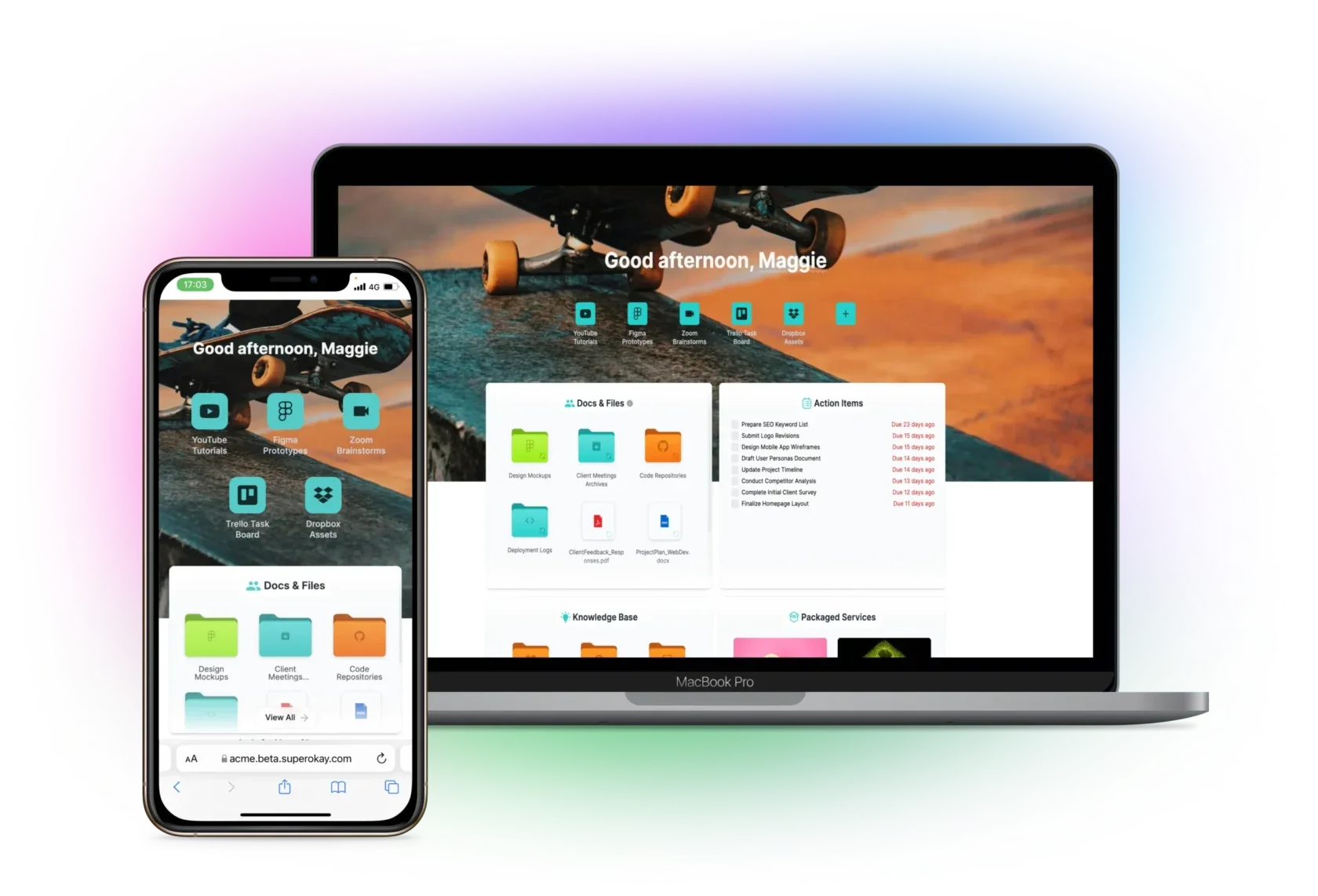
Smart Documents are the other differentiator. Embed a Figma file, a Loom video, a Google Doc, a Miro board — all inside the client portal. Your client sees everything in context, without hunting through email chains for the right link.
Key features:
- Magic-link login: No passwords for clients — one-click access from any email
- Smart Documents: Embed Figma, Notion, Loom, Google Docs, Miro inline
- Custom branding: Logo, colors, and custom domain
- Project workspaces: Files, tasks, and communication per client
- Flat pricing: The $19/month covers unlimited clients and team members
Watch SuperOkay’s client portal in action:
What SuperOkay doesn’t do: no invoicing, no time tracking. If billing is central to your client workflow, you’ll still need a separate tool. The flat pricing is a win for team size but means less granular permission control than per-seat tools.
Pricing (as of October 2024):
- $19/month (flat rate for all users and clients)
Check current SuperOkay pricing →
Verdict: Design agencies, creative studios, and UX teams will love this tool. If your clients are creatives themselves, they’ll enjoy using it. The combination of magic-link login, embedded Figma files, and a genuinely beautiful UI at $19/month is hard to beat.
3. SuiteDash — Best for Large Client Rosters
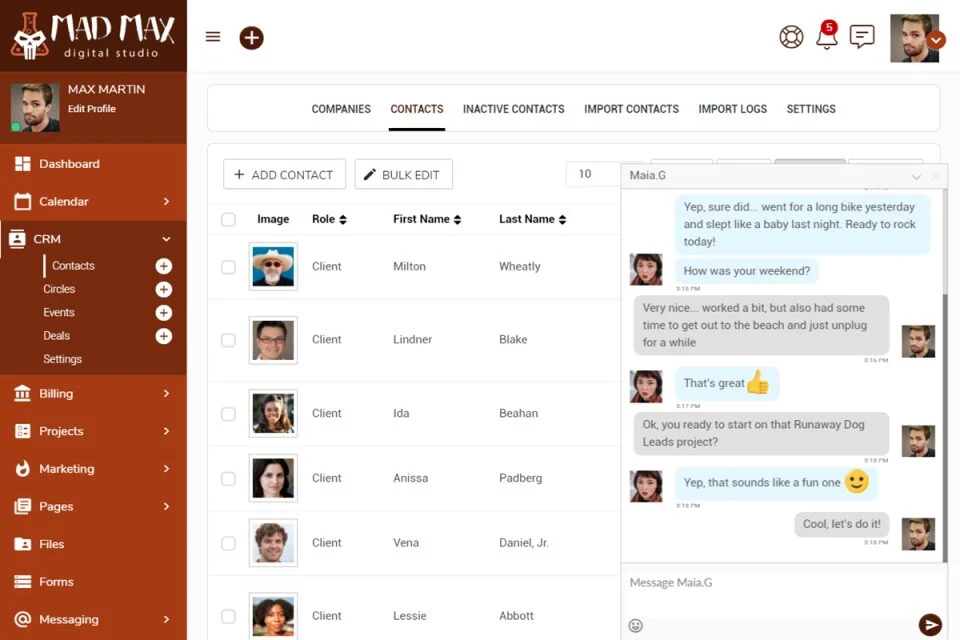
SuiteDash’s pitch is simple: flat pricing, unlimited client users. If you manage 30, 50, or 100 clients and per-user fees are eating your margins, that’s a compelling value proposition.
The $19/month Start plan gives you a client portal, CRM, project management, invoicing, email campaigns, and automation rules. Most agencies won’t use all of that. But it’s all included in the same subscription — no per-seat fees for clients.
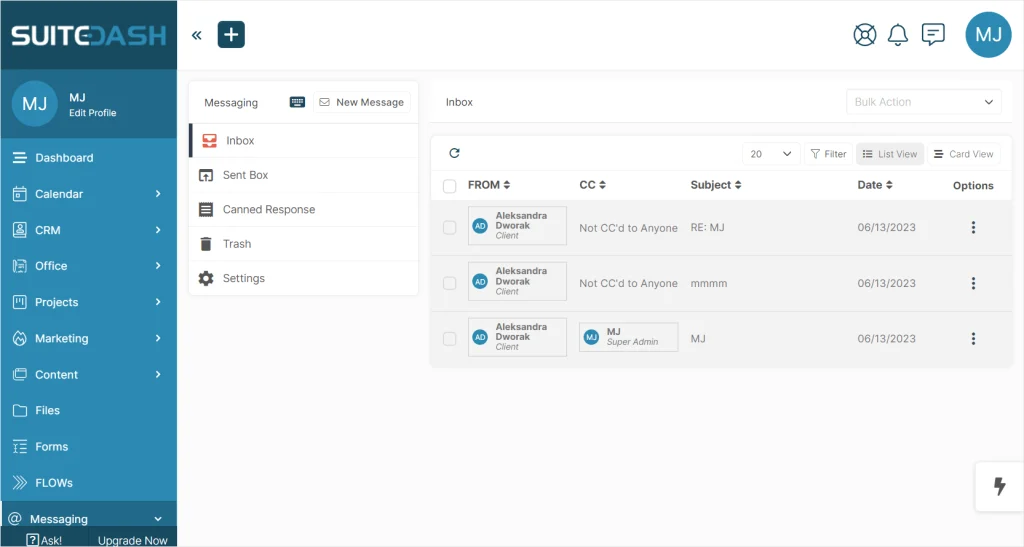
The trade-off is complexity. SuiteDash does a lot, and the interface shows that. It’s configurable but not immediately obvious. Budget time for setup. The visual polish trails Copilot and SuperOkay. If you want something running in an afternoon, this isn’t the right tool.
Key features:
- Flat pricing for unlimited client users: No per-user fees regardless of how many clients you have
- CRM + projects + billing in one: A full back-office platform for the price of a single subscription
- White-label: Full branding including a white-label mobile app on the Pinnacle plan ($99/month)
- Automation rules: Trigger actions on project stage changes, form submissions, or billing events
- Intake forms: Onboard new clients with customizable intake workflows
No embeddable video found for SuiteDash — searched official YouTube channel and help centre.
Pricing (as of October 2024):
- Start: $19/month
- Thrive: $49/month
- Pinnacle: $99/month (white-label mobile app included)
Check current SuiteDash pricing →
Verdict: If you have a large client list and per-user pricing is killing your margins, SuiteDash is the answer. Plan for setup time — possibly a day or two, not an hour. The payoff is a complete business platform for the price of a lunch subscription.
4. Clinked — Best for Regulated Industries
If your clients are in finance, legal, healthcare, or any regulated field — and they’re asking about compliance certifications before they’ll share documents — Clinked is the answer in this list.
The certifications: ISO 27001, SOC 2 Type II, and GDPR. These are audited, not self-reported. They give compliance-conscious clients a real reason to trust where their data lives. No other tool in this roundup matches Clinked’s security certification stack.
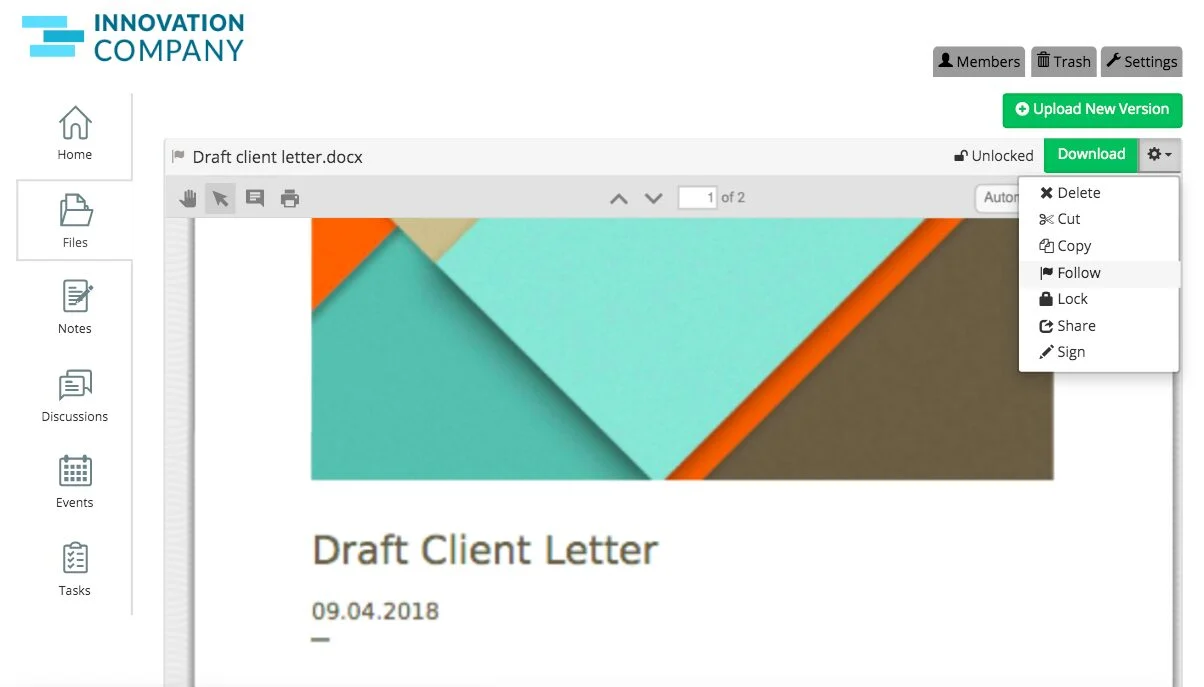
Beyond compliance, Clinked is a solid general-purpose portal. File sharing with version control, task management, real-time messaging, approval workflows, native mobile apps, and SAML SSO for enterprise clients who need single sign-on with their existing identity provider.
Watch Clinked’s top five client portal use cases:
Pricing (as of October 2024):
- Lite: $77/month (10 users)
- Standard and Enterprise: Contact Clinked directly for pricing
Check current Clinked pricing →
Verdict: Overkill for a design agency. Essential for an accounting firm, legal practice, or financial advisory that needs to prove compliance to enterprise clients. Clinked pays for itself the moment a client asks “is your portal SOC 2 certified?”
5. Plutio — Best for Freelancers and Micro-Agencies
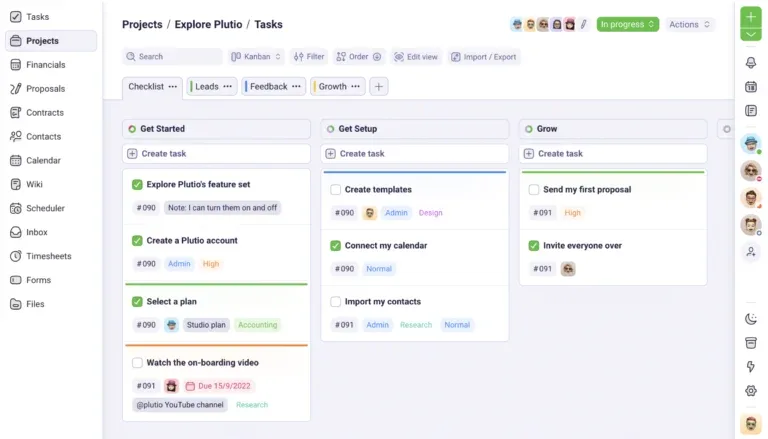
$19/month for proposals, contracts, projects, time tracking, invoicing, and a client portal. Plutio is what a solo consultant or 2-person agency buys before they scale out of it.
The feature set punches above its price. You can send a proposal, get it e-signed, kick off a project, track your hours, and invoice — all without leaving the platform. That saves a lot of tool-switching when you’re running lean.
The ceiling is real. Plutio starts to strain past around 20 active clients. Performance issues appear in user reviews at that scale. If you’re there, step up to Copilot or SuiteDash — both handle volume more reliably.
No embeddable video found for Plutio — searched official YouTube channel and help centre.
Pricing (as of October 2024):
- Solo: $19/month
- Business: $39/month (custom domain included)
Check current Plutio pricing →
Verdict: The ideal starting point. If you’re a freelancer or a new agency managing under 20 clients, Plutio covers everything you need at the lowest price in this list. Upgrade when the tool starts limiting you — not before.
Full Feature Comparison
| Tool | Price | Client users | White-label | Mobile app | Compliance certs | Invoicing |
|---|---|---|---|---|---|---|
| Copilot | $39–$89/user/month | Unlimited | ✓ | ✓ | SOC 2 | ✓ |
| SuperOkay | $19/month flat | Unlimited | ✓ | ✗ | — | ✗ |
| SuiteDash | $19–$99/month flat | Unlimited | ✓ (Pinnacle) | ✓ (Pinnacle) | — | ✓ |
| Clinked | $77+/month | Per user | ✓ | ✓ | ISO 27001, SOC 2, GDPR | ✗ |
| Plutio | $19–$39/month | Unlimited | Paid plan | ✗ | — | ✓ |
How to Choose
Choose Copilot if: the client-facing experience is part of your agency’s brand and you can justify per-seat pricing. Premium agencies charging premium rates will find it worth every dollar.
Choose SuperOkay if: you do design or creative work, need Figma embeds and magic-link login, and want best-in-class UX for $19/month flat.
Choose SuiteDash if: you manage 20+ clients and flat pricing across a full business suite (CRM, projects, billing, portal) makes financial sense.
Choose Clinked if: you serve regulated industries or any client who asks about security certifications before sending files through a portal.
Choose Plutio if: you’re starting out, managing under 20 clients, and want all-in-one functionality at the lowest price in this list.
Verdict
The best client portal for your agency depends entirely on what you’re optimizing for.
For most agencies under 10 people: start with SuperOkay ($19/month) or Plutio ($19/month). Both have everything you need without a learning curve or a painful pricing model.
For agencies where the client experience is your product: Copilot. The polish is real. Your clients will notice it immediately.
For agencies scaling to 50+ clients: SuiteDash. The flat pricing starts to look very smart at that volume.
Most agencies don’t need a $500/month portal. They need a clean, fast, $19/month tool their clients will actually log into.
Start simple. Upgrade when the tool limits you — not before.
Frequently Asked Questions
What is a client portal for agencies?
A client portal is a secure online workspace where agencies share files, send invoices, manage projects, and communicate with clients — all in one branded environment, instead of scattered across email, Google Drive, and Slack DMs.
Do I need a separate billing tool if I use a client portal?
It depends. Copilot, SuiteDash, and Plutio include invoicing built in. SuperOkay and Clinked do not — you’d need a separate tool like Stripe or QuickBooks for billing.
What is the best client portal software for design agencies?
SuperOkay is the top pick for design and creative agencies. Magic-link login removes friction for clients, Smart Documents let you embed Figma files and Loom videos directly in the portal, and the $19/month flat price is hard to beat for the quality of experience it delivers.
Is Copilot worth it for small agencies?
Copilot is excellent, but expensive for very small teams. At $39/user/month, a 5-person agency pays $195/month. The quality is real, but SuperOkay or Plutio offer comparable core functionality at a fraction of the cost for smaller teams.
Can clients access these portals without creating an account?
SuperOkay uses magic-link login — clients click an email link and they’re immediately in their workspace, no account required. Every other tool in this list requires clients to create and manage a login. That friction matters more than most agencies realize before clients start complaining about it.