Customer Support Software
Best Live Chat Software for Small Business in 2026
Here's a stat that'll make you rethink your contact form: 41% of customers expect live chat on your website — and when they don't find it, most just leave. I've been testing live chat tools for the last three months. Some are bloated and expensive. Some are surprisingly good for free. And a few are […]
Here’s a stat that’ll make you rethink your contact form: 41% of customers expect live chat on your website — and when they don’t find it, most just leave.
I’ve been testing live chat tools for the last three months. Some are bloated and expensive. Some are surprisingly good for free. And a few are exactly what a small business actually needs.
This guide cuts through all of it. Six tools, honest pricing, real trade-offs.
Quick Picks: Best Live Chat Software for Small Business in 2026
- Best overall: Tidio — AI + live chat + chatbot in one
- Best dedicated live chat: LiveChat (Text.com) — purpose-built for real conversations
- Best free CRM chat: HubSpot Live Chat — free forever with full CRM
- Best free multi-channel inbox: Crisp — chat, email, social in one free inbox
- Best for Freshworks users: Freshchat — seamless inside the Freshworks ecosystem
- Best completely free live chat: tawk.to — $0 forever, no catches
Table of Contents
- How I tested these tools
- Tidio — Best overall
- LiveChat (Text.com) — Best dedicated live chat
- HubSpot Live Chat — Best free CRM chat
- Crisp — Best free multi-channel inbox
- Freshchat — Best for Freshworks users
- tawk.to — Best completely free live chat
- Comparison table
- How to pick the right one
- Verdict
- FAQ
How I Tested These Tools
I signed up for every tool on this list, installed the widget on a test site, and ran actual chat sessions. I looked at:
- Setup time — how long to go from signup to live chat on your website
- Agent experience — what it’s like answering chats day-to-day
- AI features — are they actually useful or just marketing noise?
- Free plan quality — what do you actually get without paying?
- Pricing clarity — no hidden per-seat surprises
I focused on what matters for small businesses — typically 1–10 agents, budget-conscious, no dedicated IT team.
1. Tidio — Best AI + Live Chat Combo for Small E-Commerce
Bottom line: Tidio is what happens when someone builds a live chat tool specifically for small e-commerce stores and then adds genuinely useful AI on top. If you’re running a Shopify or WooCommerce shop, this is the one I’d recommend first.
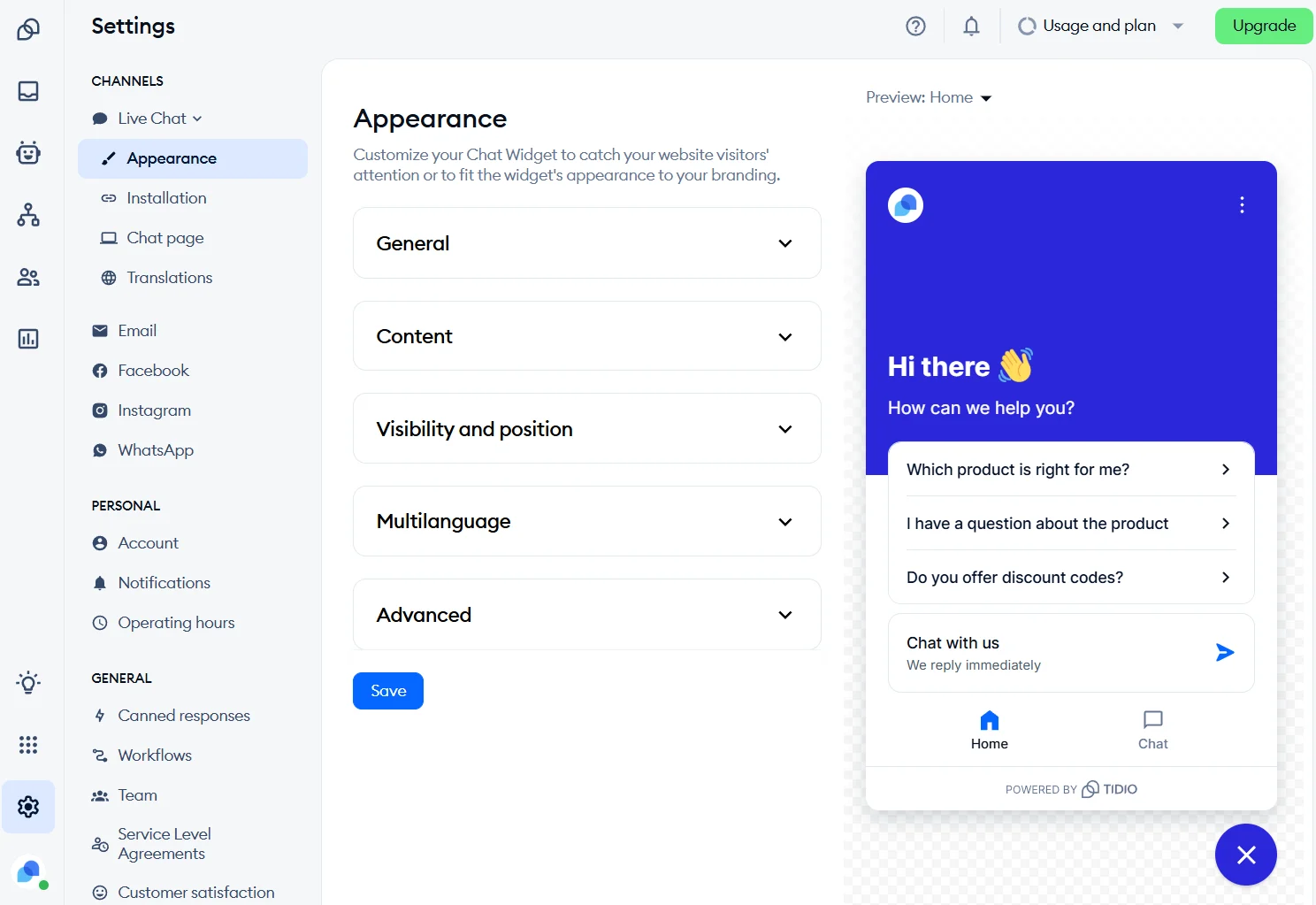
Setup takes about 10 minutes. Paste a script on your site, connect your email, pick a widget color. Done.
What makes Tidio stand out is Lyro AI — their built-in AI agent that learns from your FAQs and automatically handles common questions like “Where’s my order?” or “Do you ship to Canada?” In testing, Lyro handled about 70% of standard queries without human intervention. For a small team that can’t be online 24/7, that’s genuinely valuable.
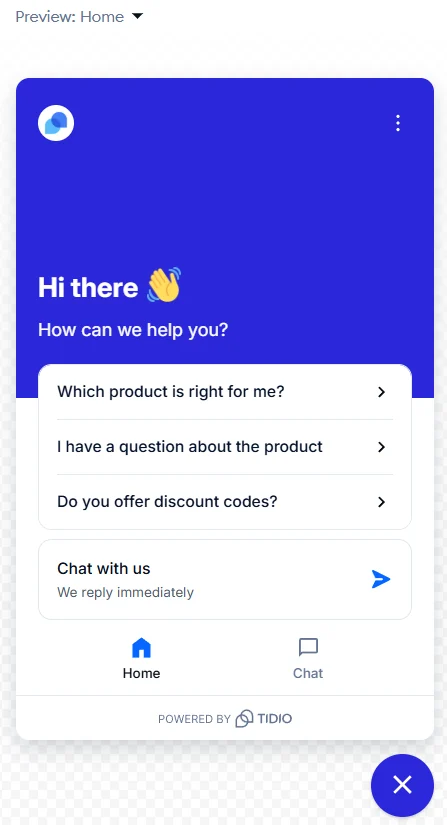
The visual chatbot builder is also solid. Set up automated flows without coding — trigger a discount offer when a visitor sits on your pricing page for 30 seconds, send an abandoned cart recovery message, greet returning visitors by name. Small e-commerce stores use these to recover real revenue.
Pricing
Tidio pricing (as of October 2026): Free plan available. Paid plans start at $29/month (Starter). Lyro AI conversations are included with a monthly free allocation; additional conversations are billed per conversation on higher volume plans.
Pros
- Lyro AI handles FAQs automatically — no extra setup required
- Native Shopify and WooCommerce integrations
- Visual chatbot builder with no coding required
- Clean, modern interface easy for non-technical users
- Mobile app for iOS and Android
Cons
- Free plan limited to 50 live chat conversations/month
- AI costs can add up at high chat volumes
- Advanced reporting only on higher plans
Best for: Shopify and WooCommerce stores that want AI automation without hiring a developer.
2. LiveChat (Text.com) — Best Dedicated Live Chat Infrastructure
Bottom line: LiveChat is what live chat software looks like when a company has been doing nothing else since 2002. It’s mature, reliable, and built for teams that want serious chat functionality over flashy features.
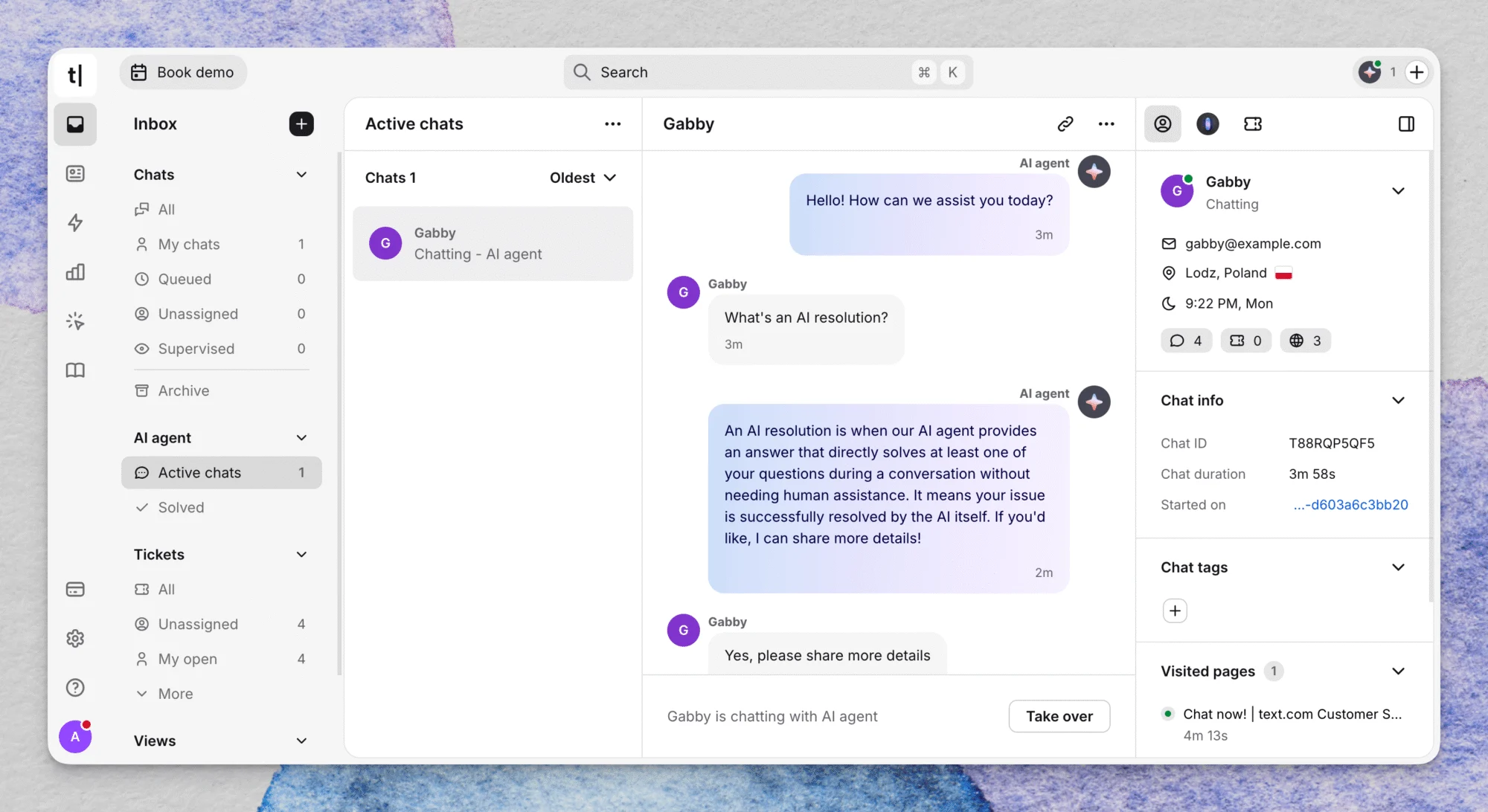
The agent interface is genuinely excellent. Chat queuing, visitor monitoring, canned responses, typing previews (you see what the customer is typing before they hit send) — these features are polished because they’ve been refined over two decades.
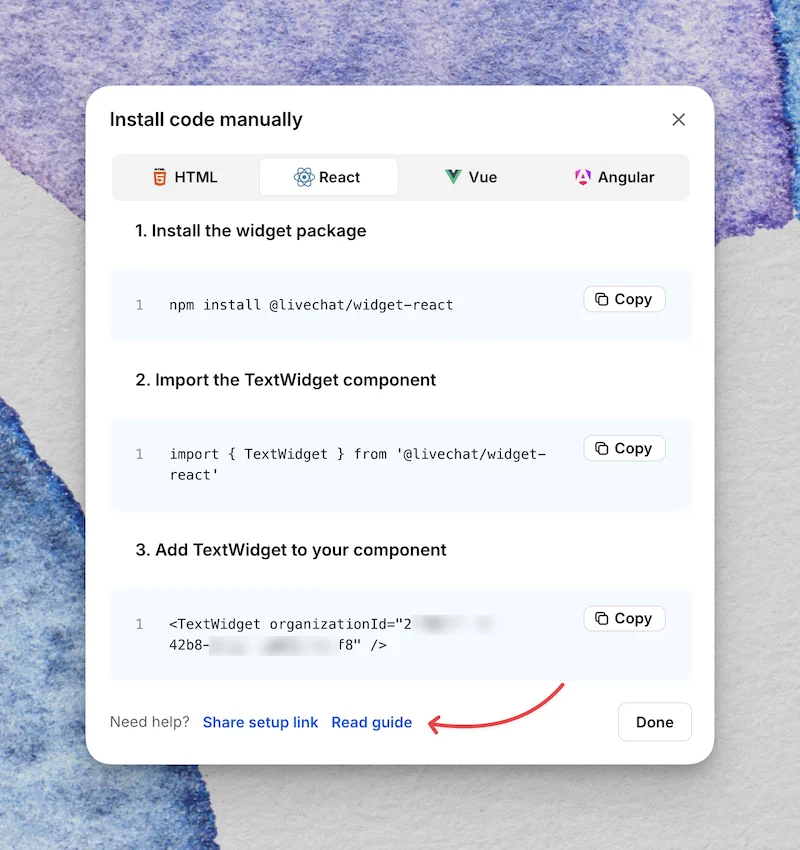
Text.com (the parent platform) connects LiveChat with ChatBot (for automation) and HelpDesk (for ticketing). If your small business is growing toward a proper support operation, this ecosystem gives you room to expand without switching platforms entirely.
The widget customization is excellent — match it to your brand exactly, set operating hours, create different widgets for different pages, and route chats to specific teams based on the page the visitor is on.
Pricing
LiveChat pricing (as of October 2026): Starts at $20/agent/month (Starter). No free plan, but a 14-day free trial. Per-agent pricing is reasonable for a 1–3 person team and stays predictable as you scale.
Pros
- Most polished live chat agent interface in the category
- Typing preview — see customer messages as they type
- 250+ integrations with CRMs, helpdesks, and e-commerce platforms
- Advanced routing and queue management
- 99.9% uptime SLA on Team and Business plans
Cons
- No free plan — 14-day trial only
- Per-agent pricing grows expensive with larger teams
- Advanced reporting only on higher plans
Best for: Small businesses that want professional, reliable live chat and can absorb a per-agent subscription cost.
3. HubSpot Live Chat — Best Free Option with Full CRM Integration
Bottom line: Free live chat that automatically logs every conversation to a CRM. Both tools, zero cost. If that’s what you need, HubSpot is your answer.
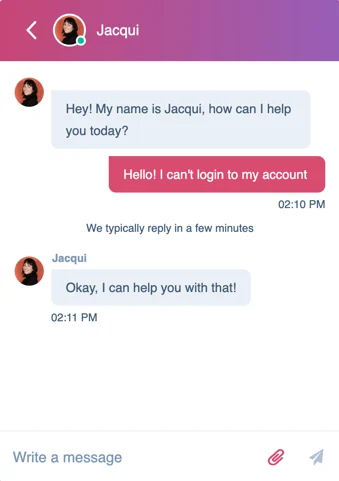
HubSpot Live Chat isn’t a standalone product — it’s part of HubSpot’s free CRM. When someone chats with you, their conversation is automatically saved as a contact record. You see their history, previous interactions, which emails they’ve opened. That context makes every chat more useful.

The chatflows builder lets you create simple bots: qualify leads, route to the right team, capture email addresses when no one’s online. It’s not as powerful as Tidio’s bot builder, but for most small businesses, it covers everything you’ll actually use.
The main catch: “Powered by HubSpot” branding on the free widget, limited widget customization, and if you want anything beyond basics, HubSpot’s paid plans start at a significant jump.
Pricing
HubSpot pricing (as of October 2026): Live chat is free as part of HubSpot CRM Free. Paid plans that unlock advanced features (custom branding removal, advanced automation) start at $90/month (Starter). The free plan is the most generous in this entire category when paired with the CRM.
Pros
- Free forever — no seat limits on live chat
- Every chat automatically creates or updates a CRM contact
- Strong chatbot and lead qualification flows
- Email marketing, forms, and deal tracking included free
- Mobile app
Cons
- “Powered by HubSpot” branding on free plan
- Paid plans are expensive if you only want live chat
- Widget customization limited on free tier
- Makes most sense if you’re going all-in on HubSpot
Best for: Small businesses already using HubSpot CRM, or anyone who wants free live chat + CRM in a single platform.
4. Crisp — Best Free Multi-Channel Inbox for Startups
Bottom line: Crisp gives you a shared inbox for live chat, email, and social messages — for free. The best choice for early-stage startups that need one place for all customer conversations without spending anything.
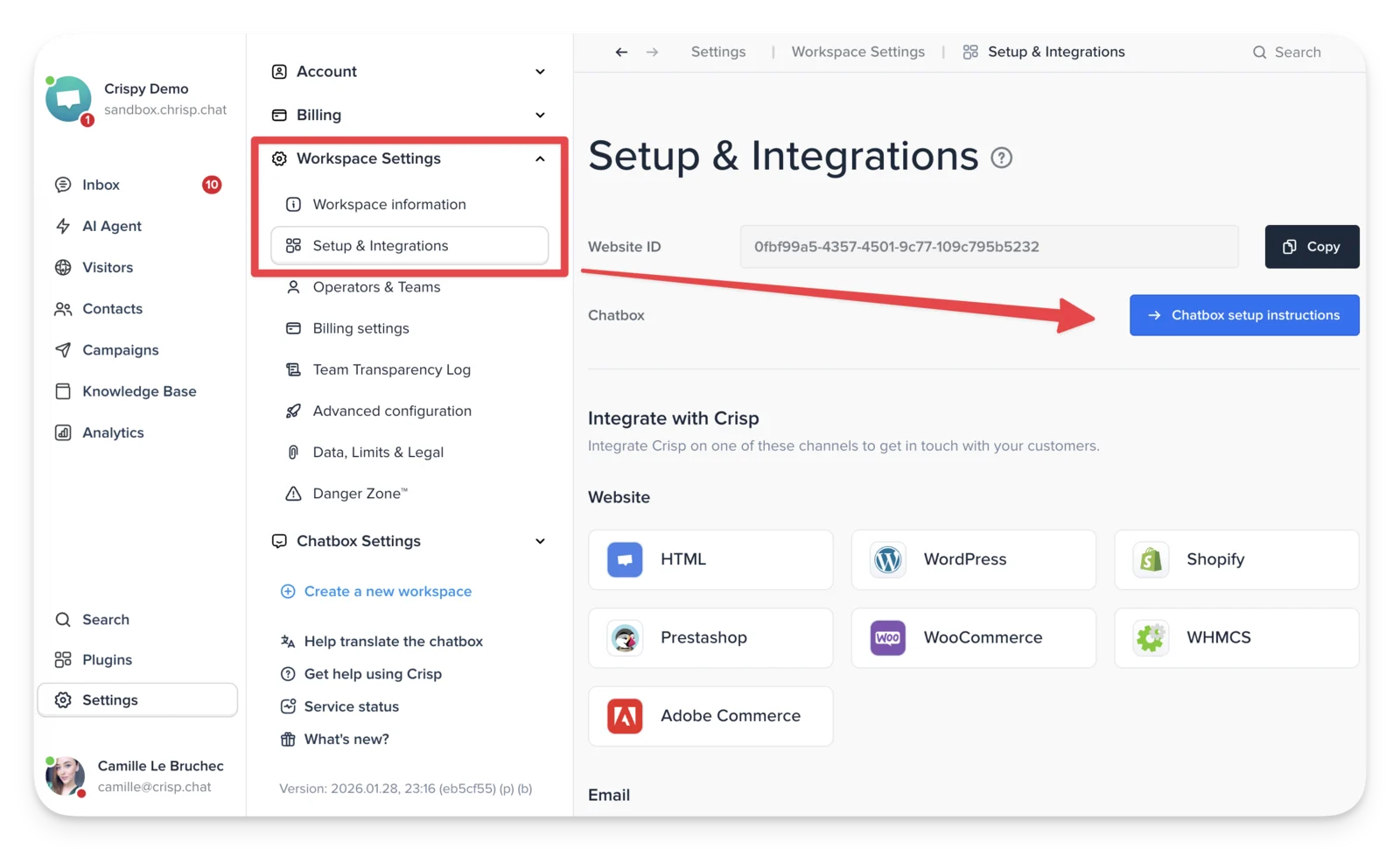
The free plan includes 2 seats, unlimited conversations, and the ability to connect multiple channels — live chat, email, and Twitter DMs — into one unified inbox. That’s unusual generosity at the free tier.
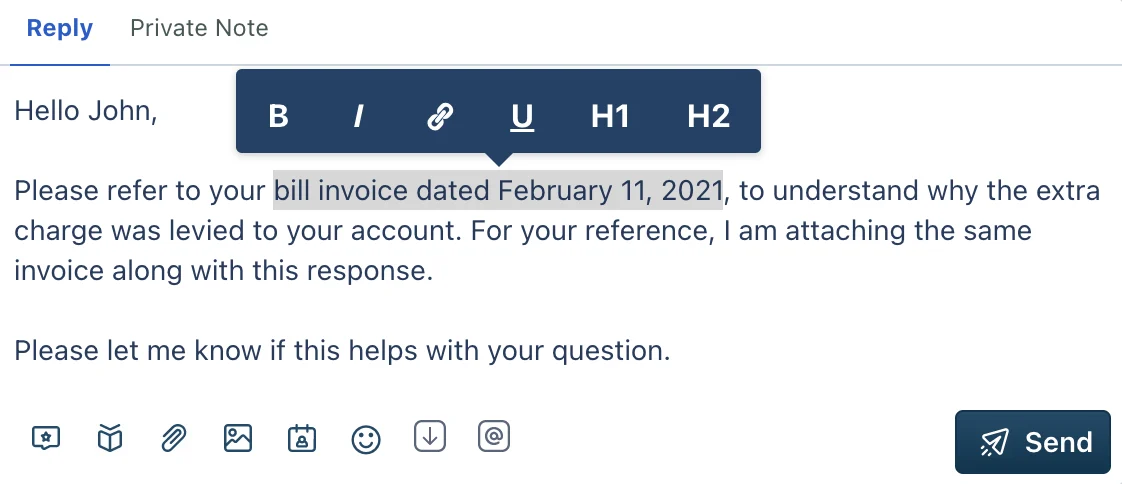
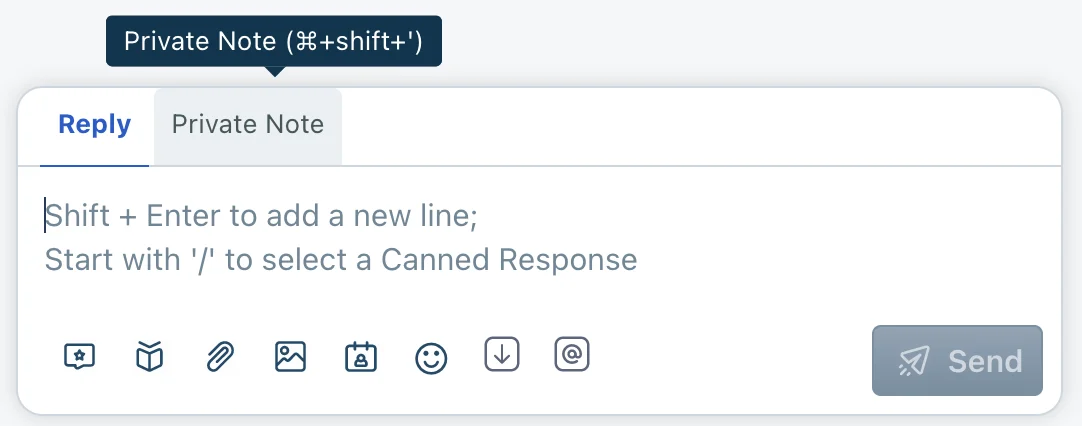
Crisp’s shared inbox is where it shines. Your whole team sees the same conversations, can leave internal notes, assign chats, and see who’s already typing a reply. For a small team where switching between Gmail and a chat tool kills productivity, having both in one place is genuinely useful.
There’s also a built-in knowledge base (Crisp Helpdesk) that works as a self-service FAQ widget. When a visitor starts typing their question, the widget suggests relevant articles before they even chat with you. That cuts down repetitive questions significantly.
Pricing
Crisp pricing (as of October 2026): Free plan (2 seats, unlimited conversations). Mini plan from $25/workspace/month (4 seats). Essentials from $95/workspace/month for automations and CRM features. The free plan is solid for solo founders and tiny teams.
Pros
- Generous free plan — 2 seats, unlimited conversations
- Multi-channel inbox (chat, email, social) included free
- Built-in knowledge base with widget search integration
- Co-browsing on paid plans (see exactly what the visitor sees)
- Clean, fast UI with low learning curve
Cons
- Automations locked behind paid plans
- CRM features basic compared to HubSpot
- Analytics limited on free tier
Best for: Startups and early-stage businesses that want a multi-channel inbox without paying for it.
5. Freshchat — Best for Freshworks Customers
Bottom line: Freshchat is part of the Freshworks ecosystem. If you’re already using Freshdesk or Freshsales, Freshchat fits naturally. As a standalone pick, other tools beat it on simplicity and price.
Freshchat’s strength is context. When a customer chats in, you see their Freshdesk support tickets, Freshsales CRM records, and order history in one panel. For businesses already using Freshworks, that integrated view means you’re never starting a conversation blind.
The free plan is surprisingly generous — up to 10 agents and unlimited contacts. Freshchat also supports WhatsApp, Instagram, and Facebook Messenger on paid plans, which matters if your small business is active on social channels.
Pricing
Freshchat pricing (as of October 2026): Free plan for up to 10 agents. Growth plan from $19/agent/month. Pro plan from $49/agent/month for advanced automation and analytics.
Pros
- Free plan for up to 10 agents
- Deep integration with Freshdesk, Freshsales, and Freshservice
- Supports WhatsApp, Instagram, and Facebook Messenger
- Freddy AI for automated responses and intent detection
- Good mobile apps for iOS and Android
Cons
- Full value only if you use other Freshworks products
- Interface can feel complex for simple live chat needs
- Advanced analytics on Pro plan only
Best for: Small businesses already using Freshdesk or Freshsales who want chat integrated into their existing support workflow.
6. tawk.to — Best Completely Free Live Chat
Bottom line: tawk.to is free. Completely free. Not “free with a catch” — actually $0 forever, unlimited agents, unlimited conversations. No other live chat tool in this category can make that claim without an asterisk.
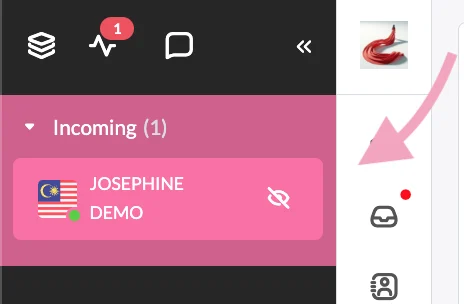
The business model is clever: tawk.to makes money through paid add-ons (video chat, screen sharing) and by offering “Chat Agents” — real humans you can hire to answer chats when you’re offline. The core product stays free forever.
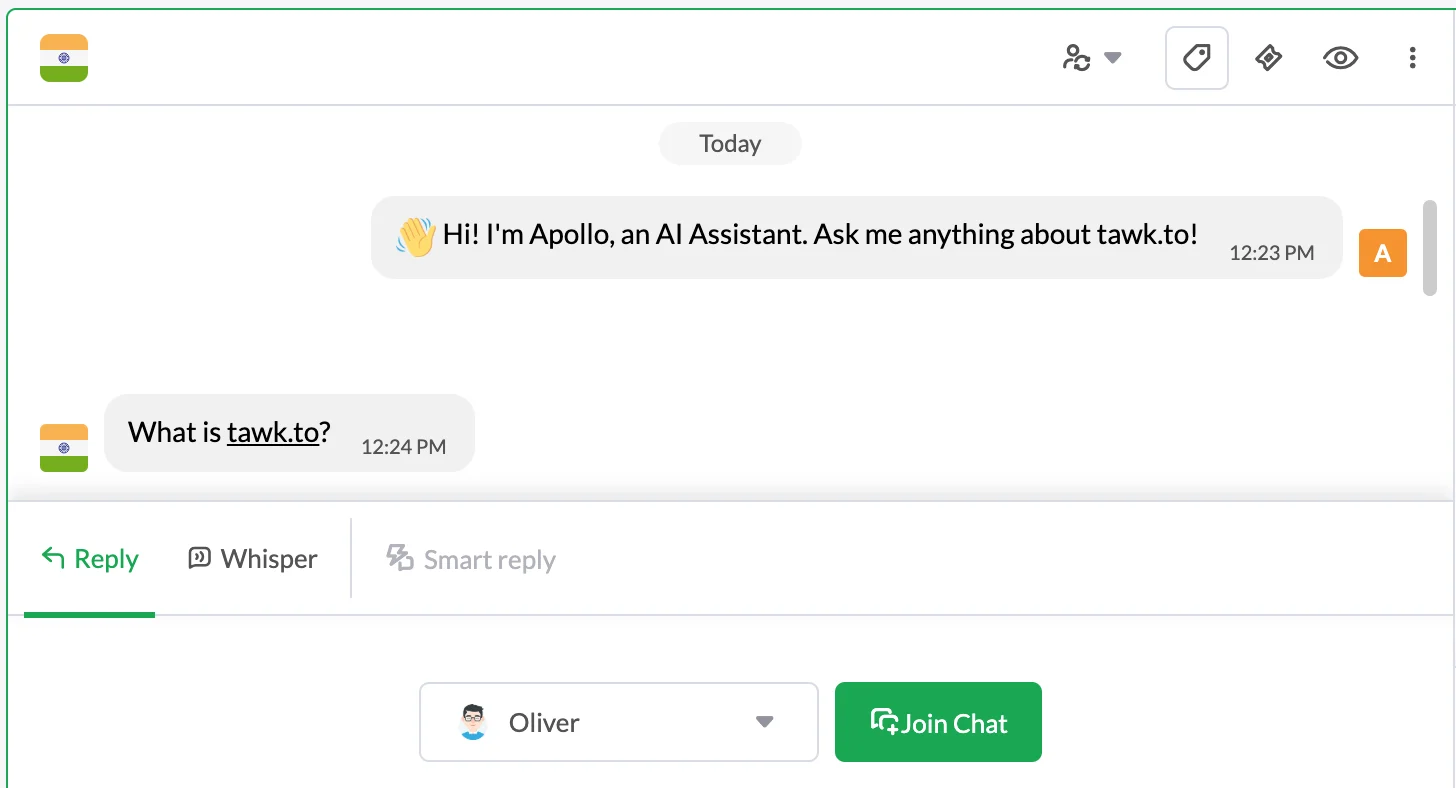
For the price ($0), the feature set is remarkable. Unlimited agents, unlimited chats, a customizable widget, a built-in knowledge base, canned responses, mobile apps, and basic analytics. The dashboard is clean and not overwhelming to learn.
The limits show up at scale or in the integration library. tawk.to’s native integrations are fewer than LiveChat’s or Freshchat’s. And removing the “Powered by tawk.to” branding costs $19/month. But for a solo founder or micro-business, the free plan is legitimately excellent.
Pricing
tawk.to pricing (as of October 2026): Completely free forever — unlimited agents, unlimited chats. Remove branding add-on: $19/month. Video and voice calls add-on: $29/month. Hire human chat agents from $1/hour. The free plan is the most generous in this entire roundup.
Pros
- 100% free forever — truly no seat limits and no chat limits
- Built-in knowledge base included free
- Real-time visitor monitoring on the free plan
- Mobile apps for iOS and Android
- Option to hire human agents as a paid add-on
Cons
- “Powered by tawk.to” branding costs $19/month to remove
- Smaller native integrations library than competitors
- UI feels less modern than Tidio or Crisp
- No built-in AI chatbot on the free plan
Best for: Micro-businesses, solopreneurs, and new businesses that need live chat now with zero budget.
Comparison: Best Live Chat Software for Small Business (2026)
| Tool | Free Plan | Starting Price | AI Features | Best For |
|---|---|---|---|---|
| Tidio | Yes (50 chats/mo) | $29/month | Lyro AI, chatbot builder | E-commerce stores |
| LiveChat | No (14-day trial) | $20/agent/month | ChatBot add-on available | Professional chat teams |
| HubSpot Live Chat | Yes (unlimited) | $90/month (paid tier) | Basic chatflows | CRM + chat in one |
| Crisp | Yes (2 seats) | $25/workspace/month | Hugo AI (paid plans) | Multi-channel startups |
| Freshchat | Yes (10 agents) | $19/agent/month | Freddy AI | Freshworks users |
| tawk.to | Yes (unlimited) | $0 forever | None (free plan) | Zero-budget businesses |
How to Pick the Right Live Chat Tool
Pick Tidio if…
You run a Shopify or WooCommerce store and want AI automation to handle common questions without hiring more support staff. The Lyro AI chatbot is the most accessible AI feature in this category for small businesses that aren’t technical.
Pick LiveChat if…
You want the most polished, reliable live chat agent experience and you have 1–5 agents who will use it daily. The per-agent pricing is fair at small scale, and the interface is the best in the category for agent productivity.
Pick HubSpot Live Chat if…
You want free live chat that automatically syncs to a CRM. Especially good if you’re generating leads through your website and want to track every conversation in one place without paying for two separate tools.
Pick Crisp if…
You want a free multi-channel inbox that handles chat, email, and social in one place. Great for startups where the founder is answering everything and needs one inbox instead of 4 open tabs.
Pick Freshchat if…
You’re already using Freshdesk for support tickets or Freshsales for CRM. The ecosystem integration is Freshchat’s main advantage — as a standalone tool, other options beat it on price and simplicity.
Pick tawk.to if…
Your budget is $0 and you need live chat today. There’s no better completely-free live chat option. Accept the branding for now, upgrade later if you need to, and get chatting with your customers.
Verdict
If I were setting up live chat for a new small business today, I’d start with tawk.to — completely free, zero risk, and you’re live in 10 minutes.
Once I had actual chat volume and understood what my customers were asking, I’d switch to Tidio if I was running an e-commerce store, or HubSpot Live Chat if I needed to track leads in a CRM.
The worst thing you can do is overthink this and delay adding live chat to your site. Even a basic chat widget converts better than a contact form. Pick one, install it today, and upgrade when you have a real reason to.
Frequently Asked Questions
What is the best free live chat software for small business?
tawk.to is the best completely free option — unlimited agents, unlimited chats, $0 forever. HubSpot Live Chat and Crisp also have excellent free plans with more features, but come with more limitations on the free tier compared to tawk.to’s completely open offering.
How much does live chat software cost for a small business?
Costs range from $0 (tawk.to) to $29/month (Tidio Starter) to $20/agent/month (LiveChat). Most small businesses with 1–3 agents spend $20–$90/month once they outgrow free plans. HubSpot and Crisp have genuinely useful free tiers that many small businesses never need to upgrade from.
Does live chat actually help small businesses?
Yes — significantly. Research consistently shows live chat has higher customer satisfaction rates than email or phone support. Customers are more likely to convert and complete purchases when live chat is available. For e-commerce specifically, live chat reduces cart abandonment and increases average order value.
How many agents do I need for live chat?
A solo founder or one customer support person can manage live chat effectively. Start by setting business hours so the widget shows “leave a message” when you’re offline. As volume grows, add agents. Most small businesses manage well with 1–3 live agents during business hours.
What’s the difference between live chat and chatbots?
Live chat means a real human agent answering in real time. A chatbot is automated software handling questions without human input. Most modern tools (like Tidio and Freshchat) combine both — the bot answers common questions automatically, and a human takes over for complex issues. You don’t have to choose; most tools let you run both simultaneously.
Is it hard to add live chat to a website?
Not at all. Every tool on this list provides a small script to paste into your website’s HTML, or a one-click plugin for WordPress, Shopify, or Wix. Most setups take 10–15 minutes from signup to your first live chat widget.