Best Lists
Best Form Builders in 2026: 8 Tools Tested and Ranked
We tested 8 of the best form builders in 2026. Here's our honest breakdown of Jotform, Typeform, Tally, Google Forms, HubSpot Forms, Gravity Forms, Fillout, and forms.app — with real pricing, pros, cons, and which to use for your situation.
I know what you’re thinking. “Another form builder list?” Bear with me.
We actually tested 8 of the top form builders in 2026 — built real forms, hit the AI features, tested conditional logic, payment collection, and stressed the free plans to find where they actually break.
Here’s the short answer: For most people, start with Tally. Unlimited forms, unlimited responses, completely free. Done.
But if you’re a marketer collecting leads into a CRM, you want HubSpot Forms. Running a WordPress site with complex workflows? Gravity Forms. Need survey completion rates 3x higher? Typeform.
The right tool depends on what you’re actually building. This guide cuts through the noise and tells you exactly which form builder to use — by use case.
What We Looked For in a Form Builder
Five things that actually matter:
- Free plan generosity — How much can you do before hitting a paywall?
- Ease of setup — Can a non-technical person ship a form in under 10 minutes?
- Features — Conditional logic, payments, multi-step flows, file uploads, integrations
- Pricing fairness — Is the upgrade from free to paid actually reasonable?
- Use-case fit — Every builder has a sweet spot. We matched tools to situations.
Best Form Builders at a Glance
| Tool | Best For | Free Plan | Starting Price | G2 Rating |
|---|---|---|---|---|
| Tally | Unlimited use, startups | Unlimited forms + responses | ~$24/mo (Pro) | ⭐ 4.8/5 |
| Jotform | Templates & payments | 5 forms, 100 responses/mo | $39/mo | ⭐ 4.7/5 |
| Fillout | Growth teams, marketers | Generous free tier | $19/mo | ⭐ 4.7/5 |
| Gravity Forms | WordPress power users | None | $59/year | ⭐ 4.6/5 |
| Typeform | Conversational surveys | 10 questions, 10 responses/mo | ~$29/mo | ⭐ 4.5/5 |
| forms.app | Teams + collaboration | 5 forms, 100 responses/mo | $19/mo | ⭐ 4.5/5 |
| Google Forms | Simple free surveys | Unlimited (completely free) | Free | ⭐ 4.3/5 |
| HubSpot Forms | Lead gen + CRM | Free forever (with CRM) | Free | ⭐ 4.4/5 |
1. Tally — Best Free Form Builder (Not Even Close)

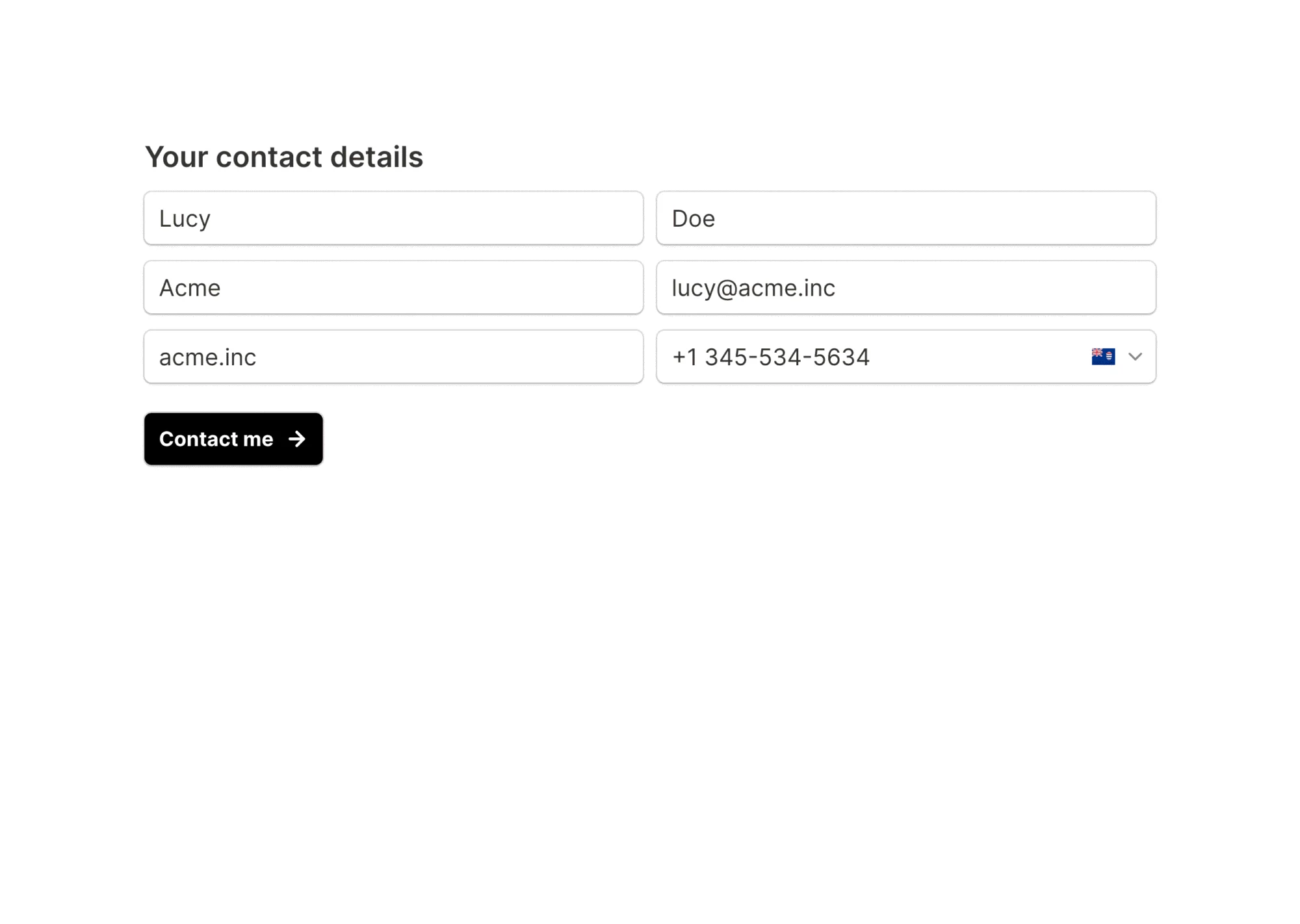
Tally is the Notion of form builders. Open a blank page and start typing. Insert blocks — text fields, dropdowns, file uploads, payment fields, rating scales — anywhere on the page. No templates to navigate around. No drag-and-drop grid to fight with.
The free plan is genuinely unlimited. No response limits. No form limits. No obnoxious “upgrade to remove branding” pop-up — Tally’s logo is subtle on the free tier. EU-hosted and GDPR-compliant by default.
G2 rating: 4.8/5 from 600+ reviews. Highest on this list.
What we liked:
- Unlimited forms AND unlimited responses — on the free plan
- GDPR-compliant, EU-hosted (no data sovereignty headaches)
- Built-in AI form builder generates forms from prompts (free)
- Clean, minimal UI that doesn’t get in the way
- Notion, Google Sheets, webhooks integrations all on free plan
What we didn’t:
- Only 6 native integrations (Zapier handles the rest, but adds cost)
- No HIPAA compliance — healthcare teams should look elsewhere
- Fewer templates than Jotform (though quality beats quantity here)
Pricing: Free forever (unlimited). Pro at ~$24/mo adds custom domains, white-labeling, and priority support.
Visit Tally | Read Tally reviews on G2
See Tally in action:
2. Jotform — Best for Templates and Payment Collection

Jotform has 10,000+ form templates. Let that number land for a second. Whether you need a patient intake form, a job application, a scholarship form, a pizza order form, or a real estate inquiry form — it already exists, ready to customize.
The payment story is strong. 40+ payment gateways — Stripe, Square, PayPal, Authorize.net, Braintree, Mollie — all native. No third-party form-to-payment glue needed. If you’re collecting money through forms at scale, Jotform is the clearest choice.
G2 rating: 4.7/5 from 3,000+ reviews.
What we liked:
- 10,000+ templates covering every industry
- 40+ native payment gateway integrations
- AI form builder to generate from text prompts
- HIPAA compliance on Gold plan (healthcare approved)
- Jotform Tables for database-style response management
What we didn’t:
- Free plan caps (5 forms, 100 responses/mo) feel tight fast
- Paid plans cost more than most competitors
- UI is more cluttered than Tally or Typeform
Pricing: Free (5 forms, 100 responses/mo). Bronze $39/mo, Silver $49/mo, Gold $129/mo. Annual billing saves ~20%.
Visit Jotform | Read Jotform reviews on G2
3. Typeform — Best for Conversational Surveys
One question at a time. That’s Typeform’s core UX philosophy — and the data backs it up. Typeform reports 3.5x higher completion rates compared to traditional multi-question forms. No wall of fields. Just a conversation that flows.
The AI capabilities have also gotten serious. Typeform’s AI can enrich leads, trigger follow-up workflows, and pull data from external sources automatically. Built for growth teams who want forms that turn into revenue actions.
G2 rating: 4.5/5
What we liked:
- Conversational one-question-at-a-time UX drives higher completion
- 120+ integrations including HubSpot, Salesforce, Slack, Mailchimp
- Beautiful design out of the box — forms look polished immediately
- AI workflows to automate lead follow-up post-submission
- GDPR and HIPAA compliant on Business plans
What we didn’t:
- Free plan is severely limited (10 questions per form, 10 responses/mo)
- Paid plans start around $29/mo — not cheap for individual use
- One-at-a-time format can feel slow for complex multi-section forms
Pricing: Free (10 responses/mo). Basic ~$29/mo. Growth and Business plans for teams with more automation.
Visit Typeform | Read Typeform reviews on G2
4. Google Forms — Best Completely Free Option

Google Forms is the Swiss Army knife you already own. Free. Unlimited responses. Zero sign-up friction if you have a Google account. Responses auto-sync to Google Sheets in real time. Everyone in your org already has access.
It’s not glamorous. Design options are minimal. Conditional logic is basic. Payments aren’t native. But if you need a quick survey or internal feedback form and you’re in the Google Workspace ecosystem — it’s the fastest tool on this list from idea to live link.
What we liked:
- 100% free, truly unlimited responses and forms
- Google Sheets auto-sync is instant and reliable
- Zero learning curve for Google Workspace users
- Quiz mode with auto-grading built in
- No branding, no upgrade nags
What we didn’t:
- Design customization is minimal — no custom fonts, limited themes
- No native payment collection
- Conditional logic is basic compared to Jotform or Gravity Forms
- No HIPAA compliance
- Looks like a Google product. Which it is.
Pricing: Free forever. That’s the entire pricing section.
5. HubSpot Forms — Best for Lead Generation
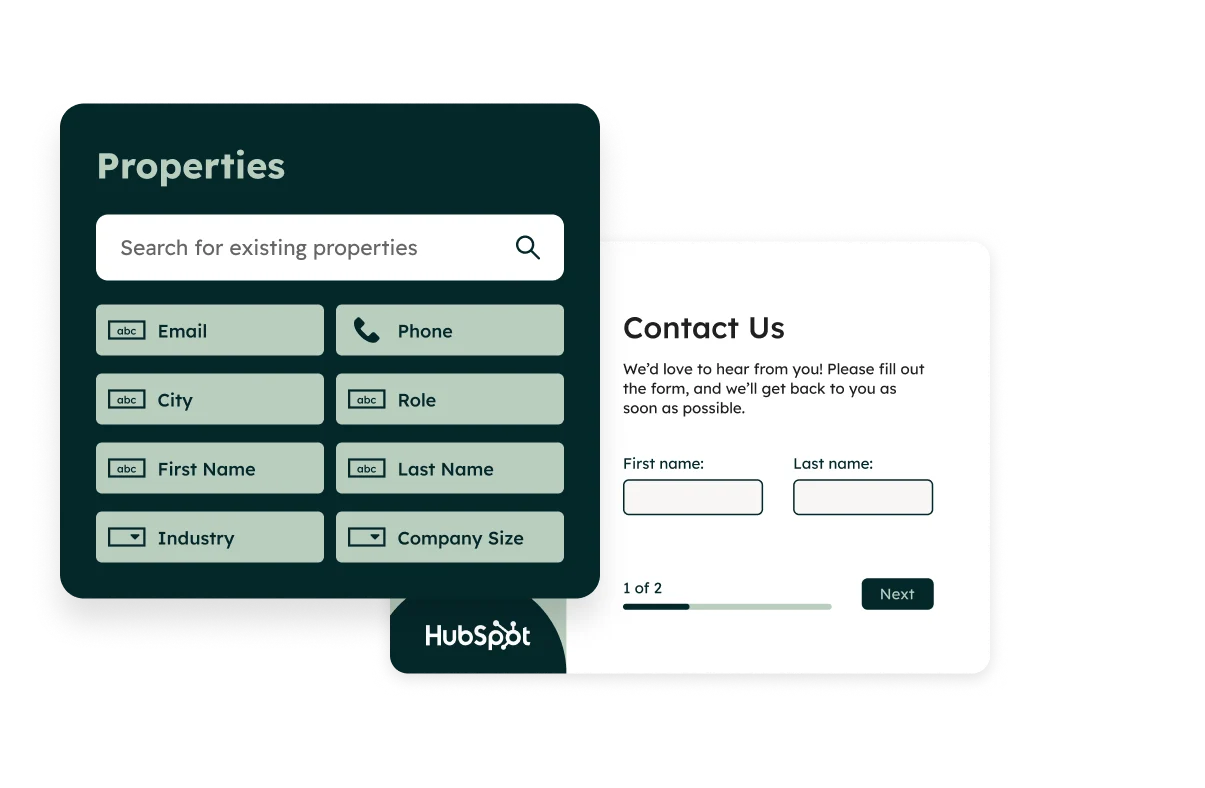
HubSpot Forms isn’t really a standalone form builder — it’s a lead capture machine that plugs directly into the world’s most popular free CRM. Every form submission creates or updates a contact record in HubSpot automatically. Email nurture sequences can trigger immediately. No third-party integration needed.
If you’re running inbound marketing campaigns and need form submissions to land directly in a pipeline with automated follow-up — HubSpot is the winner at zero cost.
What we liked:
- Free forever — forms + CRM + basic email automation, no credit card
- Submissions auto-create or update contacts in HubSpot CRM
- Smart forms show different fields to known contacts (less friction)
- Embed on any website via script tag, works seamlessly
- Connects to the full HubSpot marketing and sales ecosystem
What we didn’t:
- Requires a HubSpot account — not a standalone tool
- Advanced automations locked behind expensive Marketing Hub tiers
- Not built for general-purpose forms (surveys, quizzes, or non-lead-gen use cases)
Pricing: Free with HubSpot CRM. Marketing Hub Starter from $20/mo adds more automation and email sends.
Visit HubSpot Forms | Read HubSpot reviews on Capterra
6. Gravity Forms — Best WordPress Form Plugin
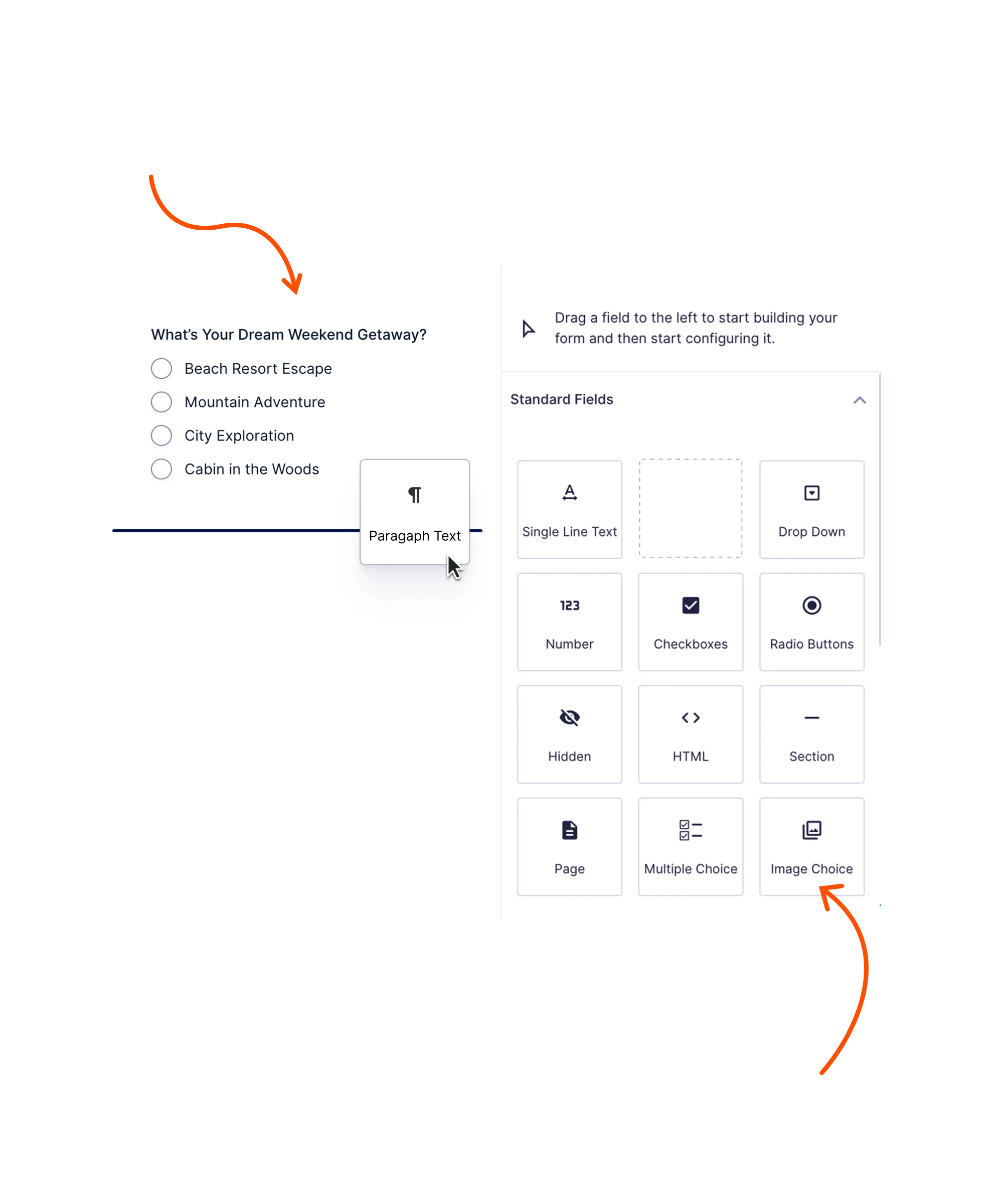
If your site runs on WordPress and you need serious forms — multi-step job applications, complex conditional routing, user registration, e-commerce integration — Gravity Forms is in a different league than everything else.
It’s a WordPress plugin, not a cloud form builder. No free plan. Starts at $59/year. But the power you get justifies every dollar for WordPress-native use.

G2 rating: 4.6/5
What we liked:
- Most powerful conditional logic of any tool on this list
- Add-ons for Stripe, PayPal, Zapier, Mailchimp, Slack, Trello and more
- User registration and WordPress post creation through forms
- Multi-page forms with progress indicator
- Huge developer community, custom hooks, and filters for every edge case
What we didn’t:
- WordPress-only — completely unavailable outside of WordPress
- No free plan (rivals like WPForms have a free version)
- More initial setup than cloud-based alternatives
Pricing: Basic $59/year (5 sites). Pro $159/year. Elite $259/year (unlimited sites + all add-ons).
Visit Gravity Forms | Read Gravity Forms reviews on G2
7. Fillout — Best for Growth Teams and Marketers
Fillout has quietly become a favorite for growth teams and marketers who need more than a contact form. Scheduling forms, multi-step funnels, score-based routing, quiz logic, lead qualification flows — it handles all of it with a clean interface.
The free plan is legitimately generous — real features, not watered-down versions designed to push you to upgrade in 10 minutes. Startups and indie builders have adopted it heavily.
G2 rating: 4.7/5
What we liked:
- Generous free plan with advanced features actually included
- Native Notion, Airtable, and Google Sheets integrations
- Scheduling and booking forms built in — no Calendly add-on needed
- Score-based logic for quizzes and lead qualification
- Beautiful templates with high conversion design
What we didn’t:
- Smaller brand recognition than Jotform or Typeform
- Integration library not as large as the biggest players (yet)
Pricing: Free (limited monthly responses). Starter from $19/mo. Pro at $49/mo for unlimited responses and advanced features.
Visit Fillout | Read Fillout reviews on G2
8. forms.app — Best for Team Collaboration

forms.app is flying under the radar, and it shouldn’t be. It’s designed specifically for teams — with collaboration features, unlimited team member seats, and 30+ field types including payments, signatures, rating scales, and file uploads. The AI form generator creates polished forms from text prompts in seconds.
Calculator forms for pricing quotes and product configurators are a standout feature that most competitors don’t offer out of the box.
G2 rating: 4.5/5
What we liked:
- AI form builder generates professional forms from plain text prompts
- 30+ field types including payment, signature, and rating
- Team collaboration built in from day one
- Conditional logic available on the free plan
- Calculator forms for pricing and quote generation
What we didn’t:
- Free plan limited to 5 forms and 100 responses/month
- Integration library smaller than Jotform’s
Pricing: Free (5 forms, 100 responses/mo). Silver from $19/mo with more responses. Gold $39/mo for unlimited responses.
Visit forms.app | Read forms.app reviews on G2
How to Pick the Right Form Builder
Use this decision tree:
- Want unlimited forms for free? → Tally. No contest.
- Running a WordPress site with complex form needs? → Gravity Forms. Nothing else on WordPress comes close.
- Marketer who needs leads flowing into a CRM automatically? → HubSpot Forms. Free and purpose-built for exactly this.
- Completion rates matter and you’re running surveys? → Typeform. The conversational UX genuinely works.
- Need to collect payments through forms at scale? → Jotform. 40+ payment gateways is the deepest on this list.
- Need a quick free form and you live in Google Workspace? → Google Forms. Live in 5 minutes.
- Building complex growth funnels or lead qualification flows? → Fillout. Underrated and seriously worth your time.
- Working as a team and need collaboration features? → forms.app.
Verdict: The Best Form Builder in 2026
For most people: Tally. Start there. Unlimited forms, unlimited responses, zero cost, clean UI. The highest G2 rating on this list at 4.8/5. If you hit a hard limit — need native payments at scale, HIPAA compliance, or white-labeling — then switch.
Runners-up by use case:
- Jotform for payments and breadth of templates
- HubSpot Forms for lead gen and CRM integration
- Gravity Forms for WordPress power users
- Typeform when completion rates are the metric that matters
- Fillout for growth marketers who need quiz and scoring logic
The honest truth? The best form builder is the one you’ll actually use consistently. They all offer free plans (except Gravity Forms, which requires WordPress anyway). Try your top two. Build a real form in each. Pick the one that gets out of your way and lets you ship.