Online Courses
Best Online Course Platforms for Creators in 2026 (No Hype, Just Rankings)
The 7 best online course platforms for creators in 2026 — with real pricing math, transaction fee breakdowns, and an honest take on Kajabi's January 2026 price increases.
A creator I know spent three months building a $497 course on a platform that took 30% of every sale she drove through their marketplace. She made $17,000 in her launch. The platform kept $5,100.
She wasn’t scammed. She just didn’t read the fee structure before she built.
Online course platforms all look the same in demos. It’s only after your first 100 students enroll that you discover which one was actually built for creators — and which one was built for HR departments running corporate training.
Here’s the shortlist of the 7 platforms worth your time, ranked by what creators actually need.
| Use case | Best platform |
|---|---|
| Beginners who want zero fees | Thinkific |
| All-in-one (courses + email + community) | Kajabi |
| Fastest first launch | Teachable |
| Community-led offers and group coaching | Skool |
| Interactive and certification-heavy courses | LearnWorlds |
| Simple all-in-one under $100/month | Podia |
| Free to validate before spending anything | Systeme.io |
In this review:
- What Creators Actually Need From a Course Platform
- The 7 Best Online Course Platforms for Creators
- The Real Transaction Fee Cost at $99/Course
- How to Choose Based on Where You Are Right Now
- What About Udemy and Skillshare?
- FAQ
What Creators Actually Need From a Course Platform
Most “best course platforms” lists rank tools on a 50-point enterprise checklist: SCORM compliance, SSO, bulk enrollment APIs. That’s for corporate learning managers, not creators. Here’s what actually separates the right platform from the expensive lesson.
| What creators need | What enterprise needs |
|---|---|
| Own your student email list | SSO and HR system integration |
| Low per-sale fee (or zero) | Bulk seat pricing and volume discounts |
| Launch in hours, not weeks | Dedicated onboarding and implementation team |
| Community and engagement built in | SCORM, xAPI, and LRS compliance |
| Flexible pricing (one-time, subscriptions, bundles) | IT approval and security reviews |
You own your student list. Some marketplace platforms (Udemy, Skillshare) don’t give you direct access to your students’ email addresses. If the platform disappears or de-lists your course, your audience goes with it.
The transaction fee math hits different at scale. A 10% fee on $1,000/month is $100. At $10,000/month, that’s $1,000 gone every month — enough to cover a better platform twice over. Run the numbers before you commit.
Speed to first dollar. Most creators don’t need 200 settings. They need to launch a course this week and collect payment this weekend. If you’re still prepping your video content, check out our roundup of the best screen recording tools for business — most creators use one alongside whichever platform they pick.
Your course type changes everything. A cohort-based coaching program needs different tools than a 40-video self-paced library. Pick a platform for what you’re building now — not for some hypothetical future product suite.
The 7 Best Online Course Platforms for Creators in 2026
1. Thinkific — Best for Creators Who Want Zero Transaction Fees

Thinkific’s core offer is simple: keep everything you earn. Unlike Teachable’s entry tier (7.5% fee) or Skool’s Hobby plan (10% fee), Thinkific charges zero transaction fees across every plan — including its free tier. That’s a meaningful starting advantage for a creator still figuring out if their course will sell.
The course builder is clean without being simplistic. Video hosting is unlimited. Analytics are solid. And unlike some all-in-one platforms, Thinkific doesn’t try to be your email marketing tool, your community platform, and your accounting software all at once.
Best for: New creators launching their first course, and established creators who want a clean, no-fee course library without paying for features they don’t use.
Pricing:
- Free: 1 course, unlimited students, 0% transaction fees
- Basic: $40/month billed annually
- Start: $99/month
- Grow: $199/month
Pros: Zero fees on all plans. Clean builder. Good analytics. Integrates easily with ConvertKit, Mailchimp, and most major email tools.
Cons: Community features are limited. Advanced email funnels require third-party tools. Free plan restricts you to one course.
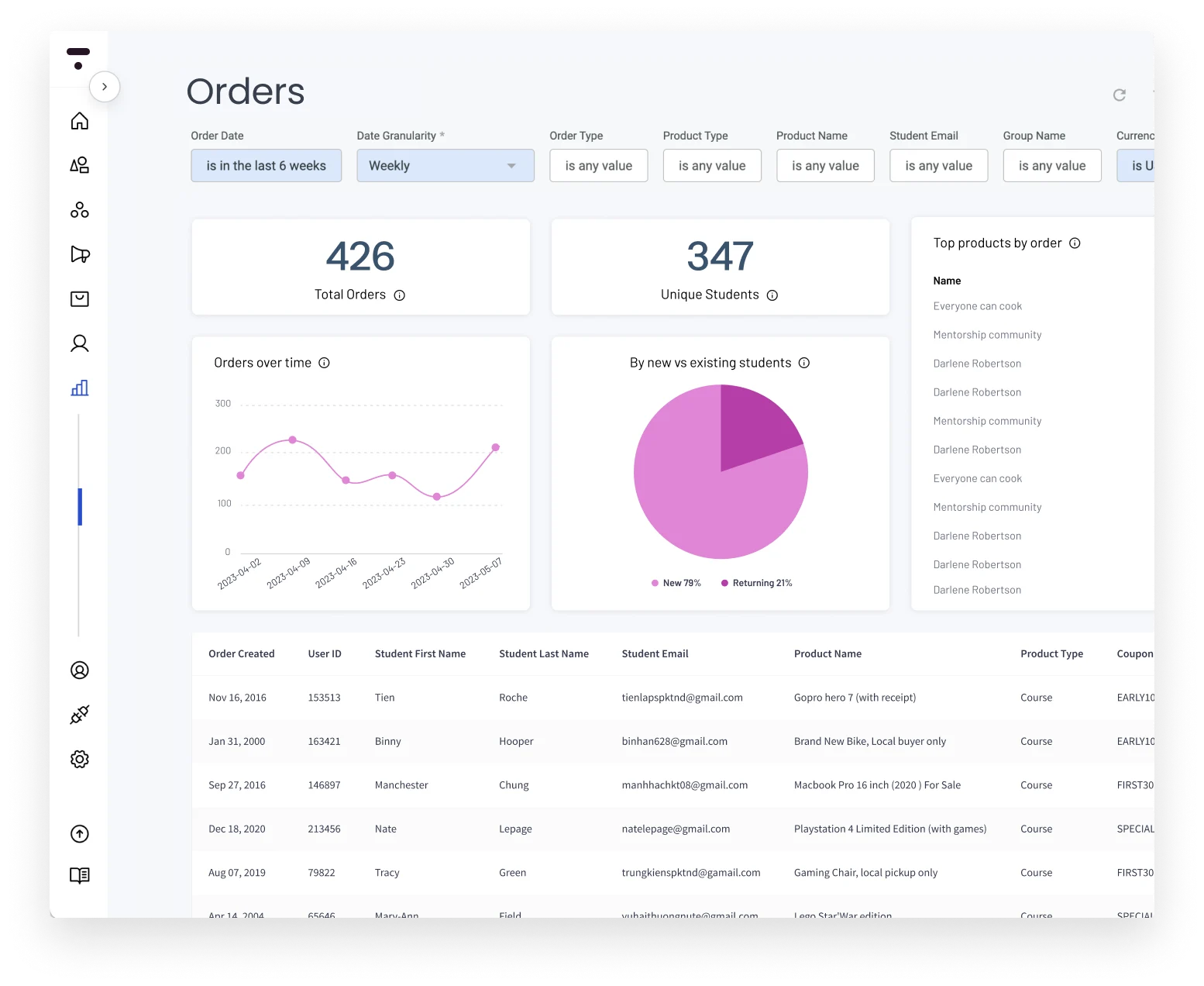
The take: Thinkific is the safest first choice for most creators. Start free, prove your course sells, then upgrade. You’re not paying per sale at any point.
2. Kajabi — Best All-in-One (After Reading the January 2026 Pricing News)

Kajabi has been the “serious creator” platform for years: courses, email marketing, landing pages, community, and sales pipelines in one system. No third-party tools required.
In January 2026, Kajabi raised prices significantly. The Basic plan went up 20%. Growth went up 25%. If you’re pricing Kajabi today based on a 2024 review, expect different numbers.
Best for: Established creators making $5,000+/month who want to consolidate tools and stop paying for five separate subscriptions.
Pricing (post-January 2026):
- Kickstarter: $69/month (limited to 50 customers, 1 product)
- Basic: $149/month (was $119 before January 2026)
- Growth: $199/month (was $159 before January 2026)
- Pro: $399/month
Pros: Everything in one place. No transaction fees on any plan. Strong email automation. Polished templates. Solid analytics.
Cons: The 2026 price increases make it harder to justify for creators not yet at scale. Customer support quality has declined per multiple 2026 reviews. Overkill if you’re running one or two courses.
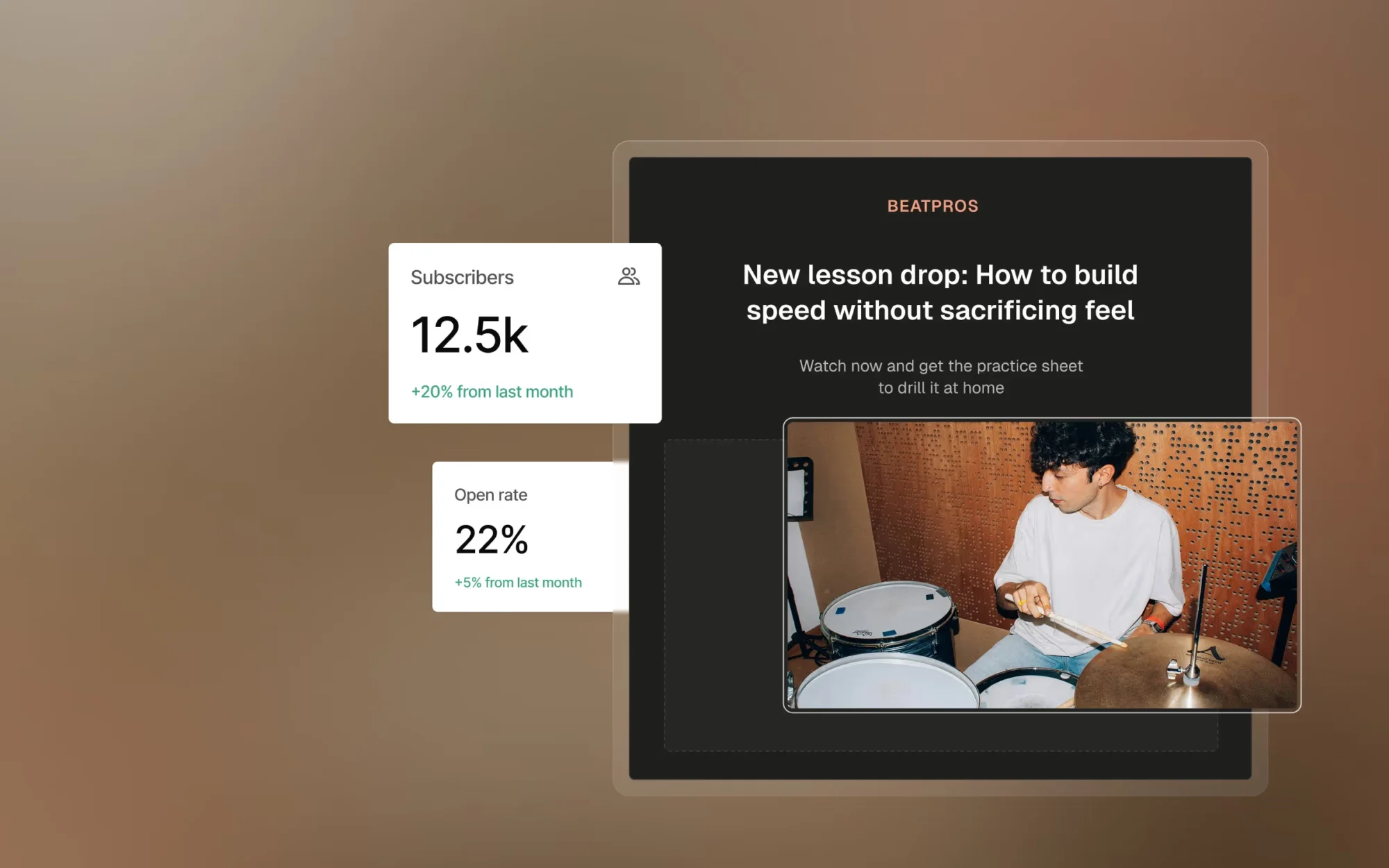
The take: Below $5K/month, Kajabi’s price-to-value math is hard to justify. At $5K+ where you’re paying for email, landing pages, and community separately anyway, it starts to make sense.
3. Teachable — Fastest Way to Get a Course Live

Teachable’s advantage is speed. Most creators report launching their first course in under an hour using the guided setup. The interface holds your hand through each step without drowning you in options.
The catch: the $39/month Basic plan charges 7.5% on every sale. On a $99 course, that’s $7.43 per student. At 100 sales in a month, you’re paying $743 in fees on top of your $39 subscription — enough to cover the Pro plan ($119/month, zero fees) twice over.
Best for: Creators who need to launch fast and can upgrade to Pro once they’re earning consistently.
Pricing:
- Basic: $39/month (7.5% transaction fee)
- Pro: $119/month (no transaction fees)
- Pro+: $199/month
- Business: $499/month
Pros: Fastest guided setup of any platform reviewed. Clean student experience. Reliable checkout. Good third-party integrations.
Cons: The 7.5% fee on the entry plan is a trap if you stay too long. No free plan. Community and email features are minimal.
The take: Use Teachable to launch fast. Set a calendar reminder to upgrade to Pro the moment you’re making consistent sales — the 7.5% fee math turns against you quickly past ~30 sales/month at $99.
4. Skool — Best for Community-Led Offers
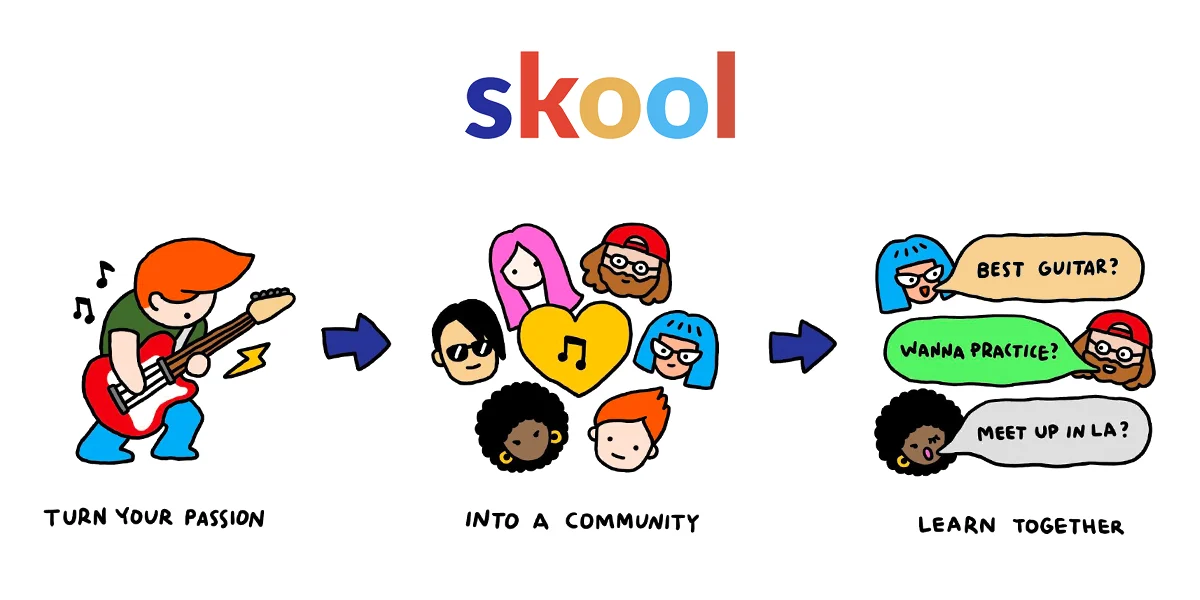
Skool flips the model: instead of a course with a community bolted on, it’s a community with a course attached. That design choice shows in student behavior — engagement rates on Skool are noticeably higher than in the community add-ons from Kajabi or Teachable.
Alex Hormozi’s high-profile promotion in 2023–2024 drove a wave of creators to the platform. In 2026, Skool has become the default choice for group coaching programs, masterminds, and cohort-based courses where student interaction is the product.
Best for: Creators building membership communities, group coaching programs, or any offer where student-to-student interaction is part of the value.
Pricing:
- Hobby: $9/month (10% transaction fee)
- Pro: $99/month (2.9% transaction fee)
Pros: Exceptional community interface. Gamification (points, leaderboards) drives genuine engagement. Courses and community are integrated natively. Simple to set up.
Cons: Transaction fees on both plans. No built-in email marketing. Limited course customization options. Skool’s Discovery feature takes 30% of any member they refer to your community.
The take: If your offer is community-first — group coaching, live cohorts, masterminds — Skool’s engagement experience is meaningfully better than alternatives. For standalone self-paced video courses with no community, Thinkific is more economical.
5. LearnWorlds — Best for Interactive and Certification-Heavy Courses
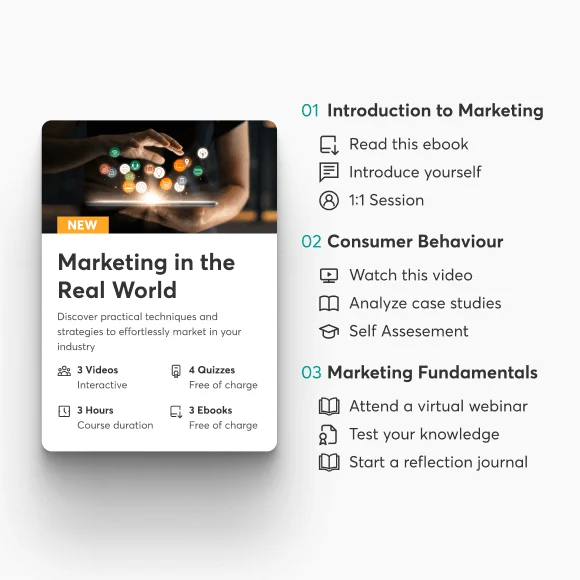
LearnWorlds built its reputation on interactive video. You can add clickable hotspots, embedded questions, and completion checkpoints directly inside video lessons — not as separate quizzes after the video ends, but woven into the playback itself.
If you’re building a professional certification course, a compliance training program, or any course where “did they actually learn this?” matters more than “did they watch it?”, LearnWorlds is the clear choice on this list. Pair it with one of the best AI presentation makers if your course relies heavily on slide-based content.
Best for: Creators building certification programs, interactive training courses, or any offer where learning outcomes and completion rates are measurable deliverables.
Pricing:
- Starter: $29/month ($5 per course sold)
- Pro Trainer: $99/month (no transaction fees)
- Learning Center: $299/month
Pros: Best interactive video features of any platform reviewed. Built-in quizzes, assessments, and certificates. SCORM support. Strong mobile experience.
Cons: The Starter plan’s $5/sale fee adds up fast — upgrade to Pro Trainer before scaling. More complex to set up than Teachable or Thinkific. Steeper learning curve overall.
The take: LearnWorlds is overkill for a basic video course. But if your course promises certifiable outcomes or interactive engagement, it delivers what other platforms fake with workarounds.
6. Podia — Best Simple All-in-One Under $100/Month

Podia bundles courses, digital downloads, webinars, communities, and email marketing — at a price point well below Kajabi. No transaction fees on paid plans. If the Kajabi all-in-one pitch appeals but the Kajabi price tag doesn’t, Podia is the honest alternative.
Best for: Creators selling courses alongside other digital products (downloads, memberships, webinars) who want everything in one place without spending $149+/month on Kajabi.
Pricing:
- Free: 8% transaction fee on all sales
- Mover: $33/month (no transaction fees)
- Shaker: $84/month (advanced features, no fees)
Pros: Courses, downloads, webinars, and email in one. No transaction fees on paid plans. Simple, clean interface. Significantly cheaper than Kajabi.
Cons: Email is functional but basic compared to dedicated tools. Community features are limited. Less marketing automation depth than Kajabi.
The take: Podia is Kajabi for creators who aren’t ready to pay Kajabi prices. It does 80% of what Kajabi does at roughly 20% of the cost. For most creators at the $1,000–$5,000/month range, that’s a reasonable trade.
7. Systeme.io — Best Free Option to Validate Before You Spend
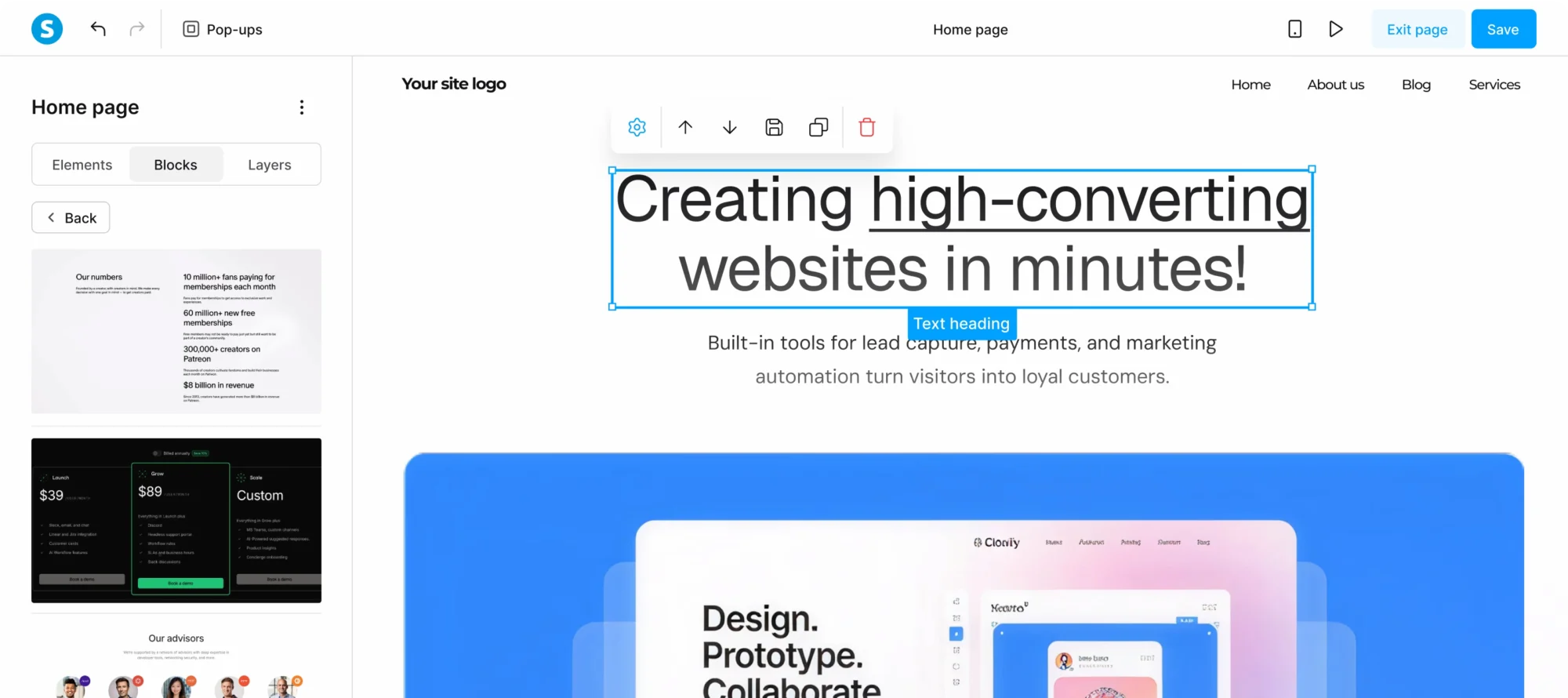
Systeme.io is the only platform on this list with a genuinely free tier — not a time-limited trial, not a freemium that hides every useful feature behind a paywall. The free plan includes one course, three sales funnels, and email to up to 2,000 contacts. That’s enough to validate whether your first course has an audience before you spend a dollar.
Best for: First-time creators who want to test a course idea before committing any budget to a paid platform.
Pricing:
- Free: 1 course, 3 funnels, 2,000 contacts (0% fees)
- Startup: $27/month
- Webinar: $47/month
- Unlimited: $97/month
Pros: Genuinely free to start with no credit card required. Courses, funnels, and email in one platform. No transaction fees. Affordable paid plans.
Cons: Interface feels dated compared to Thinkific or Kajabi. Limited course customization. Smaller integration ecosystem. Community features are minimal.
The take: Use Systeme.io to validate your course idea before investing in a paid platform. Once you’re making consistent revenue and the free plan’s limits are holding you back, migrate to Thinkific or Podia for a better student experience. When you do upgrade, it’s worth deciding whether monthly or annual billing makes more sense for your revenue stage.
The Real Transaction Fee Cost at $99/Course
Here’s what these platforms actually cost on their base plans when you’re selling a $99 course and hitting 100 sales in a month. These numbers cover only the platform’s own fees — Stripe and PayPal processing fees (~2.9% + $0.30 per transaction) apply on all platforms in addition to these.
| Platform | Plan | Monthly fee | Platform fee/sale | Total cost at 100 sales |
|---|---|---|---|---|
| Thinkific Free | Free | $0 | $0 | $0 |
| Systeme.io Free | Free | $0 | $0 | $0 |
| Podia Mover | $33/mo | $33 | $0 | $33 |
| Kajabi Basic | $149/mo | $149 | $0 | $149 |
| LearnWorlds Starter | $29/mo | $29 | $5/sale | $529 |
| Teachable Basic | $39/mo | $39 | $7.43 (7.5%) | $782 |
| Skool Pro | $99/mo | $99 | $2.87 (2.9%) | $386 |
| Skool Hobby | $9/mo | $9 | $9.90 (10%) | $999 |
The table makes the “cheap” plans expensive fast. Teachable Basic looks like $39/month until you’re doing volume — at 100 monthly sales you’re paying $782 total versus $149 on Kajabi or $33 on Podia Mover. On Skool Hobby at the same volume, you’d pay nearly $1,000/month in combined platform fees.
How to Choose Based on Where You Are Right Now
| Your situation | Best choice | Why |
|---|---|---|
| Pre-revenue, testing your idea | Systeme.io (free) or Thinkific (free) | Validate before spending anything |
| First course, need to launch this week | Teachable Basic ($39/mo) | Fastest guided setup; upgrade to Pro quickly |
| Making $2K+/month, want to cut fees | Thinkific Basic or Podia Mover ($33–$40/mo) | Zero per-sale fees, better UX than entry tiers |
| Community-led offer (coaching, cohorts) | Skool Pro ($99/mo) | Engagement features are worth the transaction fee for this offer type |
| Interactive courses or certifications | LearnWorlds Pro Trainer ($99/mo) | Interactive video and assessments unavailable elsewhere at this price |
| $5K+/month, want one system for everything | Kajabi Basic ($149/mo) | All-in-one value makes sense when you’re paying for email, community, and pages separately |
What About Udemy and Skillshare?
Both are marketplaces, not platforms. That distinction matters more than it sounds.
| Owned platform (Thinkific, Kajabi, etc.) | Marketplace (Udemy, Skillshare) | |
|---|---|---|
| Student email list | ✓ You own it | ✗ Platform owns it |
| Pricing control | ✓ You set the price | ✗ Platform discounts freely |
| Revenue per sale | Keep 90–100% | Keep 37–63% (Udemy) or royalty pool (Skillshare) |
| Built-in audience | ✗ You bring your own | ✓ Platform sends learners |
| Brand control | ✓ Fully yours | ✗ Listed among competitors |
Udemy’s 200 million+ learner base is real — if you have no existing audience, Udemy can generate sales a new course platform can’t. But Udemy controls pricing (frequent 90% discounts are the norm), takes 37–50% of every sale depending on how the student found the course, and doesn’t share student email addresses.
Neither Udemy nor Skillshare is inherently bad. They work well to supplement income from courses you’ve already built. They don’t work as the foundation of a creator business you own and can scale — because you don’t actually own the audience.
FAQ
What is the best platform to sell online courses?
Thinkific is the best starting point for most creators: free to begin, zero transaction fees on every plan, and a student experience clean enough to take seriously. Kajabi is the better choice if you want email marketing, community, and courses under one roof and make enough to justify $149/month+.
Which course platform has the lowest fees?
Thinkific (all plans), Systeme.io (free tier), Podia Mover ($33/mo), and Kajabi (all plans) all charge 0% transaction fees. Teachable’s $39 Basic plan charges 7.5%, Skool’s Hobby plan charges 10%, and LearnWorlds’ Starter plan charges $5 per course sold.
Can I switch course platforms later?
Yes, but it’s more painful than most creators expect. Most platforms allow you to export course content and student lists, but links, completion certificates, affiliate tracking, and integrations don’t transfer cleanly. Choose a platform you can grow with rather than planning to migrate when you outgrow something cheap.
Is Kajabi worth it in 2026 after the price increase?
If you’re using Kajabi to replace separate email marketing, landing page, community, and course platform subscriptions, the all-in-one math often still works. If you’re only building courses and nothing else, Thinkific gives you equivalent course delivery at a fraction of the price.