AI Tools
Best AI Video Generators (2026): 7 Tools Tested & Ranked
Table of contentsShort version:Quick Picks: Best AI Video Generators (2026)What we looked for1. Runway Gen-4.5 — Best Overall for Cinematic Quality2. HeyGen — Best for AI Avatars and Business Video3. Luma Dream Machine (Ray 3.2) — Best for Creative Agencies4. Google Veo 3.1 — Best Free Option5. Pika — Best for Fast Creative Social Clips6. […]
Short version:
Runway Gen-4.5 is the best AI video generator for cinematic quality. HeyGen wins for business avatar videos and talking heads. Kling AI 4.0 is the go-to for image-to-video and human motion. Pika gives the most model flexibility on a budget. InVideo AI is best for content marketers who want stock-based videos fast. Luma Dream Machine suits creative agencies. Google Veo 3.1 is the strongest truly free option.
Quick Picks: Best AI Video Generators (2026)
| Use Case | Best Pick | Starting Price |
|---|---|---|
| Best overall / cinematic | Runway Gen-4.5 | Free (125 credits) |
| AI avatars & business video | HeyGen | Free (3 videos/mo) |
| Image-to-video & human motion | Kling AI 4.0 | Free tier available |
| Creative social clips, multi-model | Pika | Free / $10/mo Starter |
| Content marketers / stock-based | InVideo AI | Free / $25/mo Plus |
| Agency / brand consistency | Luma Dream Machine | Free trial / $30/mo |
| Best free option | Google Veo 3.1 | Free (via Gemini) |
I spent the past month generating videos across these seven platforms — comparing output quality, generation speed, pricing, and what actually shows up useful in a real workflow. Some surprises: Runway’s Gen-4.5 is genuinely cinematic, but Kling AI 4.0 quietly won two Cannes Lions awards for AI video. HeyGen continues to dominate for any video that needs a talking head. And Google Veo 3.1 — still free via Gemini — now generates native audio alongside video, which nobody else does at zero cost.
Here is what each tool is genuinely good at, where it falls short, and who should skip it.
What we looked for
To make this list, each tool had to be actively maintained and publicly available. We tested: output resolution, motion quality, prompt adherence, generation speed, free tier usefulness, and value per dollar. We excluded tools that are pure API wrappers with no standalone product. The result is a list of platforms where you can sign up, type a prompt, and actually get a video back today.
1. Runway Gen-4.5 — Best Overall for Cinematic Quality
| Detail | Info |
|---|---|
| Price | Free (125 one-time credits); Standard $15/mo (625 credits/mo) |
| Output quality | 1080p–4K, cinematic motion |
| Best for | Films, brand spots, visual storytelling |
| Used by | 60M+ creatives; major film and ad studios |
Runway’s Gen-4.5 model is what happens when a company spends years building relationships with working filmmakers. The output looks like someone had a camera. Motion is smooth and intentional, camera work follows cinematic conventions — rack focus, dolly, tracking shots — and the model handles complex scenes with realistic lighting. If you are making anything that needs to look like it was directed, not just generated, Runway is the platform to start with.
The downside is cost. The free 125-credit one-time allotment evaporates quickly — a single 10-second Gen-4.5 clip costs roughly 80–100 credits. At Standard ($15/mo), you get 625 credits monthly, which is maybe 6–8 clips. For casual creators this is manageable; for volume users, Unlimited at $35/mo makes more sense. There is no audio generation built in.
2. HeyGen — Best for AI Avatars and Business Video


| Detail | Info |
|---|---|
| Price | Free (3 videos/mo, watermark); Creator $29/mo; Pro $49/mo; Business $149/mo |
| G2 rating | 4.8/5 from 1,500+ reviews |
| Best for | Sales videos, course content, localization |
| Standout feature | 177+ language video translation with lip sync |
HeyGen’s strength is narrow and extremely valuable: talking-head videos that look like a real person is presenting. The 1,100+ stock avatar library means you can cast a presenter immediately; the Digital Twin feature lets you clone yourself with 30 seconds of footage. What separates HeyGen from other avatar tools is that its avatars hold up to scrutiny — micro-expressions, natural blink patterns, realistic lip sync at the phoneme level. The G2 #1 for “most realistic avatars” label is earned.
The 177-language translation feature is genuinely impressive for global teams. Record in English, ship in German, Spanish, and Japanese, with lip movements matched. Business plans ($149/mo) add multi-seat access and 1,500 credits. The free plan is limited to 3 watermarked videos per month, which is enough to evaluate but not enough to produce. Creator at $29/mo (or $24/mo annually) is the practical entry point for individuals.
3. Luma Dream Machine (Ray 3.2) — Best for Creative Agencies
| Detail | Info |
|---|---|
| Price | Free trial; Plus $30/mo (10,000 credits); Pro $90/mo (40,000 credits); Ultra $300/mo |
| Models | Ray 3.2 (video), Uni-1.1 (brand consistency) |
| Best for | Brand-consistent content, agency teams, product visuals |
| Integrations | Figma, Frame.io, Google Drive, Google Ads Console |
Luma’s Ray 3.2 is a technically strong video model with fluid, natural camera movement — particularly good for soft, organic motion where Runway might feel too cinematic. The real differentiation in 2026 is Uni-1.1, Luma’s brand-consistency model that reasons across assets and maintains brand references across an entire batch of generations. For agency teams producing multiple ads simultaneously, this is a meaningful advantage.
Luma’s pricing is competitive: $30/mo for 10,000 credits versus Runway’s $15/mo for 625 credits is not a direct comparison (credit costs differ by model), but Luma generally delivers more generations per dollar for mid-tier users. The multi-model access (Ray, Seedance, Kling, Veo, MiniMax all accessible from one dashboard) makes it a platform play as much as a pure video generator.
4. Google Veo 3.1 — Best Free Option
| Detail | Info |
|---|---|
| Price | Free (rate-limited, no watermark, 1080p); Gemini Advanced for higher volume |
| Unique feature | Native audio generation alongside video |
| Best for | Free users who need quality output without watermarks |
| Access | Google Labs / Gemini Advanced |
Veo 3.1’s core value proposition is simple: it is the best thing you can get for free. No watermark, 1080p output, and — uniquely — the model generates audio natively alongside the video. Every other tool on this list either charges for audio or requires you to add it separately. Veo 3.1 just does it, which is genuinely useful for quick social content.
The trade-off is volume and control. The free tier through Google Labs is rate-limited and the generation queue can be slow. You cannot set detailed camera parameters the way you can in Runway or Kling. Prompt adherence is good but not at the level of Runway’s cinematic precision. For anyone experimenting with AI video before committing to a paid plan, this is the place to start.
5. Pika — Best for Fast Creative Social Clips
| Detail | Info |
|---|---|
| Price | Free (no watermark, packs only); Starter $10/mo (900 credits); Creator $35/mo (3,150 credits) |
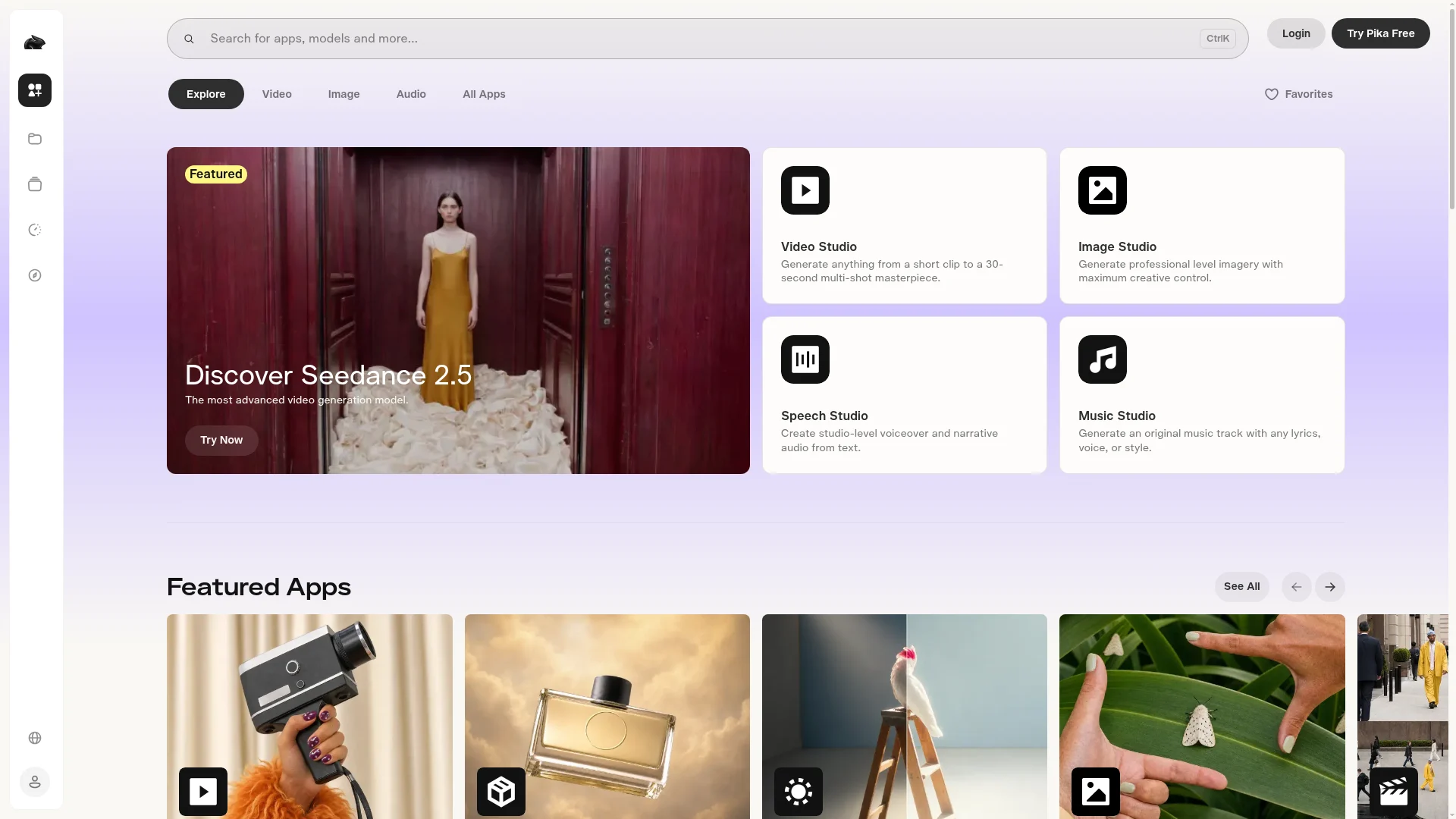
| Models included | Seedance 2.5, Wan 3.0, Kling, GPT Image 2.5, Google Nano Banana 2 |
| Best for | Quick social content, creative experimentation |
| Commercial license | From Creator plan ($35/mo) |
Pika’s biggest differentiator in 2026 is model breadth: one subscription accesses Seedance 2.5, Wan 3.0, Kling, GPT Image, and Google’s Nano Banana 2, all on a single credit balance. This is useful if you want to experiment across model aesthetics without maintaining multiple subscriptions. Pika’s own models have a distinctive stylized quality that works well for social content — fast, expressive, and visually distinctive.
The Starter plan at $10/mo (900 credits) is genuinely budget-friendly for social creators. The free tier gives no monthly credits but lets you buy credit packs, making it easy to test without commitment. The main limitation: commercial licenses only kick in at Creator ($35/mo), so the $10 Starter plan is personal use only. Generation speed is fast — most clips render in under a minute.
6. Kling AI 4.0 — Best for Image-to-Video and Human Motion

| Detail | Info |
|---|---|
| Price | Free tier available; paid plans start at ~$8/mo |
| Awards | 2× Cannes Lions 2026 (Silver + Bronze) |
| Best for | Image-to-video, human motion, face consistency |
| Content produced | Feature film “ODYSSEUS: The Fall” (135 min); Amazon Prime’s “House of David” (44M views) |
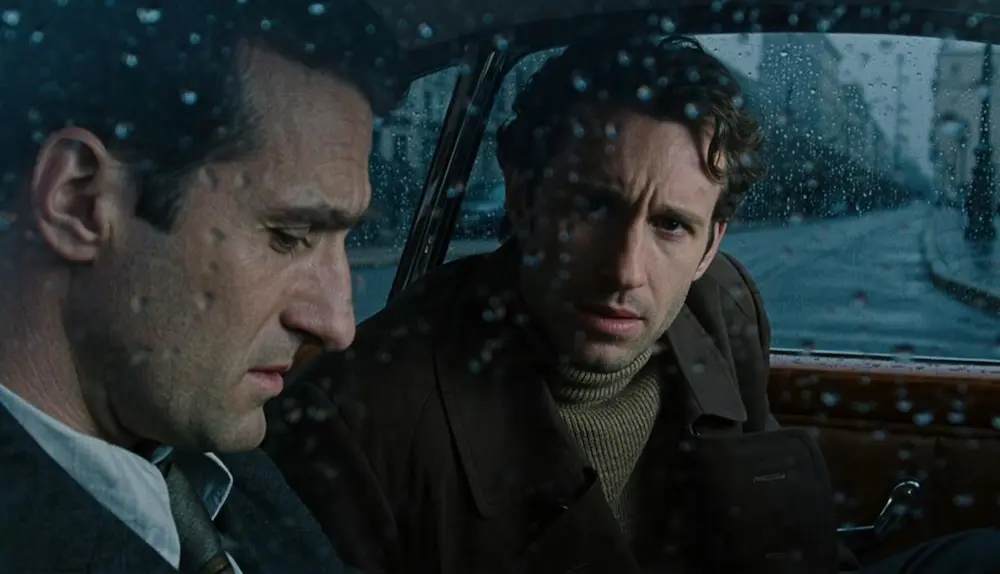
Kling AI 4.0 has had the most impressive 2026 of any tool on this list. Two Cannes Lions awards — a Silver and a Bronze — for AI short films made entirely with Kling. A 135-minute fully AI-generated feature film (ODYSSEUS: The Fall). Amazon Prime’s “House of David” topping charts with Kling visuals. The output quality for human motion — natural body movement, realistic face consistency across shots, stable character identity — is the best in class here.
Where Kling excels specifically is image-to-video conversion. Give it a photo and it produces motion that respects the source image’s geometry, lighting, and character appearance in a way most other models struggle with. The Canvas multi-agent workspace is impressive for directing complex productions. The free tier is functional, and paid plans are competitive with Western alternatives.
7. InVideo AI — Best for Content Marketers
| Detail | Info |
|---|---|
| Price | Free (10 AI min/week, 4 exports, watermark); Plus $25/mo |
| Stock library | 16M+ clips (Storyblocks, iStock, Shutterstock) |
| Best for | YouTube automation, explainers, faceless channels |
| Output | Script + stock footage + voiceover + captions in one step |
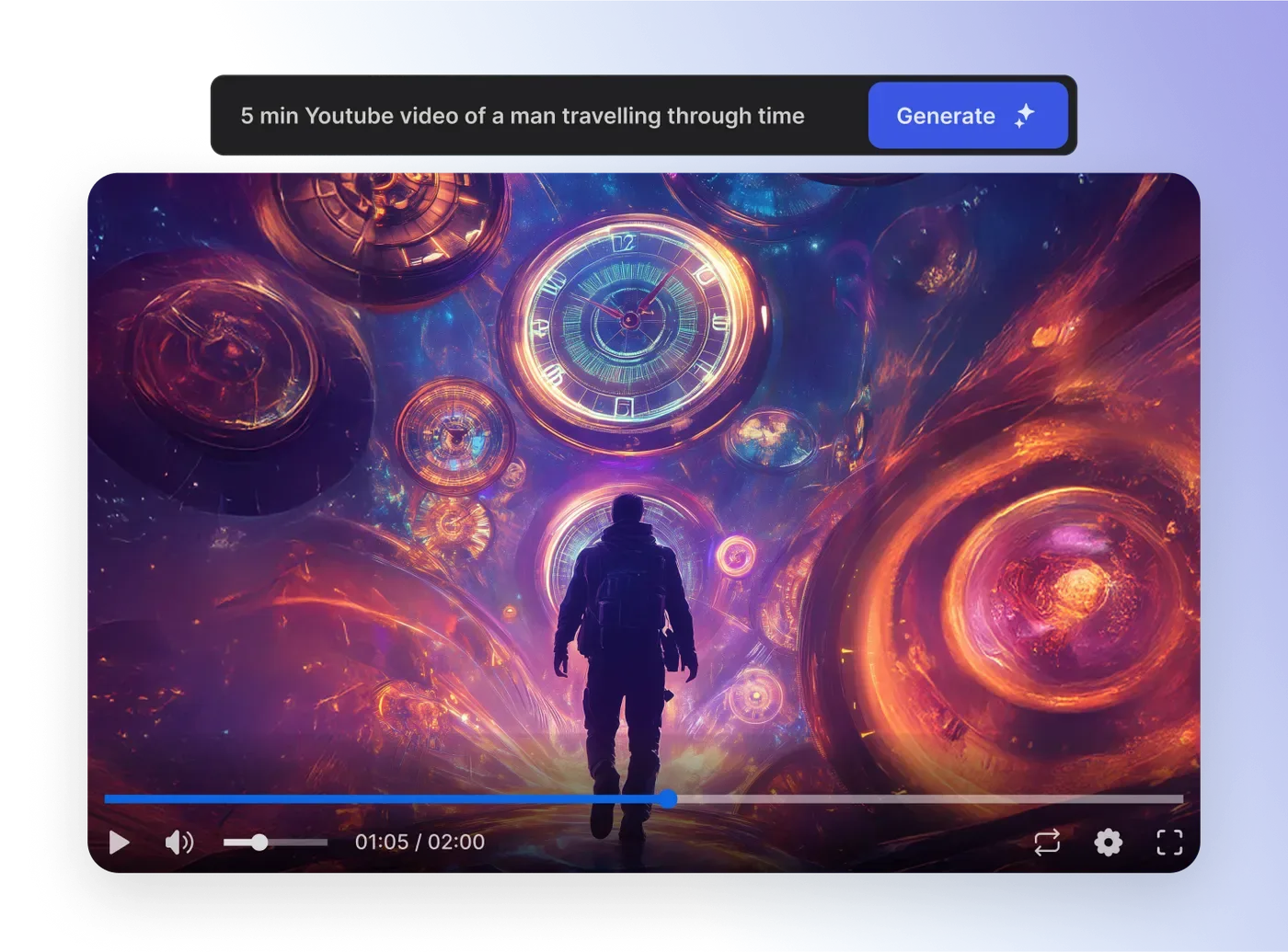
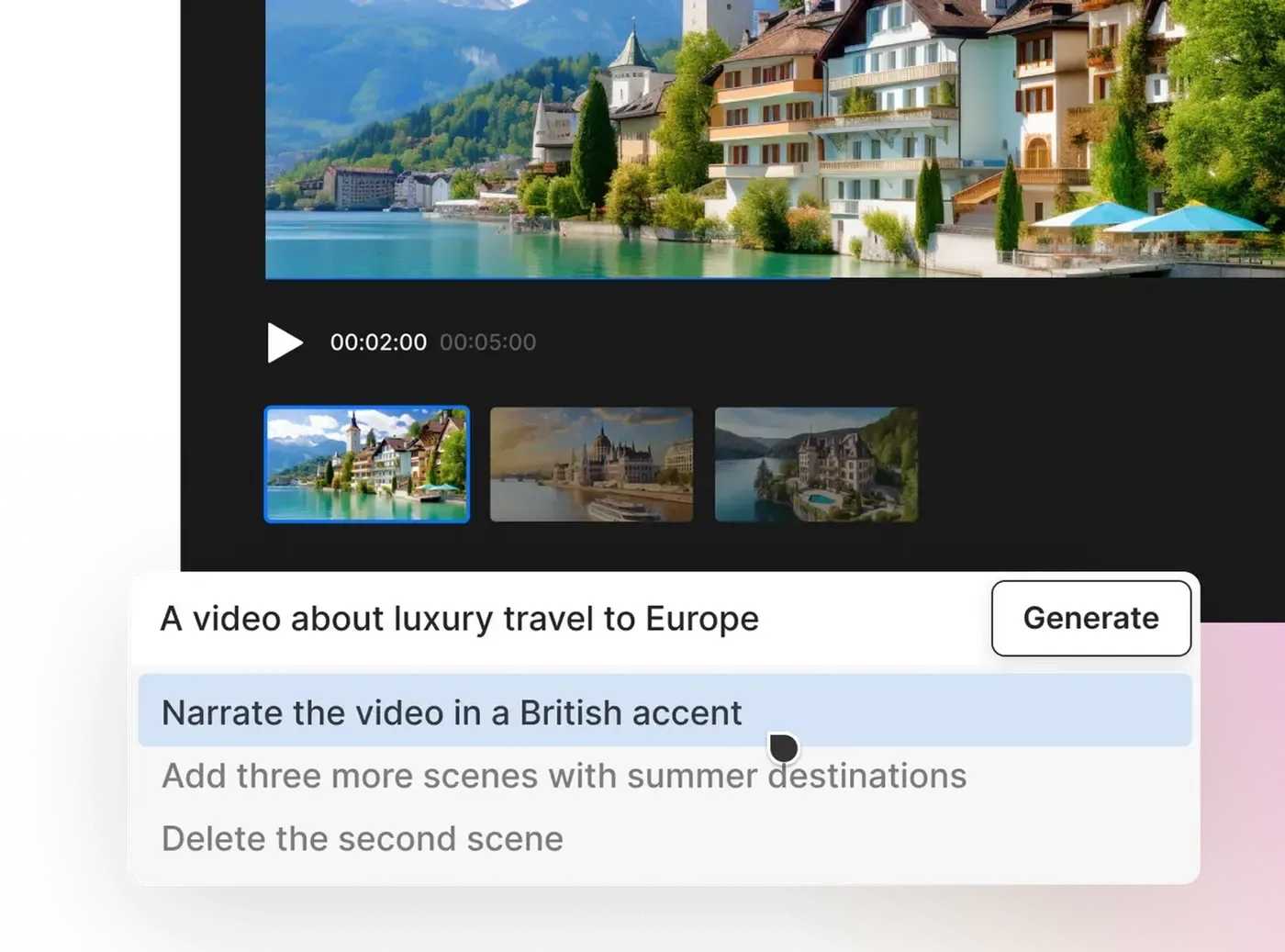
InVideo AI is a different type of product from the others on this list. It does not generate video from scratch — instead, it writes a script from your prompt, selects relevant stock footage from a library of 16M+ clips, adds AI voiceover, and assembles the final video automatically. The result is less visually distinctive than Runway or Kling, but dramatically faster for content that prioritizes information delivery over visual artistry.
For YouTube automation, explainer channels, and marketing videos that need to ship quickly, InVideo’s workflow wins on speed and comprehensiveness. The AI handles script, clips, transitions, music, and subtitles in one pass. At $25/mo (Plus plan), the unlimited AI minutes and full stock library access deliver strong value for volume creators.
AI Video Generator Comparison Table
| Tool | Free Tier | Cheapest Paid | Output Quality | Generation Speed | Best For |
|---|---|---|---|---|---|
| Runway Gen-4.5 | 125 one-time credits | $15/mo (625 credits) | ⭐⭐⭐⭐⭐ | Medium | Cinematic quality |
| HeyGen | 3 videos/mo (watermark) | $29/mo (600 credits) | ⭐⭐⭐⭐⭐ | Fast | Avatar/presenter video |
| Luma Dream Machine | Free trial | $30/mo (10,000 credits) | ⭐⭐⭐⭐½ | Medium | Brand consistency |
| Google Veo 3.1 | Rate-limited, no watermark | Gemini Advanced | ⭐⭐⭐⭐ | Slow (queue) | Free quality clips |
| Pika | No monthly credits (packs only) | $10/mo (900 credits) | ⭐⭐⭐⭐ | Fast | Social, multi-model |
| Kling AI 4.0 | Free tier (limited) | ~$8/mo | ⭐⭐⭐⭐⭐ | Medium | Image-to-video, motion |
| InVideo AI | 10 AI min/week, 4 exports | $25/mo (unlimited AI min) | ⭐⭐⭐ | Very Fast | Content marketing volume |
How to Choose the Right AI Video Generator
The clearest decision rule: start with what the video needs to do, not what the tool can do.
If you need a talking-head video with a realistic presenter, the decision is easy: HeyGen. Nothing else is close for this use case. If you need cinematic visuals for a film, ad, or narrative piece, go Runway Gen-4.5 or Kling AI 4.0 — Runway for softer, more photorealistic scenes; Kling for human motion and character consistency. If you are on a zero-dollar budget, start with Google Veo 3.1 and move to Pika (Starter at $10) when you need more volume. Content marketers producing YouTube explainers or faceless channel content will save hours per week with InVideo AI over any pure-generation tool.
The one mistake to avoid: paying for Runway or HeyGen for use cases where Pika or InVideo would do the job faster for a third of the price. Over-engineering video production is easy to do with these tools.
The Verdict
Runway Gen-4.5 is still the best AI video generator for output quality in 2026. If you need video that looks like it was shot, not generated, Runway is where to spend money. Kling AI 4.0 is a genuine contender and takes the top spot specifically for human motion and image-to-video. HeyGen is in a category of its own for presenter video — it is not really competing with the others, it is replacing a different workflow entirely.
For most people starting out: sign up for Google Veo 3.1 (free, no watermark), make ten clips, then decide whether your use case points toward Runway (quality), Kling (motion), HeyGen (avatars), or Pika (volume on a budget).
Frequently Asked Questions
What is the best free AI video generator?
Google Veo 3.1 is the best free AI video generator in 2026. It produces 1080p video without a watermark, generates native audio alongside video, and is available free through Google Labs and Gemini. The main limitation is rate-limiting and slow generation queues on the free tier.
Which AI video generator is best for beginners?
InVideo AI is the easiest for beginners because you type a text prompt and get a complete video with script, stock footage, voiceover, and captions automatically assembled. For beginners who want to generate actual AI video from scratch (not stock-based), Pika’s free tier is the most accessible starting point.
Can AI video generators replace professional video production?
For specific use cases — explainer videos, presenter-led content, social media clips — AI video generators already replace traditional production for many teams. For broadcast-quality narrative film, they are powerful supplements but not full replacements. Kling AI’s Cannes-winning work and the Amazon Prime “House of David” show what’s possible, but those projects still involved significant human creative direction.
What is the difference between Runway and HeyGen?
Runway generates video from text or image prompts — it creates cinematic scenes, landscapes, and abstract visuals. HeyGen specializes in videos with AI presenters (avatars) reading a script. They serve different needs: Runway for visual storytelling, HeyGen for talking-head business and marketing video. Most professional video teams use both.
How much does AI video generation cost?
Free tiers exist across most tools, with meaningful paid plans starting at $10/mo (Pika Starter), $15/mo (Runway Standard), $25/mo (InVideo Plus), $29/mo (HeyGen Creator), and $30/mo (Luma Plus). Google Veo 3.1 remains free with rate limits. Power users typically spend $30–$100/mo across one or two platforms for a professional volume of clips.
Related: Best AI Presentation Makers
Building a presentation to go with your AI video? Our hands-on roundup of the 6 best AI presentation makers covers Gamma (fastest from prompt to finished deck), Canva AI (best design flexibility), Plus AI (works inside Google Slides), Beautiful.ai, Pitch, and Prezi AI — all tested so you can pick the right one in under 5 minutes.